
In the battle for user attention, a beautiful website is only half the victory. The other, more critical half is turning passive visitors into active, engaged participants. This isn't about simply attracting clicks; it's about creating meaningful interactions that guide users toward a desired action, whether that's signing up for a demo, making a purchase, or contacting your sales team. Achieving this requires more than just good design-it demands a strategic stack of website engagement tools.
This guide moves beyond generic feature lists to provide a comprehensive, agency-focused resource. We'll dissect the top platforms for live chat, personalization, analytics, lead capture, and user feedback. You won't just see what each tool does; you'll understand how and why it fits into a client's growth strategy. As we explore these tools, it's crucial to connect engagement tactics with a clear goal, so understanding strategies for how to increase website conversion rate provides essential context for the solutions we'll cover.
For each tool, we've included:
- Practical use cases for marketing and web development agencies.
- An honest assessment of pros and cons based on real-world application.
- Clear pricing tier breakdowns and implementation tips.
- Direct links and screenshots to help you evaluate each option quickly.
Our goal is to equip you with the insights needed to select, justify, and implement the right engagement tools to drive measurable results for every client project. Let's dive into the platforms that can transform your clients' websites from static brochures into dynamic conversion engines.
1. BizSage
BizSage secures the top spot as a premier website engagement tool, offering a sophisticated, agency-first platform for creating client-trained AI agents. It’s designed from the ground up to solve the core challenges agencies face when deploying and managing AI chat solutions across a diverse client portfolio. The platform automates the creation of brand-accurate agents by crawling a client's website and ingesting their documents, ensuring every response is grounded in factual, pre-approved content rather than generic AI models.
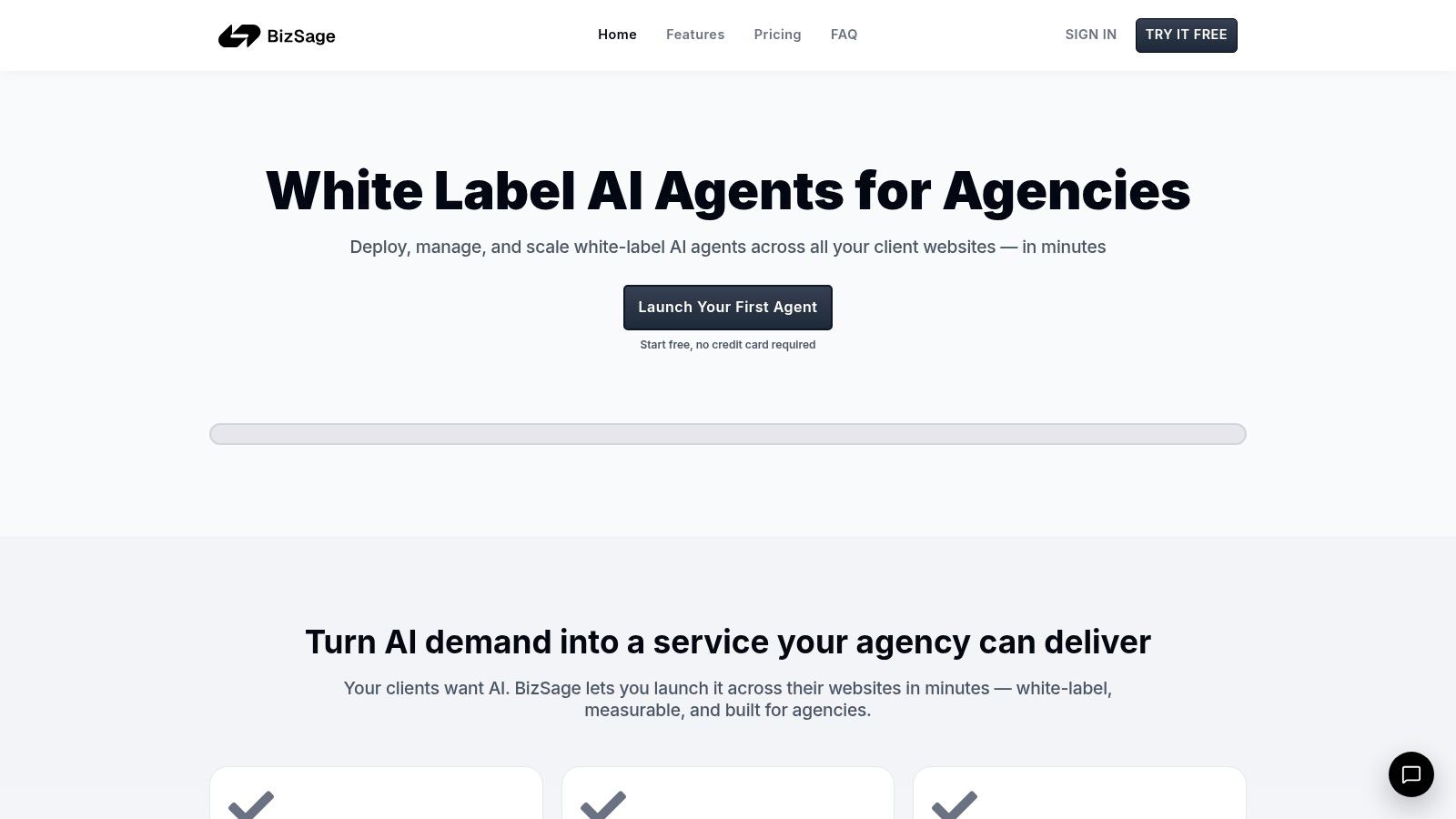
This approach makes it an exceptionally powerful tool for agencies aiming to deliver scalable, high-value services. Instead of manually building chatbot flows, agencies can deploy a knowledgeable, 24/7 representative for each client in minutes.
Key Strengths & Use Cases
BizSage excels with its comprehensive white-label capabilities, allowing agencies to present the AI chat service as their own. Agents can be deployed on custom domains (e.g., chat.client.com) with agency branding and no mandatory "powered by" badges, reinforcing the agency's value proposition.
A standout feature is the integrated Lead Hub. The AI agent doesn't just answer questions; it intelligently detects user intent and seamlessly presents in-chat lead capture forms. These qualified leads are surfaced in a simple Kanban-style board for each client, directly tying chat engagement to measurable business outcomes like appointment bookings and quote requests. This transforms the chat widget from a simple support tool into a proactive conversion engine.
The platform's management dashboard is streamlined for scale. Agencies can oversee unlimited agents, manage pooled usage across all clients, and schedule automatic content refreshes to keep agent knowledge current.
Platform Breakdown
| Feature | Description |
|---|---|
| Training Method | Automatic domain crawl and file uploads (PDFs, DOCX, etc.). |
| Lead Capture | Intent-aware, in-chat forms with a dedicated Lead Hub CRM. |
| White-Labeling | Fully customizable with agency branding and custom domains. |
| Management | Central dashboard for unlimited clients, pooled usage, and logs. |
Best For: Agencies seeking to add a scalable, high-margin recurring revenue stream by offering customized AI chat solutions that directly prove their ROI through lead generation.
Pricing: Agency-level plans are volume-driven. Examples show a 20-client plan averaging around $4.95 per client per month, with costs decreasing significantly at higher volumes. Agencies typically resell this service for $49–$299+ per client, creating substantial profit margins. A free-forever plan is available to start without a credit card.
- Pros: Agency-centric white-labeling, fast and accurate training from client content, built-in lead capture tied to a CRM, and an economic model designed for agency scale and profitability.
- Cons: Agent effectiveness is directly tied to the quality of the client’s source content. Advanced enterprise-grade integrations (like SSO) are not explicitly detailed and may require direct inquiry.
Website: https://bizsage.io
2. Intercom
Intercom is a comprehensive customer communications platform designed for proactive, lifecycle-based engagement. It excels at unifying live chat, outbound messaging, and automated support into a single system, making it one of the most powerful website engagement tools for SaaS and B2B companies that need to interact with users directly within their product or logged-in environment.
Its standout feature is the ability to create highly targeted in-app experiences. Agencies can design product tours for new client feature rollouts, trigger contextual surveys based on user behavior, and deploy automated messages to guide users toward key actions, all from one dashboard.
Core Features & Use Cases
- Proactive Support & Onboarding: Use the Messenger to deploy banners, tooltips, and guided product tours to onboard new users or announce updates. An agency could use this for a client's software to reduce initial support tickets by guiding users through complex features.
- Integrated Help Desk: Combines a shared team inbox with a help center and ticketing system. This ensures that conversations initiated via chat can be seamlessly converted into support tickets for resolution.
- AI Agent (Fin): Intercom's AI chatbot, Fin, can automate resolutions for common queries before escalating to a human agent, providing 24/7 support.
- Outbound & Automation: Create workflows to send targeted emails, SMS messages, or WhatsApp notifications based on user segments and in-app behavior.
Pricing & Implementation
- Website: https://www.intercom.com/pricing
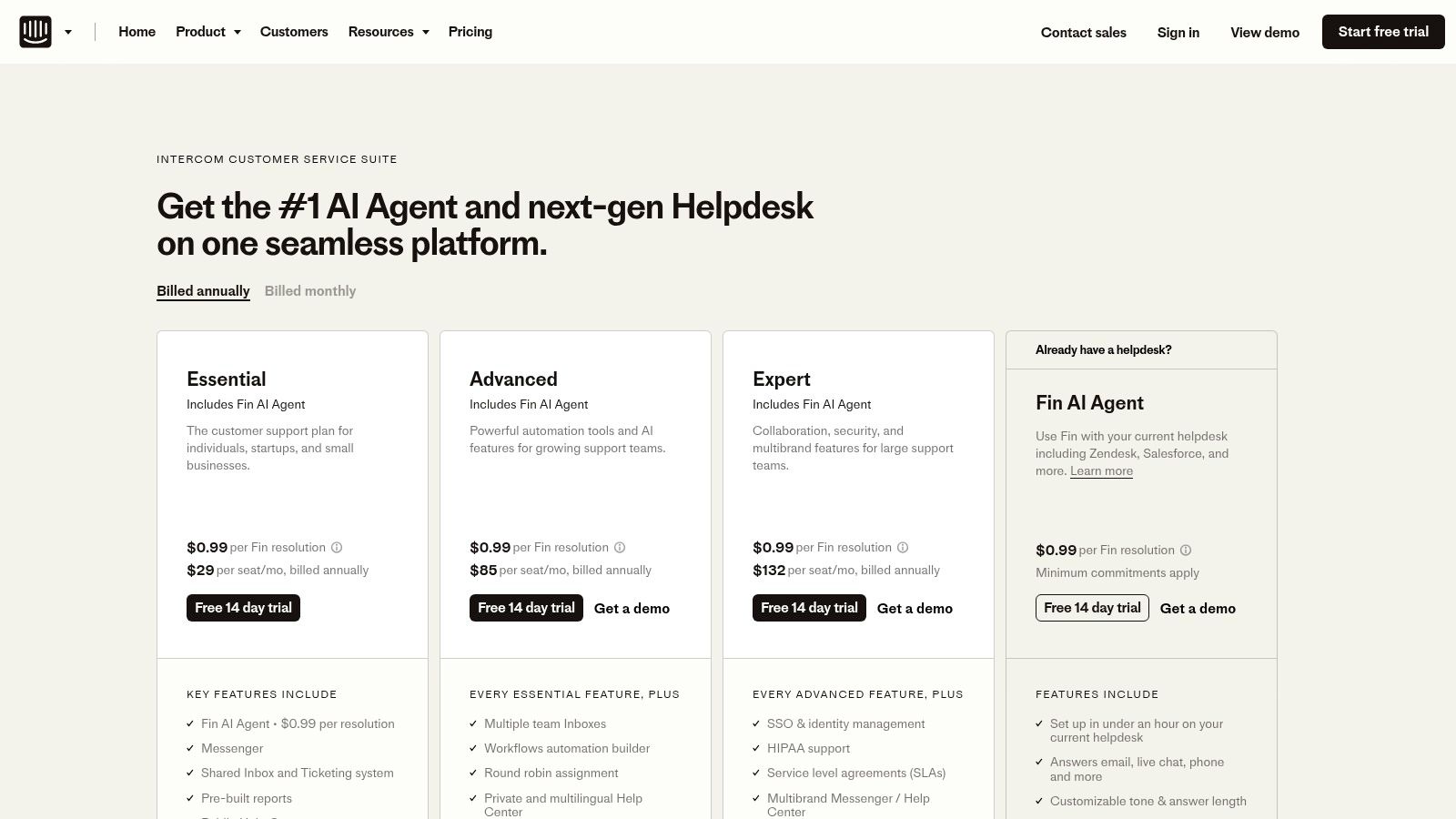
- Pricing: Intercom’s plans start at $39/seat/month for the "Essential" plan. More advanced features like product tours and sophisticated automation are in higher-tier plans. Fin AI resolutions are a separate, usage-based cost.
- Pros: The all-in-one platform keeps customer data and interactions unified. Its automation capabilities for in-app messaging are mature and highly effective.
- Cons: Costs can escalate quickly. The combination of per-seat pricing, feature add-ons, and usage-based billing for Fin and outbound messages requires careful budget forecasting.
3. HubSpot Marketing Hub
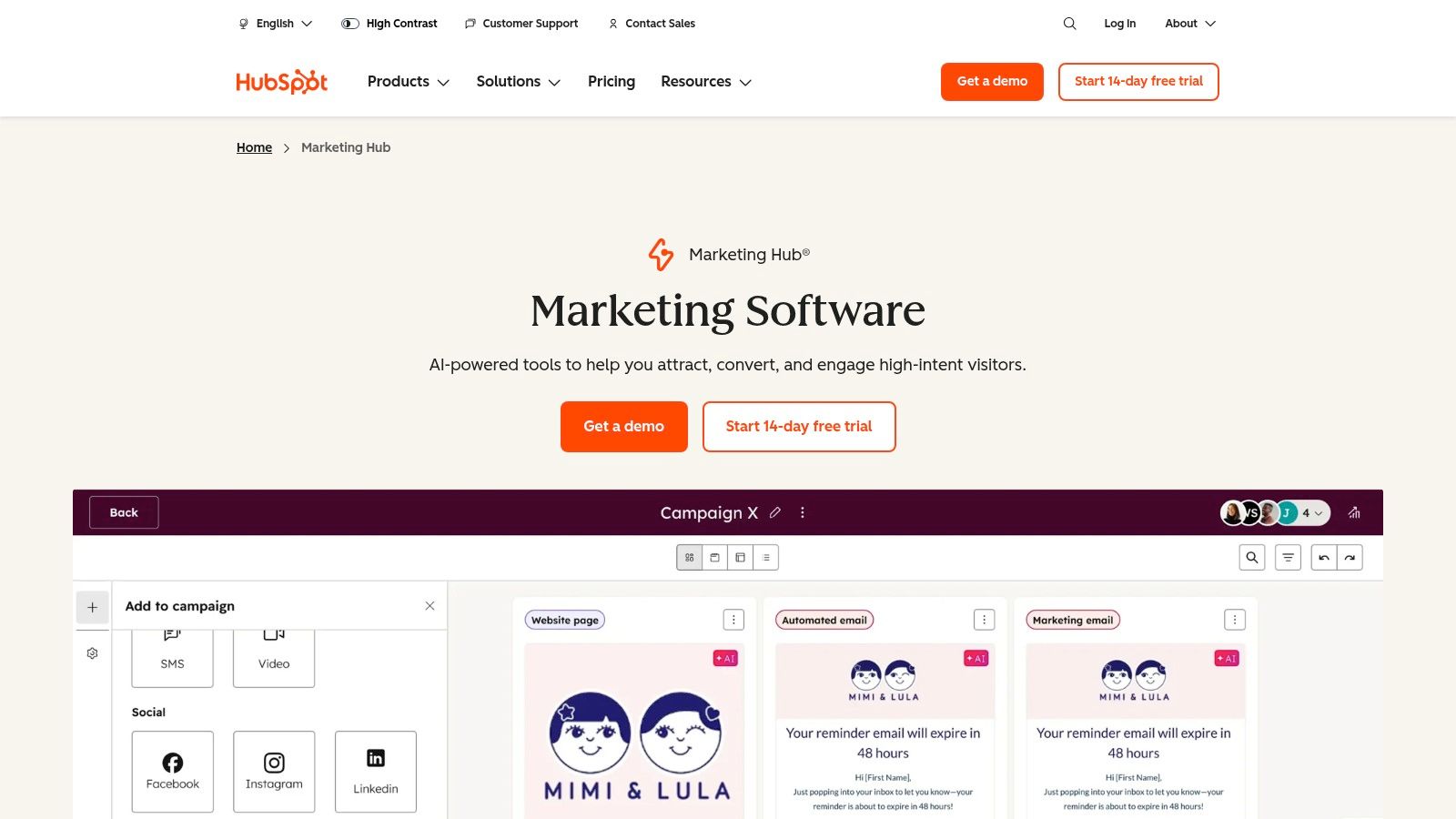
HubSpot Marketing Hub provides a complete suite of website engagement tools tightly integrated with its powerful, free CRM. This all-in-one approach is ideal for agencies managing the entire customer lifecycle, from initial lead capture to long-term nurturing. It combines forms, pop-ups, live chat, and automated chatbots, all of which feed directly into a centralized contact record, providing a holistic view of every interaction.
Its key differentiator is CRM-centric engagement. Every pop-up submission, chat conversation, and form fill is automatically logged in the HubSpot CRM. This allows agencies to build sophisticated, cross-channel automation workflows based on a user's complete history, making it one of the most comprehensive website engagement tools for full-funnel marketing.
Core Features & Use Cases
- CRM-Integrated Lead Capture: Deploy forms, pop-ups, and chatbots that automatically create and update contact records. An agency can use this to create a pop-up offering a free guide, then trigger an automated email nurture sequence for everyone who signs up.
- Live Chat & Chatbots: Engage visitors in real-time with live chat or build rule-based chatbots to qualify leads and book meetings without human intervention.
- Marketing Automation: Create complex workflows that trigger emails, update contact properties, or send internal notifications based on website activity and engagement.
- Cross-Channel Reporting: Attribute leads and revenue to specific engagement tools (e.g., a specific pop-up form or chat conversation) to demonstrate ROI for clients.
Pricing & Implementation
- Website: https://www.hubspot.com/products/marketing
- Pricing: HubSpot offers a generous free tier. Paid plans start at $18/month for the "Starter" plan, which is based on marketing contact tiers. Professional and Enterprise tiers have higher costs and mandatory onboarding fees.
- Pros: The deep CRM integration provides unmatched context for personalization and attribution. It scales from free basic tools to a powerful enterprise-level marketing suite.
- Cons: The contact-based pricing can become expensive as a client's database grows. The mandatory onboarding for higher tiers adds a significant upfront cost.
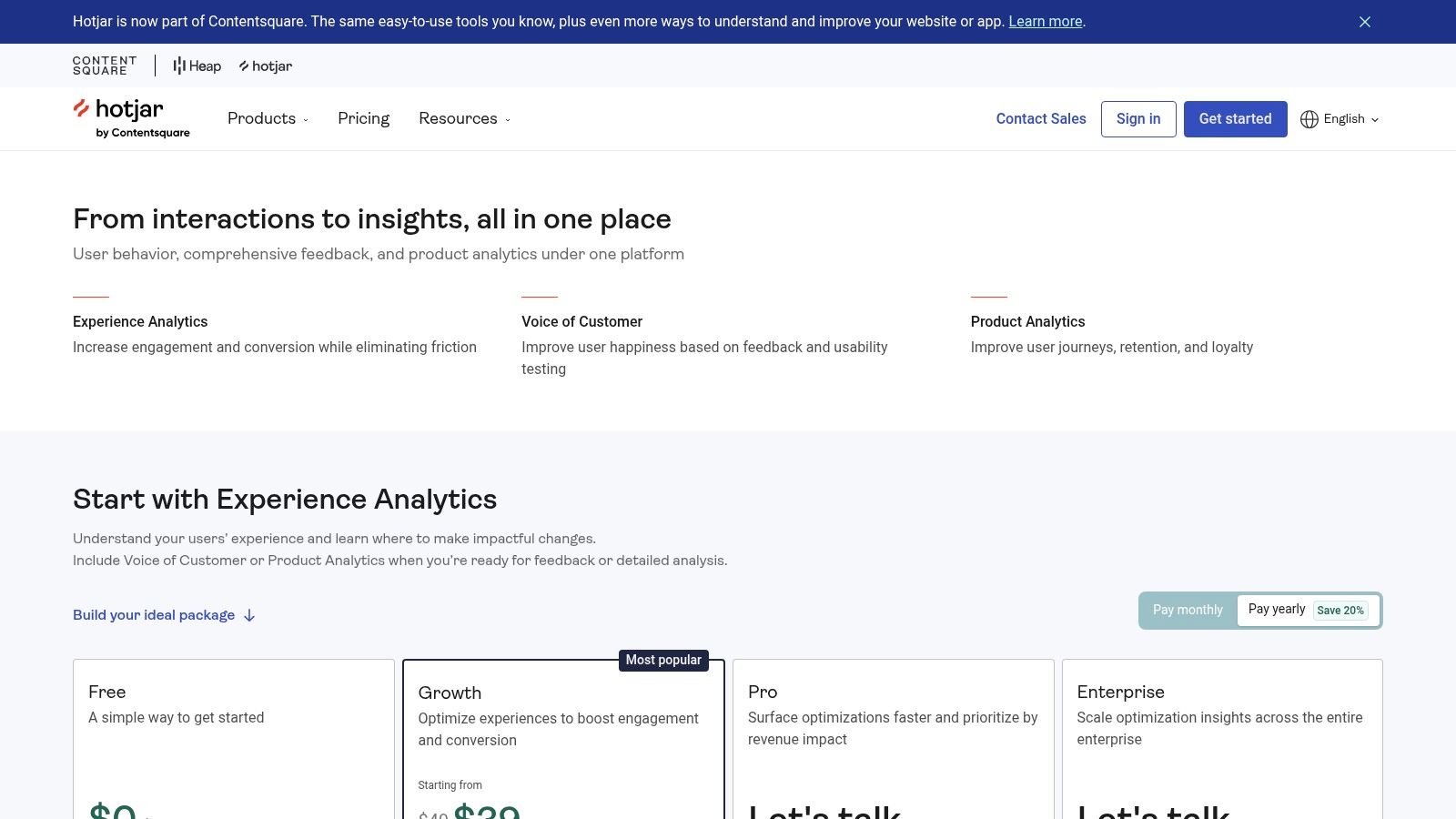
4. Hotjar (now part of Contentsquare)
Hotjar is a leading behavior analytics suite that provides a visual and qualitative understanding of website engagement. It excels at showing why users act the way they do through heatmaps, session recordings, and on-site feedback tools. For agencies, it's one of the essential website engagement tools for diagnosing friction, validating design changes, and uncovering conversion opportunities backed by real user behavior.
Its unique strength lies in combining passive observation (recordings) with active user feedback (surveys) in a single platform. This allows an agency to watch a user struggle on a client's checkout page and then immediately deploy a feedback widget on that same page to ask what's wrong, gathering powerful, context-rich insights.
Core Features & Use Cases
- Heatmaps & Recordings: Visualize where users click, move, and scroll with heatmaps. Watch anonymized session recordings to see exactly how individual users navigate a site, revealing bugs or confusing UX elements.
- On-site Surveys & Feedback: Deploy pop-up or embedded surveys on specific pages or based on user actions (like exit-intent) to collect targeted feedback. A feedback widget provides a persistent way for users to share their thoughts.
- User Interview Recruitment: Use the "Engage" product to recruit participants directly from your website for moderated user interviews, streamlining the qualitative research process.
- Observe/Ask/Engage Product Mix: The platform is segmented into three core products: Observe (Heatmaps, Recordings), Ask (Surveys, Feedback), and Engage (Interviews), which can be purchased and combined as needed.
Pricing & Implementation
- Website: https://www.hotjar.com/pricing/
- Pricing: Hotjar offers a free "Basic" plan with limited data. Paid plans for "Observe" and "Ask" start at $32/month each (billed annually), with costs scaling based on session volume.
- Pros: Extremely easy to set up and provides powerful qualitative insights for UX and CRO improvements. The flexible plan structure allows you to pay only for the tools you need for a specific site.
- Cons: It is not a live chat or messaging tool; it complements direct communication platforms but doesn't replace them. Lower-tier plans have sampling and data coverage limits, which may not be sufficient for high-traffic sites.
5. VWO
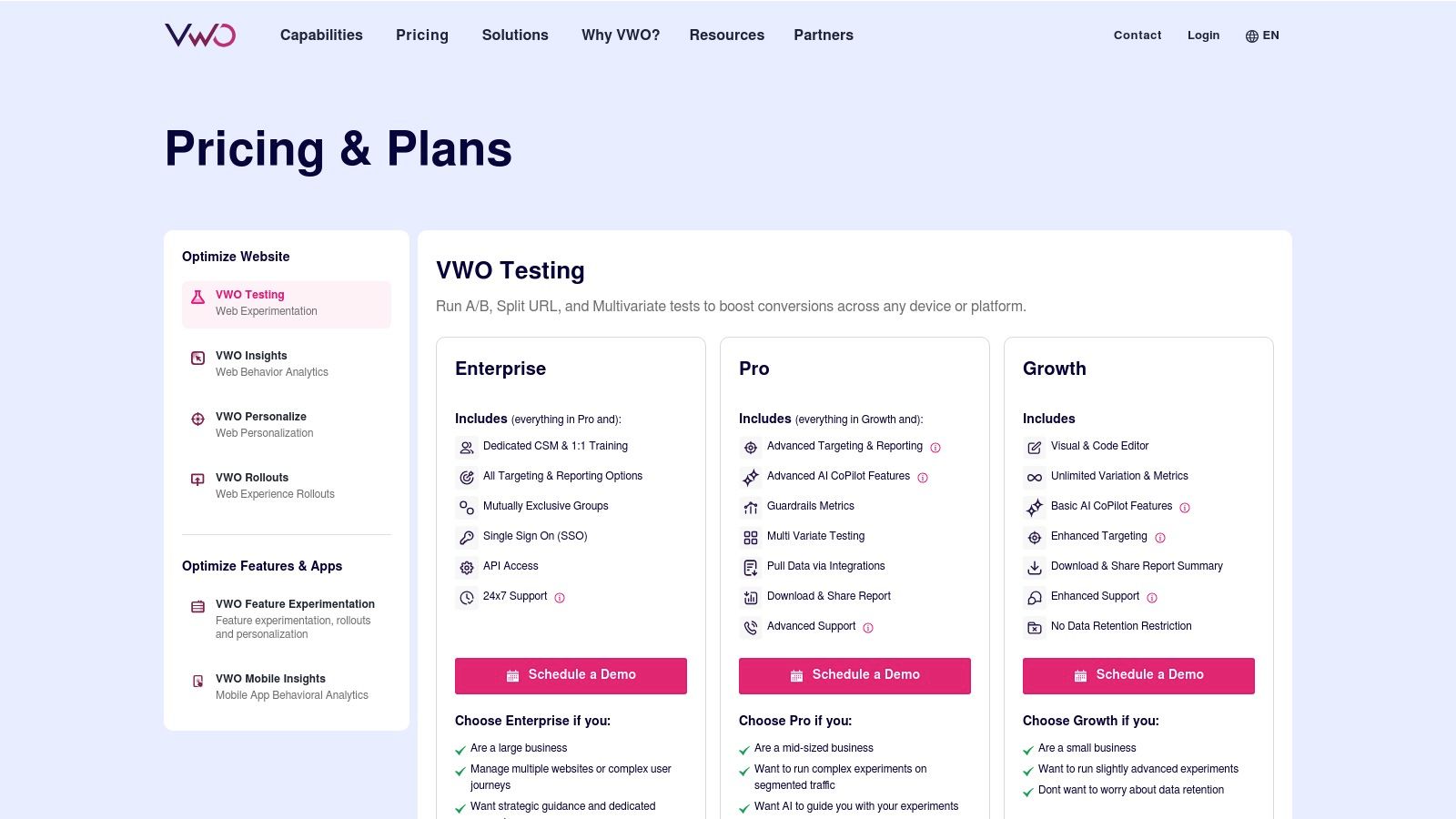
VWO is a comprehensive conversion optimization platform built for running structured on-site experiments to improve user engagement and conversions. It goes beyond simple popups by providing a full suite of tools for A/B testing, personalization, and behavioral analysis, making it an indispensable website engagement tool for data-driven marketing agencies.
Its core strength lies in empowering agencies to scientifically test hypotheses about user behavior. For instance, an agency can run a multivariate test on a client's landing page to determine the best combination of headline, CTA button color, and form length, then use session recordings to see exactly how users interact with the winning variant.
Core Features & Use Cases
- Client-Side Testing: Run A/B, multivariate, and split URL tests to optimize everything from button text to entire page layouts. VWO includes multi-armed bandit options to automatically allocate more traffic to winning variations.
- Personalization & Targeting: Create unique website experiences for different audience segments. An agency could show a special offer banner only to visitors from a specific geographic location or a customized welcome message for returning users.
- Recordings & Heatmaps: Analyze session recordings, heatmaps, and clickmaps to understand user friction points. This is perfect for identifying why users abandon a client's checkout process or fail to see a key feature.
- AI-Assisted Workflows: The platform is developing AI features to help generate testing ideas and streamline optimization workflows, offering a glimpse into the future of CRO.
Pricing & Implementation
- Website: https://vwo.com/pricing/
- Pricing: VWO does not post public pricing and requires a custom quote based on monthly tracked users (MTUs) and desired features. This model is common for enterprise-level tools.
- Pros: It offers a broad, integrated CRO toolset within a single platform. VWO also has enterprise-grade compliance options, including GDPR and HIPAA, which is critical for clients in sensitive industries.
- Cons: The lack of public pricing makes initial budgeting difficult. The full suite has a significant learning curve and requires a strategic approach to use effectively.
6. Optimizely Web Experimentation
Optimizely is an enterprise-grade experimentation platform built for large-scale, rigorous testing and personalization. It empowers organizations to move beyond simple A/B tests to complex, server-side experiments and feature flagging, making it a foundational website engagement tool for high-traffic sites where data-driven decisions are critical. The platform is designed for cross-functional teams, providing governance and control for both marketing and product development.
Its key differentiator is its full-stack capability, allowing agencies and their clients to test everything from visual UI changes to back-end algorithm adjustments and new feature rollouts. This ensures that engagement strategies can be validated with statistical rigor across the entire digital experience, not just on the client-facing front end.
Core Features & Use Cases
- Visual Editor & Code-Based Testing: Offers a user-friendly visual editor for marketers to run A/B and multivariate tests on web pages. It also provides advanced capabilities for developers to implement tests directly in code.
- Full-Stack Experimentation: Allows teams to test changes on the server side using SDKs. An agency could help a SaaS client test different pricing models or search algorithms before a full release.
- Feature Flagging & Rollouts: Safely release new features to controlled segments of users, mitigating risk and gathering feedback before a site-wide launch.
- Advanced Statistics Engine: Provides a powerful statistical model that gives teams confidence in their results, with features like sequential testing to reach significance faster.
Pricing & Implementation
- Website: https://www.optimizely.com/experimentation/
- Pricing: Optimizely uses opaque, enterprise-level pricing that requires a custom quote. It is typically suited for larger budgets and often involves annual contracts.
- Pros: Extremely robust and scalable for enterprise-level experimentation. Strong SDKs and governance features make it ideal for integrated product and marketing teams.
- Cons: The high cost and significant implementation effort make it inaccessible for most small to mid-sized businesses. Pricing is not transparent and requires direct sales contact.
7. OptinMonster
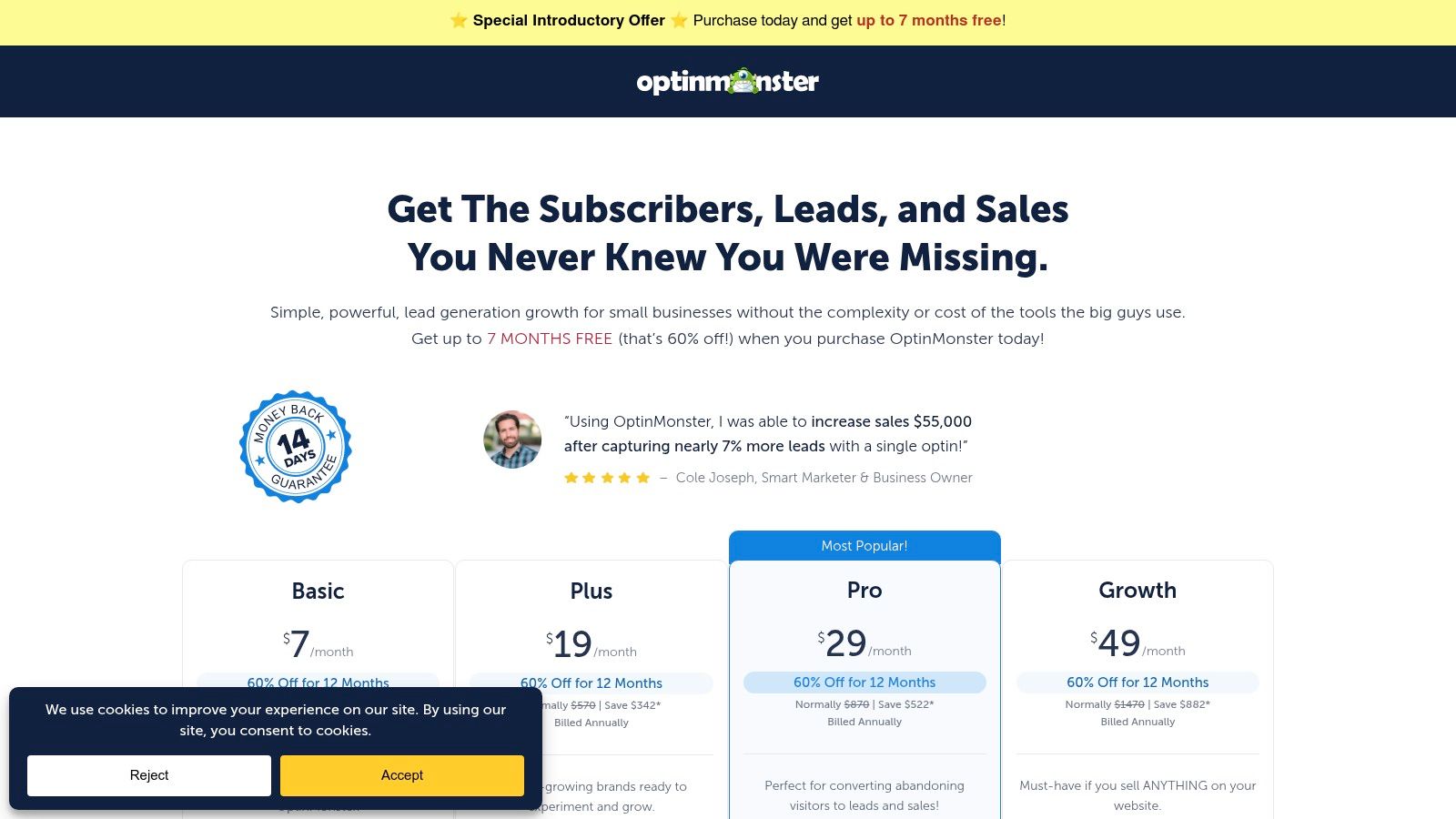
OptinMonster is a powerful, conversion-focused lead generation tool that specializes in on-site campaigns like pop-ups, slide-ins, and floating bars. It excels at capturing visitor attention with precision-timed offers, making it one of the go-to website engagement tools for agencies looking to rapidly grow email lists, promote offers, or guide users toward specific conversion goals for their clients.
Its main strength lies in its extensive library of templates and sophisticated behavior-based triggers. An agency can quickly deploy a scroll-triggered pop-up for a client's blog to capture newsletter subscribers, or use Exit-Intent® technology on a checkout page to present a last-minute discount, directly combating cart abandonment without needing developer intervention.
Core Features & Use Cases
- Multiple Campaign Types: Create lightbox pop-ups, full-screen welcome mats, floating bars, slide-in boxes, and gamified spin-to-win wheels to suit different engagement goals.
- Advanced Targeting & Triggers: Use triggers based on exit intent, scroll depth, time on page, and referral source to show the right message to the right visitor at the right time.
- A/B Testing & Analytics: Test different headlines, copy, and images to optimize campaign performance and understand what resonates with your audience.
- Seamless Integrations: Connects directly with all major email service providers (ESPs), CRM systems, and e-commerce platforms like Shopify to send leads exactly where they need to go.
Pricing & Implementation
- Website: https://optinmonster.com/pricing
- Pricing: Plans start at $9/month (billed annually) for the "Basic" plan, which is suitable for a single site. Agency and Pro plans unlock more advanced features and higher traffic limits.
- Pros: Very quick to deploy with a massive template library. The done-for-you campaign setup service and training options are great for agencies needing to get results fast.
- Cons: Overuse or poorly segmented campaigns can easily harm the user experience. Its native analytics are somewhat basic; the most valuable metrics are often found in your connected ESP or Google Analytics.
8. ConvertFlow
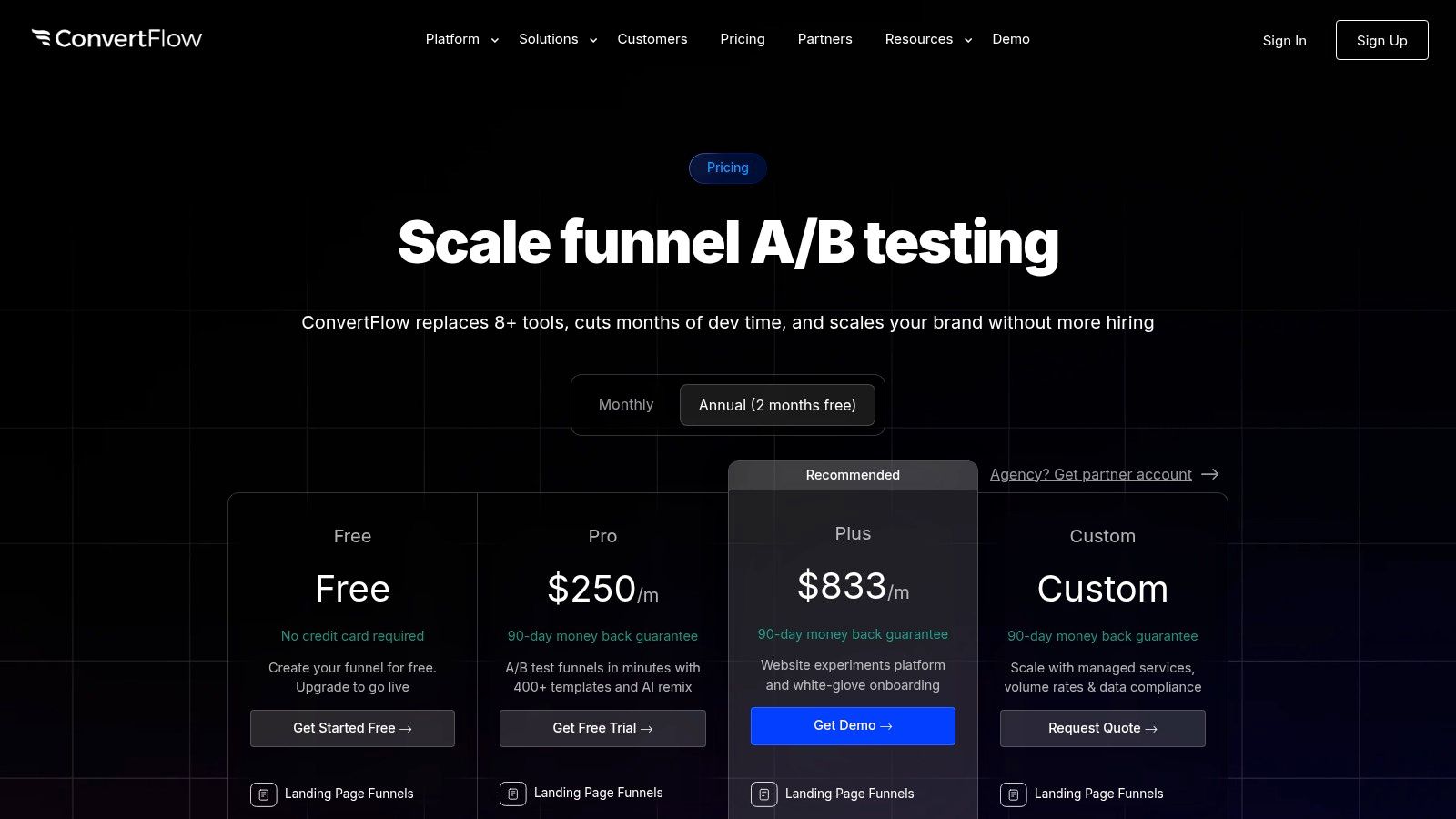
ConvertFlow is an all-in-one funnel builder and on-site personalization platform designed for marketers and agencies. It moves beyond simple pop-ups, enabling the creation of multi-step forms, quizzes, sticky bars, and personalized CTAs. As one of the more advanced website engagement tools, it excels at creating dynamic user journeys that adapt to visitor behavior and data from your marketing stack.
Its agency-friendly structure is a key differentiator, offering a centralized dashboard to manage campaigns across multiple client websites. This allows agencies to efficiently launch, test, and report on lead capture and personalization funnels without juggling separate logins or duplicating efforts for each client account.
Core Features & Use Cases
- Visual Funnel Builder: Create sophisticated, multi-step capture forms like quizzes or surveys that segment leads based on their answers. An agency could use this to build a "diagnostic" tool for a client that qualifies leads before sending them to a sales team.
- On-Site Personalization: Dynamically change headlines, images, and calls-to-action on a landing page based on the visitor's source, behavior, or CRM data.
- A/B Testing & Reporting: Test different CTAs, messaging, and funnel steps against each other to optimize conversion rates. The platform provides clear analytics on funnel performance.
- Multi-Site Management: The platform is built for agencies, with unlimited user seats and workflows for managing numerous client sites from a single account.
Pricing & Implementation
- Website: https://www.convertflow.com/pricing
- Pricing: A free plan is available for up to 250 conversions/month. Paid plans start at $100/month for the "Marketer" plan, with higher tiers offering more traffic and advanced features.
- Pros: Strong focus on building segmented, multi-step capture flows. The agency-friendly structure for managing client sites is a significant workflow advantage.
- Cons: The entry-level price for pro features is higher than simpler pop-up tools. Traffic and conversion limits on lower-tier plans require careful monitoring as client sites scale.
9. Sleeknote
Sleeknote is a powerful on-site engagement platform focused on creating high-converting overlays, pop-ups, and sidebars, primarily for e-commerce and content-heavy websites. It stands out by offering gamified experiences and deep e-commerce integrations, positioning itself as one of the go-to website engagement tools for agencies looking to boost lead capture and sales for their clients without needing custom development.
Its drag-and-drop editor and extensive template library make it easy to deploy campaigns quickly. Agencies can use it to create cart abandonment pop-ups with unique coupon codes, recommend products based on browsing behavior, or run "Spin to Win" campaigns to collect email addresses in an interactive and less intrusive way.
Core Features & Use Cases
- Gamification & Interactive Forms: Engage visitors with "Spin to Win" wheels, scratch cards, and quizzes to capture leads. This is ideal for e-commerce clients wanting to build their mailing list in a fun, memorable way.
- Advanced E-commerce Triggers: Launch campaigns based on cart value, items in cart, past purchase history, and specific URLs. An agency could set up a pop-up offering free shipping only when a shopper's cart value exceeds $75.
- Multistep Forms & Product Guides: Create guided selling experiences with multistep forms that ask users questions to recommend the perfect product, increasing conversion rates for complex product catalogs.
- A/B Testing & Analytics: Test different headlines, images, and offers against each other to optimize campaign performance and provide clear ROI data to clients.
Pricing & Implementation
- Website: https://sleeknote.com/pricing
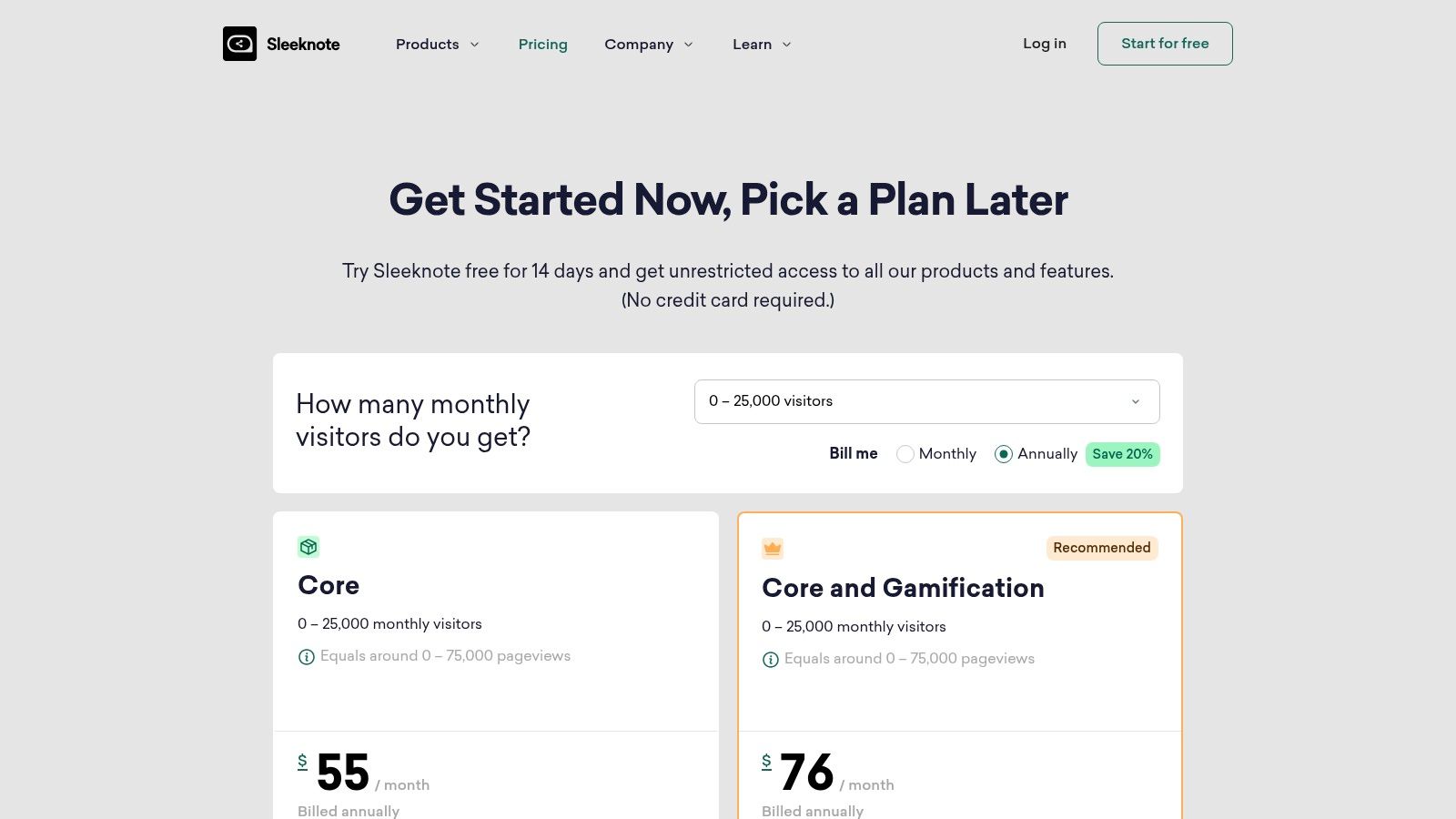
- Pricing: Sleeknote’s pricing is session-based, starting at €49/month for 25,000 monthly sessions. All paid plans include unlimited campaigns and domains, making it scalable for agencies managing multiple clients.
- Pros: The creative control and pre-built e-commerce playbooks are excellent. Session-based pricing is fair and scales predictably with client traffic growth.
- Cons: Regional pricing can feel opaque and sometimes confusing. Aggressive overlays require careful setup of frequency capping and targeting rules to avoid harming the user experience.
10. Drift
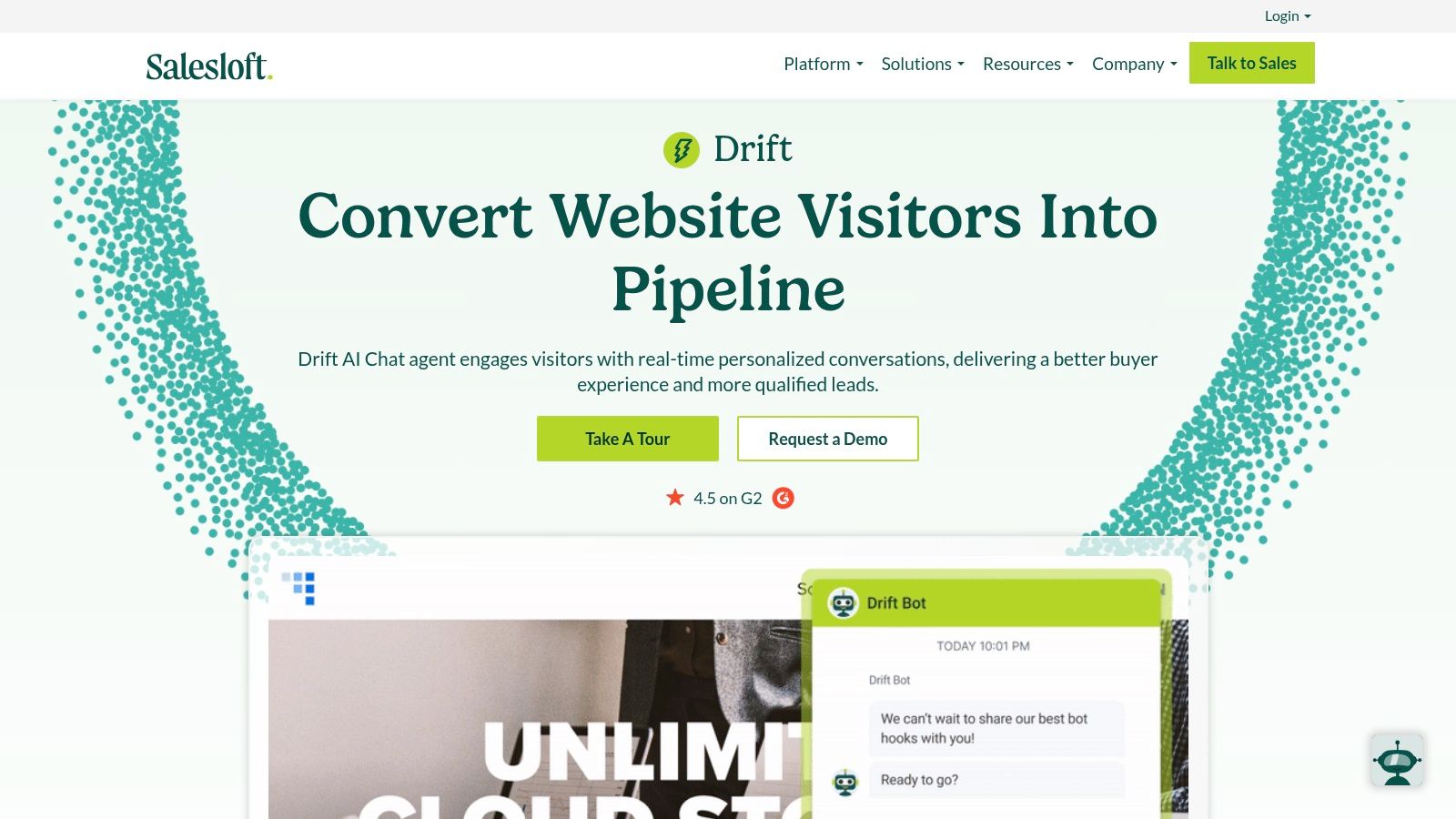
Drift is a pioneering conversational marketing and sales platform designed specifically for B2B teams aiming to convert website traffic into a qualified sales pipeline. It moves beyond passive lead forms by using intelligent chatbots to engage high-value visitors in real-time, qualify them, and instantly connect them with the right sales representative. Its focus on account-based marketing (ABM) makes it one of the most effective website engagement tools for businesses with a defined target account list.
An agency could deploy Drift on a B2B SaaS client’s website to create personalized chat "playbooks" that trigger only for visitors from target companies, offering them a direct line to an account executive instead of a generic contact form.
Core Features & Use Cases
- Live Chat & Routing: Automatically route conversations to specific sales reps based on CRM data like account ownership, industry, or company size, ensuring a seamless handoff.
- Custom Chat Playbooks: Build automated conversation flows to engage, qualify, and capture leads without human intervention. This is ideal for after-hours engagement or initial lead scoring.
- Integrated Meeting Booking: Sales reps can book meetings directly within the chat window by dropping their calendar, dramatically shortening the sales cycle.
- Account-Based Targeting: Leverage integrations with platforms like Salesforce and Marketo to identify visitors from target accounts and deliver personalized greetings and conversational experiences.
Pricing & Implementation
- Website: https://www.drift.com/
- Pricing: Drift uses a quote-based model with no public pricing. It is a premium-priced solution, with costs depending on feature sets, integrations, and the number of user seats.
- Pros: It is a proven and highly effective platform for B2B sales acceleration and ABM strategies. Its deep integrations with Salesforce and other marketing automation platforms are a major asset.
- Cons: The lack of transparent pricing and premium cost make it a significant investment. Implementation and seat costs can increase the total cost of ownership substantially.
11. tawk.to
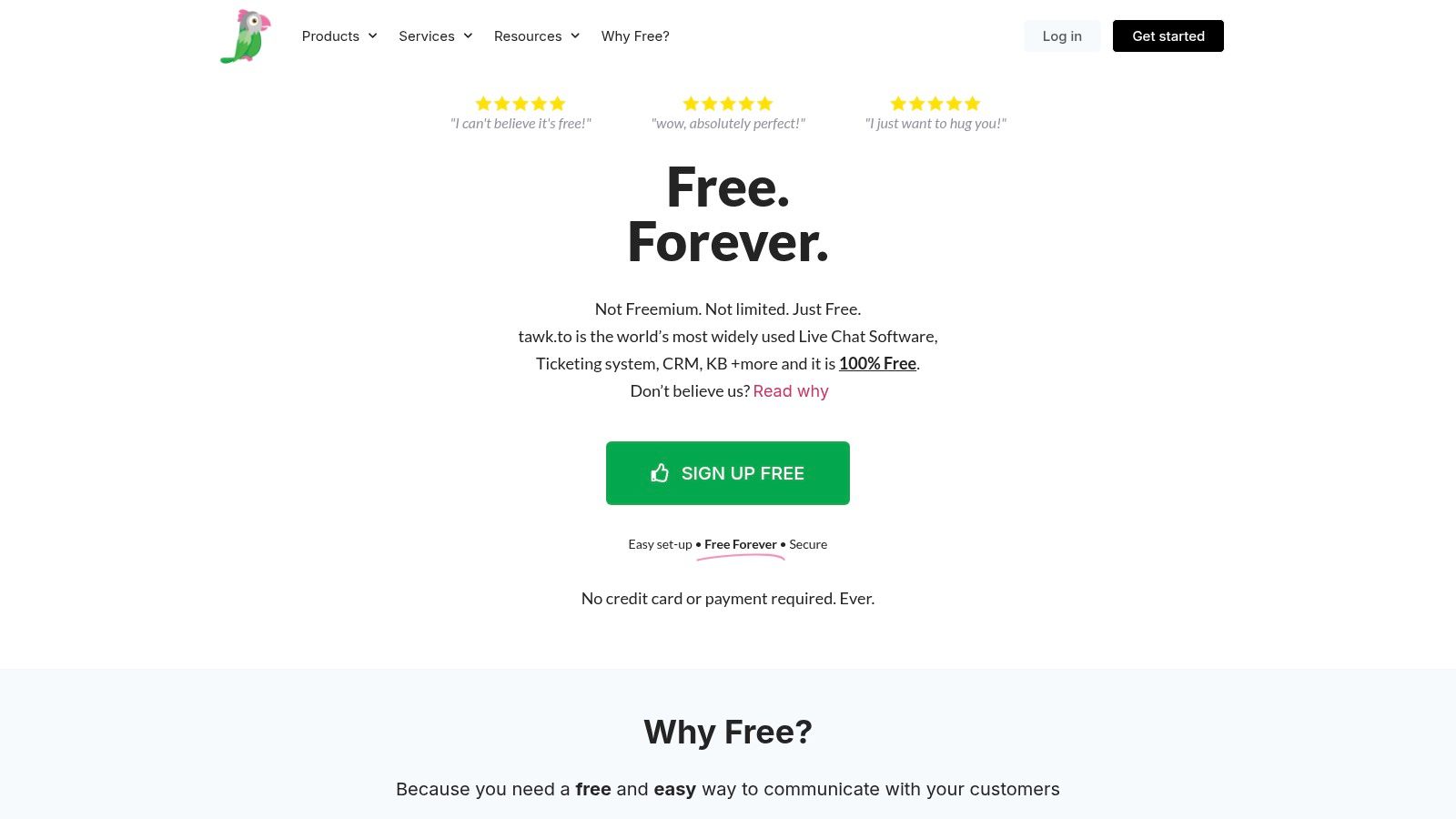
tawk.to is a live chat platform that has gained immense popularity for its truly free core offering. It provides unlimited agents, chat widgets, and history without cost, making it an incredibly accessible entry point into live engagement. This positions it as one of the most cost-effective website engagement tools for agencies managing numerous small business clients or startups needing to establish a real-time communication channel without an initial budget.
Its standout feature is the freemium model that doesn’t gatekeep essential chat functionality. An agency can deploy a fully functional live chat system across dozens of client websites for free, only paying for optional add-ons like removing tawk.to branding or hiring their agents to manage chats.
Core Features & Use Cases
- Free Live Chat & Ticketing: Deploy a live chat widget on unlimited websites with unlimited agents. Inbound chats can be converted into support tickets within the same dashboard, creating a basic but functional support loop.
- Knowledge Base & CRM: The platform includes a free knowledge base to help visitors self-serve and a basic contact management system to track conversations and user details over time.
- Visitor Monitoring: See who is on your client's website in real-time, including their location and the pages they are viewing, allowing agents to proactively initiate a chat.
- Optional Add-ons: Enhance the core product by removing branding, adding AI Assist for automated replies, enabling video/voice calls, or using their "Hired Agents" service for 24/7 chat coverage.
Pricing & Implementation
- Website: https://www.tawk.to/pricing/
- Pricing: The core live chat, ticketing, and knowledge base are completely free. Add-ons are sold separately, such as branding removal for $19/month or AI Assist starting at $29/month.
- Pros: The free plan is incredibly generous and provides everything needed for essential live chat. Implementation is fast with simple plugins for WordPress and other major platforms.
- Cons: The free version includes prominent tawk.to branding. Its automation and proactive messaging capabilities are far less sophisticated than premium, paid competitors.
12. PushEngage
PushEngage is a browser and mobile web push notification platform designed for powerful on-site re-engagement. It allows businesses to communicate directly with opted-in users even after they’ve left the website, making it one of the most effective website engagement tools for driving return traffic and conversions. The platform specializes in bringing visitors back through timely, personalized alerts.
Its key differentiator is its deep eCommerce integration and automation. Agencies can set up sophisticated cart abandonment sequences, price drop alerts, and back-in-stock notifications that run automatically. This transforms push notifications from simple broadcasts into a highly effective, automated sales channel.
Core Features & Use Cases
- eCommerce Automations: Implement triggered notifications for abandoned carts, price drops, or inventory alerts to recover lost sales. An agency managing an online store for a client can use this to instantly boost revenue.
- Advanced Segmentation: Target subscribers based on their on-site behavior, location, device, or custom attributes. This allows for hyper-relevant messaging, such as sending a special offer only to users who viewed a specific product category.
- Automated Drip Campaigns: Create automated sequences to welcome new subscribers, promote content, or nurture leads over time without manual intervention.
- Triggered Notifications: Send alerts based on specific user actions, such as clicking a button or visiting a certain page, to deliver contextual and timely information.
Pricing & Implementation
- Website: https://www.pushengage.com/pricing/
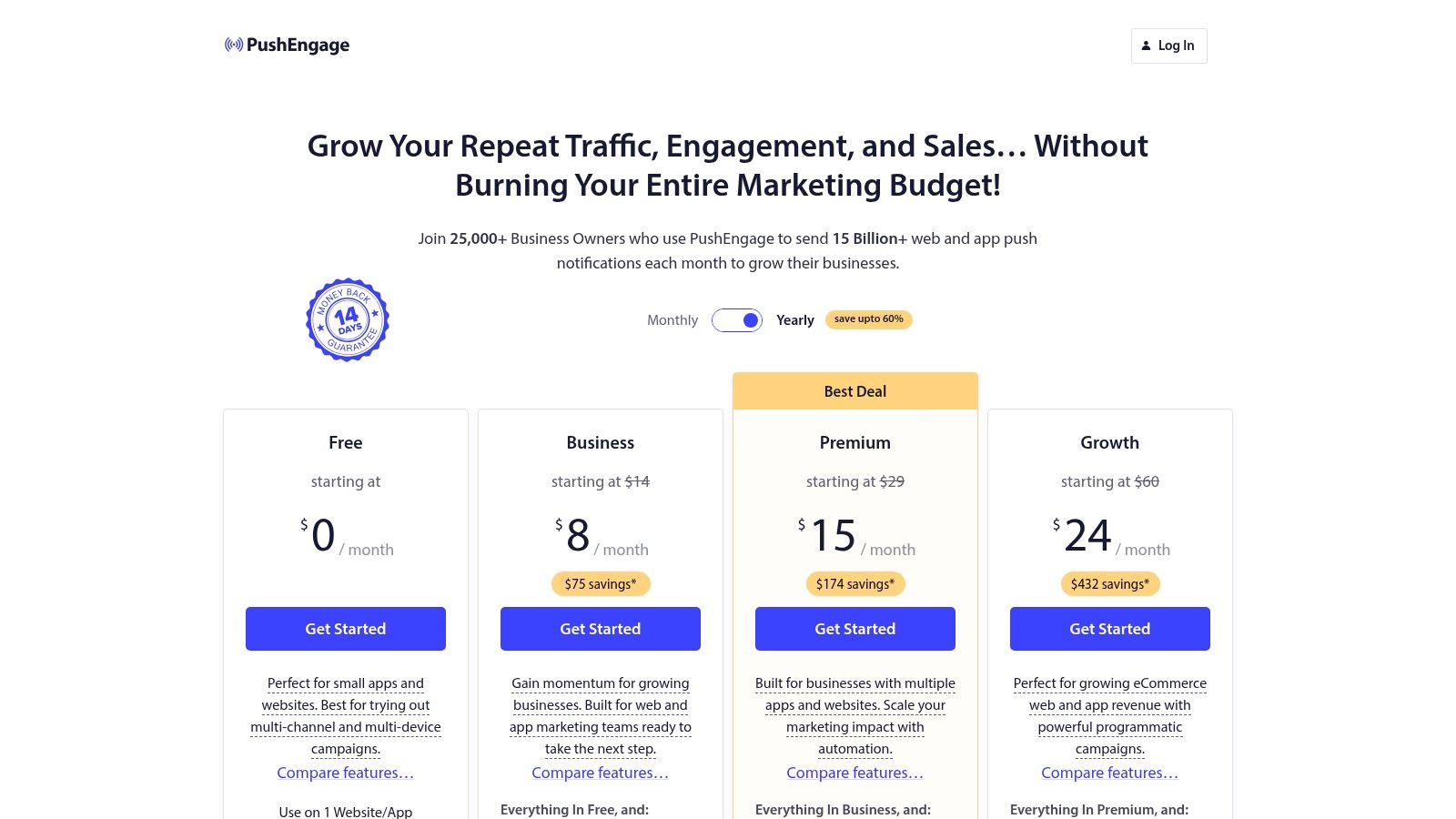
- Pricing: PushEngage offers a free plan for up to 200 subscribers. Paid plans start at $25/month for the "Business" plan, with pricing scaling based on subscriber count and feature access.
- Pros: It provides a direct and immediate channel for re-engagement. The pricing tiers are transparent, and paid plans offer unlimited campaigns and notifications.
- Cons: Success heavily relies on getting the initial opt-in, which requires thoughtful prompts to avoid user fatigue. Browser and OS support varies, with notable limitations on iOS for web push notifications.
Top 12 Website Engagement Tools — Feature Comparison
| Product | Key capability | Target audience 👥 | Unique selling point ✨ | Ease & quality ★ | Price / value 💰 |
|---|---|---|---|---|---|
| BizSage 🏆 | Client‑trained AI agents via automatic domain crawl + file ingestion; in‑chat lead capture & Kanban Lead Hub | Agencies, web studios, SEO/PPC & consultants | Auto RAG from client content; agency‑first white‑label + custom domains | ★★★★☆ | 💰 Volume/agency pricing (~$4.95/client on 20‑client plan); free trial |
| Intercom | Messenger, AI (Fin), shared inbox & outbound channels | SaaS & B2B product/support teams | In‑product engagement + bundled channels and workflows | ★★★★☆ | 💰 Seat + usage pricing; can be costly with add‑ons |
| HubSpot Marketing Hub | CRM‑tied forms, chat/bots, automation & reporting | Agencies & marketers needing CRM attribution | Deep CRM integration for full‑funnel attribution | ★★★★☆ | 💰 Contact‑tiered; free → enterprise (costs grow with contacts) |
| Hotjar (Contentsquare) | Heatmaps, session recordings, on‑site surveys & VoC tools | UX/CRO teams, product managers | Fast qualitative insights and session playback for CRO | ★★★☆☆ | 💰 Freemium; paid tiers for higher sampling/coverage |
| VWO | A/B & multivariate testing, personalization, heatmaps | CRO teams and product/marketing teams | Broad CRO suite with AI‑assisted workflows (early access) | ★★★★☆ | 💰 Custom quote (enterprise pricing) |
| Optimizely Web Experimentation | Client & server‑side testing, feature flags, advanced stats | Enterprise product & experimentation teams | Enterprise‑grade stats, governance and full‑stack SDKs | ★★★★☆ | 💰 Enterprise pricing; typically annual contracts |
| OptinMonster | Pop‑ups, slide‑ins, bars, triggers & templates | Marketers & SMBs growing email lists | Large template library and quick campaign setup | ★★★☆☆ | 💰 Tiered plans; affordable entry for SMBs |
| ConvertFlow | Visual funnel builder, multi‑step forms, personalization | Agencies & marketers building segmented funnels | Strong multi‑step funnels and agency multi‑site workflows | ★★★★☆ | 💰 Higher Pro entry; traffic/funnel view limits apply |
| Sleeknote | E‑commerce overlays, gamified pop‑ups (spin/scratch) | E‑commerce & content publishers | Gamification and e‑commerce playbooks for conversions | ★★★☆☆ | 💰 Region/currency pricing; session‑based scaling |
| Drift | Conversational marketing, routing, calendaring & ABM | B2B sales & account‑based teams | Sales‑first chat with meeting booking and ABM targeting | ★★★★☆ | 💰 Quote‑based; premium enterprise costs |
| tawk.to | Free live chat, ticketing, basic CRM; paid add‑ons | Small businesses & budget‑conscious teams | Truly free core chat with unlimited agents | ★★★☆☆ | 💰 Free core; optional paid add‑ons (branding removal, AI) |
| PushEngage | Web & mobile push notifications, segmentation & automations | E‑commerce, publishers & re‑engagement teams | Quick re‑engagement channel (cart recovery, price alerts) | ★★★☆☆ | 💰 Freemium tiers with transparent paid plans |
Choosing the Right Engagement Stack for Your Clients
Navigating the expansive landscape of website engagement tools can feel overwhelming, especially for agencies managing diverse client portfolios. We've explored a wide array of options, from comprehensive all-in-one platforms like HubSpot and BizSage to specialized solutions like OptinMonster for popups and Hotjar for behavioral analytics. The key takeaway is clear: there is no single "best" tool, only the best tool for a specific client's unique goals, budget, and technical capabilities.
The right engagement strategy isn't about implementing the most tools; it's about deploying the right ones cohesively. A well-chosen stack works in harmony, creating a seamless user journey that guides visitors from initial awareness to loyal conversion. For instance, data from a heatmap tool like Hotjar can directly inform the A/B testing hypotheses you run in VWO, while insights from a Drift chatbot conversation could inspire the copy for a new lead capture form built with ConvertFlow.
Synthesizing Your Strategy: From Tools to Results
As an agency, your value lies in translating these tools into tangible client outcomes. The core challenge is moving beyond feature lists to build a strategic framework. Before you recommend any new software, anchor your decision-making process in these fundamental questions:
- What is the primary business objective? Are you trying to increase lead generation for a B2B client, reduce cart abandonment for an e-commerce store, or improve user onboarding for a SaaS product? The goal dictates the tool. For lead generation, a combination of a proactive chatbot (Drift) and targeted popups (Sleeknote) might be perfect.
- What is the client's budget and resource capacity? A powerful enterprise solution like Optimizely requires a significant investment and a dedicated team to manage it effectively. In contrast, a tool like tawk.to offers a free, high-value entry point into live chat for clients with limited budgets. Be realistic about what your client can sustain long-term.
- How will this tool integrate with the existing tech stack? A new tool that doesn't communicate with the client's CRM or email marketing platform creates data silos and operational friction. Prioritize solutions with robust integrations to ensure a smooth flow of information and a unified view of the customer. HubSpot and Intercom excel here, offering deep connections to other business systems.
A Phased Approach to Implementation
Adopting a full suite of website engagement tools overnight can be chaotic. Instead, propose a phased implementation plan to your clients. Start with foundational tools that provide the most immediate value and insight.
- Start with Understanding: Begin with analytics and behavioral tools. Installing Hotjar gives you an immediate visual understanding of how users are actually interacting with the site. This data is invaluable for identifying friction points and opportunities.
- Move to Interacting: Once you understand user behavior, introduce interactive elements. A simple live chat widget or a client-trained chatbot like BizSage can instantly improve support and capture leads that would otherwise be lost.
- Optimize and Personalize: With a baseline of understanding and interaction, you can begin optimizing. Use tools like VWO or Optimizely for A/B testing and personalization to refine the user experience based on data-driven hypotheses, not guesswork.
Finally, remember that gathering direct user feedback is a crucial, often overlooked, component of engagement. While the tools listed here excel at observation and interaction, dedicated feedback mechanisms provide direct qualitative insights. When evaluating options for your engagement stack, consider exploring the best website feedback tools that can significantly boost user interaction and improve client results. By combining behavioral data with direct user sentiment, you create a powerful, holistic view of the customer experience, enabling you to build websites that don't just attract visitors, but truly connect with them.
Ready to deliver a superior, AI-powered engagement experience for your clients without the complexity of managing multiple tools? BizSage provides a unified platform with a client-trained chatbot that learns from your client's content to deliver instant, accurate answers and capture qualified leads 24/7. Simplify your tech stack and elevate your agency's value by visiting BizSage to see how our AI can transform your clients' websites.