
Chatbot customer service is essentially software that uses a chat window to talk to your customers on your website, in messaging apps, and other places online. The goal is to provide instant, 24/7 support for all the common, everyday questions, which frees up your human agents to tackle the trickier problems that really need a person's touch.
Your Most Reliable Employee Works 24/7
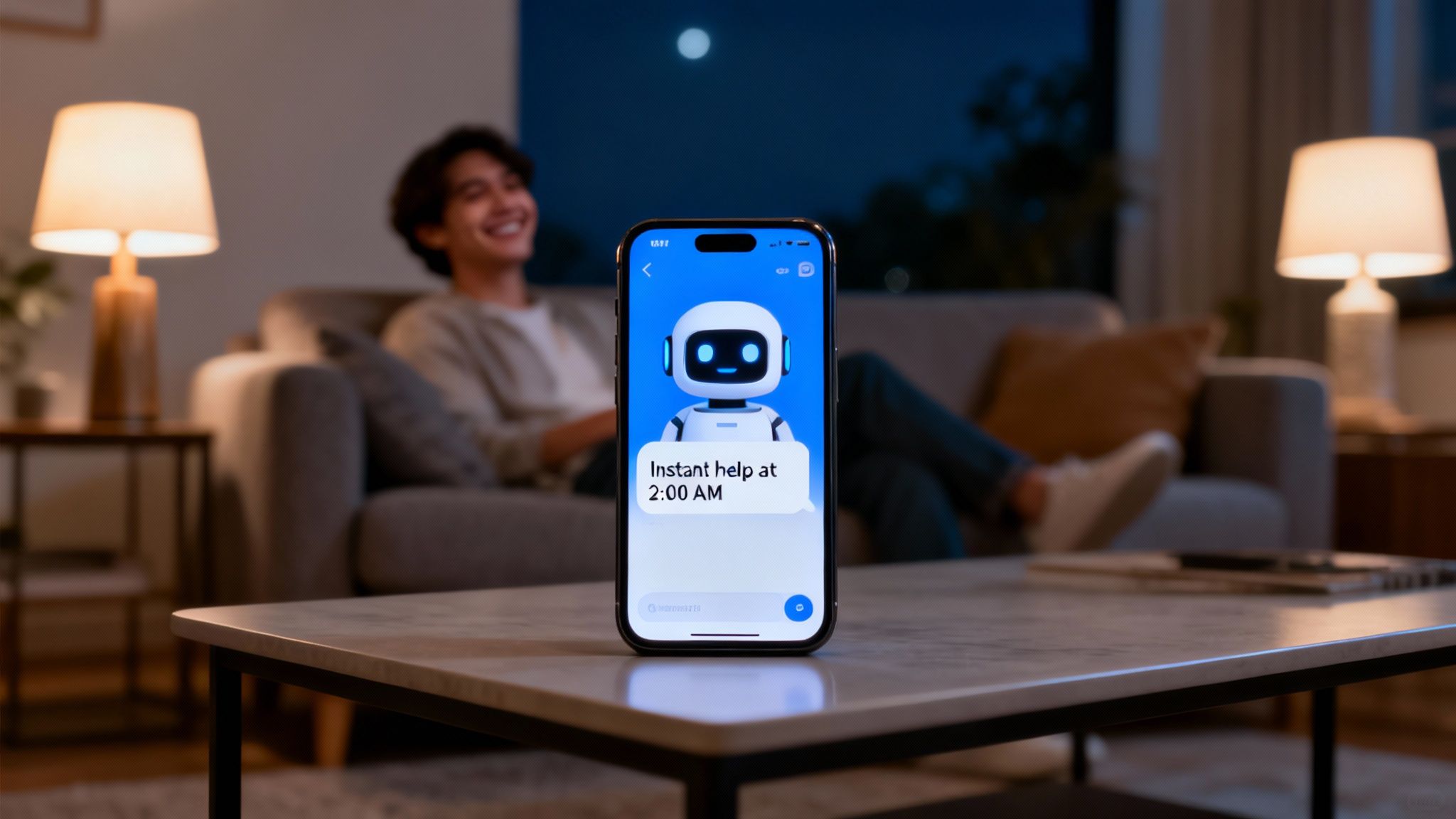
Instead of picturing a complex robot, think of a chatbot as your most dependable employee. It’s a digital concierge that's always on, ready to help at a moment's notice.
This tireless assistant never needs a coffee break and can juggle thousands of customer conversations at once, all while delivering perfectly consistent and accurate answers. It's a game-changer for any business swamped with support tickets, fielding the same questions over and over, and trying to meet the modern customer's demand for instant help.
By taking over the routine stuff, chatbot customer service lets your support, sales, and operations teams get back to what they do best: high-value work that actually grows the business. They can stop resetting passwords and explaining shipping policies and start focusing on building real customer relationships and solving unique challenges.
To truly appreciate the shift, let's compare the old way with the new.
Key Differences Between Traditional and Chatbot Customer Service
| Feature | Traditional Human Support | Chatbot Customer Service |
|---|---|---|
| Availability | Limited to business hours and staff schedules | 24/7/365, always on |
| Response Time | Can range from minutes to several hours | Instant, within seconds |
| Capacity | One agent handles 1-3 conversations at a time | Unlimited, scales to handle thousands simultaneously |
| Consistency | Varies by agent, training, and mood | 100% consistent, pulls from a single source of truth |
| Cost | High (salaries, benefits, training, overhead) | Low, fixed monthly cost regardless of volume |
As you can see, the contrast is stark. Chatbots don't just supplement your team; they fundamentally change the efficiency and accessibility of your customer support.
Addressing Key Business Pains
For so many growing companies, the demand for support quickly outgrows the team's capacity. This inevitably leads to longer wait times, frustrated customers, and burned-out employees. Chatbots hit these problems head-on by acting as an immediate first line of defense.
They are specifically designed to:
- Offer Instant Availability: Customers don't have to check the clock before asking for help. Whether it's 2 AM on a Tuesday or the middle of a public holiday, the chatbot is there with an answer.
- Handle Repetitive Queries: A huge chunk of support tickets are about the same handful of questions. Chatbots are perfect for handling these, keeping them out of your team's queue entirely.
- Ensure Consistent Information: Since a chatbot pulls its answers from a single, approved knowledge base, you can eliminate the risk of customers getting different answers from different agents.
This ability to respond instantly is a massive advantage. In fact, chatbots can deliver answers three times faster than human agents. While the median first response time for human teams is around 3.3 hours, a well-tuned chatbot can get it done in just six minutes. It's no wonder that AI handled 73.8% of initial web chat queries last year.
The Broader Automation Landscape
Chatbots aren't just a standalone tool; they're a key piece of a much larger trend toward making businesses more efficient and scalable. To get the full picture of where this technology fits, it helps to explore the complete guide to customer service automation.
Ultimately, this is about more than just deflecting tickets. It’s about creating a smarter, more responsive experience that meets customers where they are. By automating the predictable, you give your team the space they need to deliver truly exceptional service where it counts the most.
Understanding the Different Types of Customer Service Chatbots
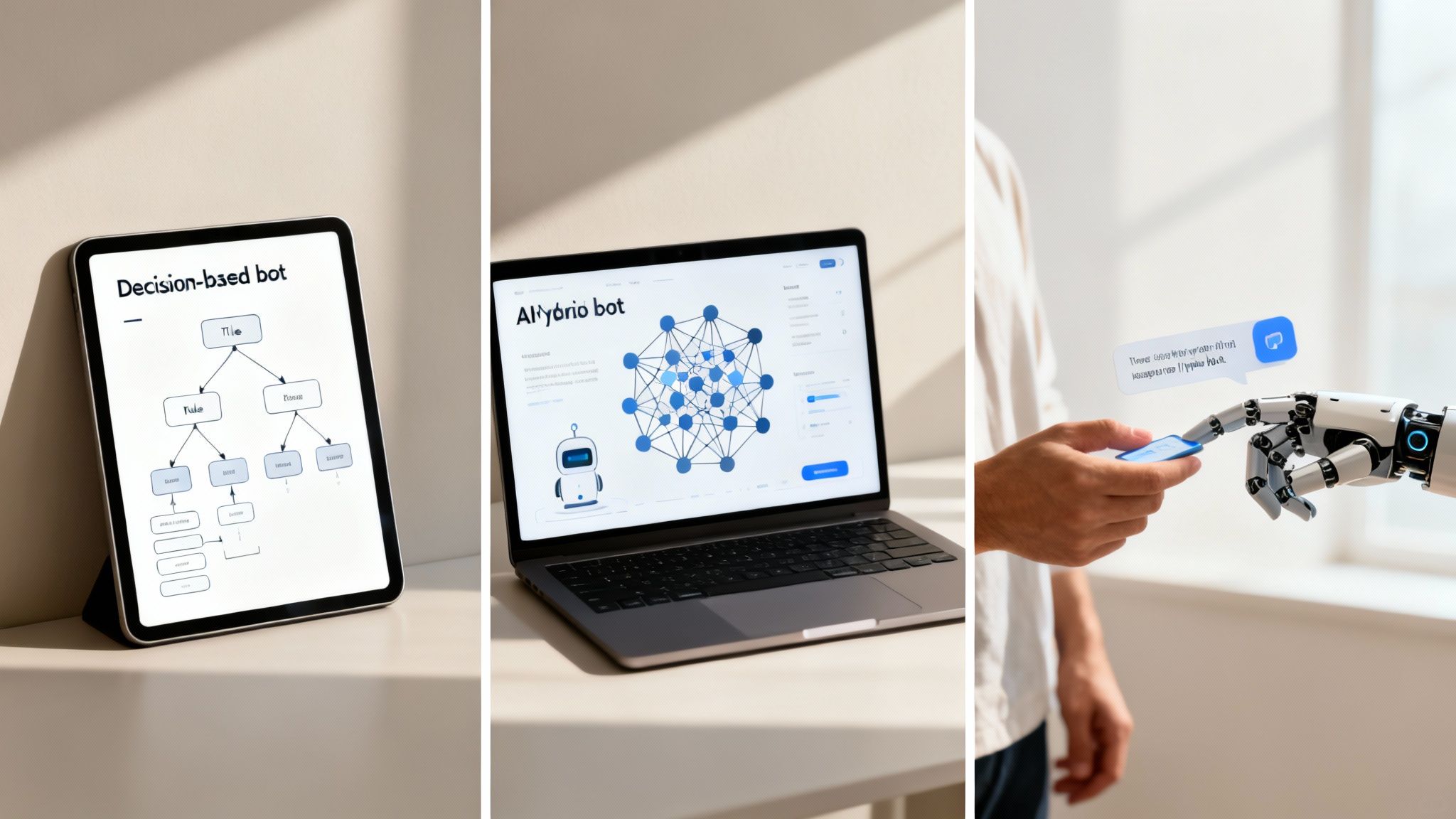
It’s easy to think all chatbots are created equal, but once you look under the hood, you'll find they work in fundamentally different ways. Getting a handle on these differences is the first real step in picking the right bot for your customers, your budget, and your team.
At a high level, chatbots fall into three main buckets. Each comes with its own set of pros and cons, from simple, guided flows to surprisingly human-like conversations. Let's dig into what makes each one tick.
The Straightforward Path of Rule-Based Chatbots
First up, we have rule-based chatbots. You can think of these as a classic "choose your own adventure" story or a phone tree brought to life in a chat window. They follow a strict script you design.
These bots work with decision trees and pre-set buttons. A customer clicks an option, and the bot follows a predetermined path. There's no room for interpretation—it can't understand typos or questions phrased in a weird way. It just follows the rules.
This predictability makes them perfect for simple, repetitive jobs.
Great for things like:
- Qualifying sales leads by asking a series of set questions (e.g., company size, budget).
- Booking appointments by showing available time slots.
- Routing customers to the right department based on their initial choice.
While they're reliable and easy to build, that rigidity is also their biggest downfall. If a customer has a question that isn't on the script, the bot hits a wall, and the conversation grinds to a halt.
The Learning Curve of AI-Powered Chatbots
Next, you've got AI-powered chatbots, which are a whole different ball game. These bots use tech like Natural Language Processing (NLP) and machine learning to figure out what a person is actually asking, not just which button they clicked.
Think of an AI bot like a new hire. You hand it your company's "employee handbook"—your website content, help docs, and product manuals—and it starts learning. With every conversation, it gets a little smarter and more accurate. This allows it to handle much more natural, free-flowing conversations.
You see this in action with virtual city assistants. A resident can just type, "When is garbage day on my street?" The NLP figures out what they want, finds the right schedule in its database, and gives them a straight answer. No clicking through menus required.
This ability to understand and respond to human language is what makes AI bots so powerful. They can answer a huge range of questions directly, creating a far more helpful and less frustrating customer experience.
The Best of Both Worlds with Hybrid Chatbots
Finally, there are hybrid chatbots. Just like the name implies, they blend the structured control of rule-based bots with the conversational smarts of AI. It’s a practical approach that gives you a safety net while still enabling some really sophisticated interactions.
A hybrid bot might kick things off with a few buttons to gather basic info efficiently, like asking a customer to choose between "Order Status" and "Billing Question."
Once that initial context is set, the AI can take the wheel to handle the more complex parts of the conversation. And if the AI ever gets stumped by a tricky question, it has a fallback plan: it can revert to a simple menu or, better yet, hand the chat off to a human agent. This complete, end-to-end journey makes hybrid bots one of the most popular and effective choices out there today.
What Chatbots Actually Do for Your Business
Okay, so we know what chatbots are. But the real question is, what can they do for you? Putting a chatbot on your website isn't just about adding a cool new feature. It's a strategic decision that creates a ripple effect of real, measurable benefits across your entire company.
When you let a bot handle the simple, repetitive questions, something powerful happens. Costs drop, customers are happier, your team gets more done, and your business is effectively "open" 24/7. Let's dig into the tangible results you can expect.
Slash Your Customer Service Costs
One of the first things you'll notice is a serious drop in operational costs. Think about it: every time a chatbot answers a question, that's one less ticket a human agent has to open, research, and close. That adds up, and it adds up fast.
Automating the common stuff—"Where's my order?" or "What are your hours?"—directly lowers how much you spend on each customer interaction. This isn't just about trimming the budget; it's about fundamentally changing how you allocate resources.
The financial impact is no joke. Businesses often see their customer service costs fall by as much as 30% by letting chatbots handle the basics. And get this: successfully resolving a customer's issue through self-service can be 80 times cheaper than letting it escalate to a human agent. Given that 91% of customers find traditional self-service options frustrating, a smart AI bot is the key to unlocking those savings.
By taking the most frequent, low-level questions off your team's plate, you free up both your budget and your people. You can handle a growing number of customers without having to hire more staff at the same rate, which is the very definition of scalable growth. You can see more of the numbers behind this by exploring these chatbot statistics and their effect on business costs.
Make Customers Happier and More Loyal
Let's be honest, nobody likes waiting. Today's customers expect answers now. Making them sit on hold or dig through a clunky FAQ page is a surefire way to annoy them. A chatbot completely sidesteps that frustration by offering instant, 24/7 help.
That immediate assistance makes a huge difference in how people see your brand. When they can get the right answer in seconds—even at 3 AM on a Sunday—it creates a positive, memorable experience. The data backs this up, with 87.2% of consumers reporting a positive or neutral experience with chatbots.
A smooth, effortless support interaction is a direct line to loyalty. A happy customer is far more likely to come back and, even better, recommend you to their friends.
Open for Business and Sales, 24/7
Your team might clock out at 5 PM, but your customers and potential leads are online at all hours. A chatbot acts as your tireless employee, always ready to help or capture a new opportunity.
This round-the-clock presence is a game-changer for two reasons:
- Always-On Support: Customers in different time zones, night owls, and early risers all get the same instant help, no matter when your team is working.
- After-Hours Lead Gen: A prospect browsing your site at midnight can get their questions answered on the spot. The bot can even qualify them as a lead, teeing them up for your sales team to follow up with in the morning.
Without a chatbot, these after-hours interactions are just missed chances. With one, your website becomes an active, engaging tool that's constantly working for you.
Boost Your Team’s Efficiency and Morale
When you automate the boring stuff, you free up your human agents to do what they do best: solve tricky problems, build relationships, and provide the kind of high-touch support that a bot can't. This shift has a massive impact on both team performance and job satisfaction.
Instead of spending all day resetting passwords, your agents can apply their skills to high-stakes issues that require real empathy and critical thinking. It turns out that AI-powered chatbots allow 64% of agents to focus on complex problem-solving, a big leap from the 50% who can do so without a bot helping out.
This also does wonders for morale. Answering the same simple questions over and over is a recipe for burnout. Take that off their shoulders, and your team becomes more engaged, motivated, and effective. That means less employee turnover and a stronger support department overall.
A Practical Blueprint for Implementing Chatbot Customer Service
Bringing a chatbot into your customer service workflow isn't the massive IT headache you might imagine. Modern platforms have made the process surprisingly straightforward, focusing more on smart preparation and clear goals than on heavy coding. Think of it less like a tech project and more like creating a training manual for a new digital employee.
The journey starts with strategy, not software. Before you write a single line of script or choose a vendor, you need to define what a "win" actually looks like for your business. Just wanting a chatbot isn't a goal—it's a wish.
A real goal is something you can measure. Are you trying to slash your support ticket volume by 25%? Or maybe your mission is to cut down the average first response time from hours to mere minutes. Nailing down your primary objective will steer every decision you make from here on out.
Setting the Foundation for Success
With your goals in place, it’s time to gather your knowledge. Your chatbot is only as smart as the information you give it. This is the part where you decide what your bot needs to “read” to become an expert on your business.
This can be a mix of all sorts of content you already have:
- Your entire company website and its public pages.
- Internal help center articles or FAQs your team uses.
- Detailed product documentation and user guides.
- Marketing materials, brochures, and spec sheets.
Platforms like BizSage make this incredibly easy. You don't have to manually write out question-and-answer scripts. Instead, you just point it to your website or upload your files, and the AI handles the learning. It’s a total game-changer for teams that don't have a developer on standby.
The Phased Approach to a Flawless Launch
A great rollout happens in stages. Pushing a chatbot live without proper training is like putting a brand-new employee on the phones without any orientation. The secret is to start small, prove the concept, and then expand.
Here’s a simple four-step process that works every time:
-
Define Scope: Start by identifying the top 5-10 most frequently asked questions your support team answers day in and day out. Don't try to solve every problem at once. Focus on the simple, repetitive stuff like "Where is my order?" or "What's your return policy?" to get a quick, high-impact win.
-
Train and Configure: This is where you feed your chosen knowledge sources into the chatbot platform. It's also when you'll decide on your bot's personality. Should it be professional and direct? Or more friendly and conversational? A consistent tone of voice makes the bot feel like a genuine part of your brand.
-
Test and Refine: Before unleashing it on your customers, let your own team try to break it. Have them ask questions in weird ways and look for corner cases. This internal testing is your chance to spot knowledge gaps and polish the responses for accuracy and clarity.
-
Launch and Monitor: Go live on just one channel to start, like the contact page of your website. Keep a close eye on the analytics. Are people getting their answers? What questions is it failing to answer? Use this early data to make improvements before you roll it out everywhere.
The guiding principle is simple: Start small to win big. By automating your most common queries first, you give your team immediate relief and improve your customer experience right away. This builds momentum and gives you a solid foundation for adding more complex skills later.
This visual shows the direct line from addressing high operational costs with a chatbot to achieving measurable business growth.
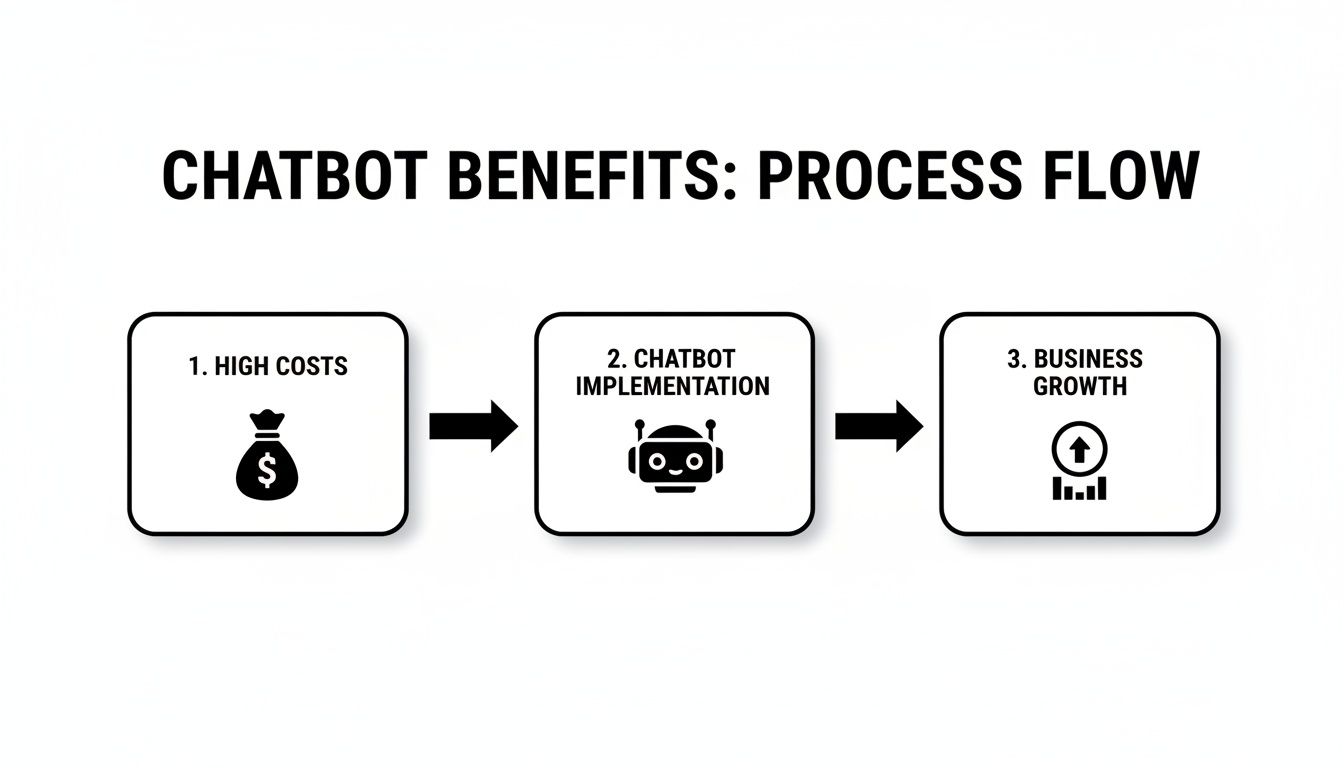
The image perfectly captures the value of this journey—it’s a strategic investment that turns a major business headache into a driver for growth and efficiency.
To help you get organized, here’s a straightforward checklist to guide you through the process.
Chatbot Implementation Checklist
| Phase | Key Action | Success Metric |
|---|---|---|
| 1. Planning | Define your primary business goal (e.g., reduce ticket volume by 20%). | A specific, measurable, and achievable KPI is documented. |
| 1. Planning | Identify the top 5-10 frequently asked customer questions. | List of questions is finalized based on support team data. |
| 2. Preparation | Gather all knowledge sources (website links, FAQs, documents). | All content is collected and ready for upload. |
| 2. Preparation | Define the chatbot's personality and tone of voice. | A one-page style guide for the bot is created. |
| 3. Build & Test | Upload content to the chatbot platform and start training. | Bot correctly answers 90%+ of test questions from the FAQ list. |
| 3. Build & Test | Conduct internal testing with your team for a week. | Feedback is collected, and knowledge gaps are identified and fixed. |
| 4. Launch | Deploy the chatbot on a single, high-traffic page. | The chatbot widget is live and functional. |
| 5. Monitor | Review analytics weekly to track performance and user interactions. | You can identify the top 3 unanswered questions to address. |
| 5. Monitor | Gather customer feedback on the chatbot's usefulness. | CSAT score for chatbot interactions meets or exceeds the target. |
Following these steps methodically turns a potentially overwhelming project into a series of manageable tasks, ensuring you build a tool that truly helps both your team and your customers.
Real-World Examples of Chatbots in Action
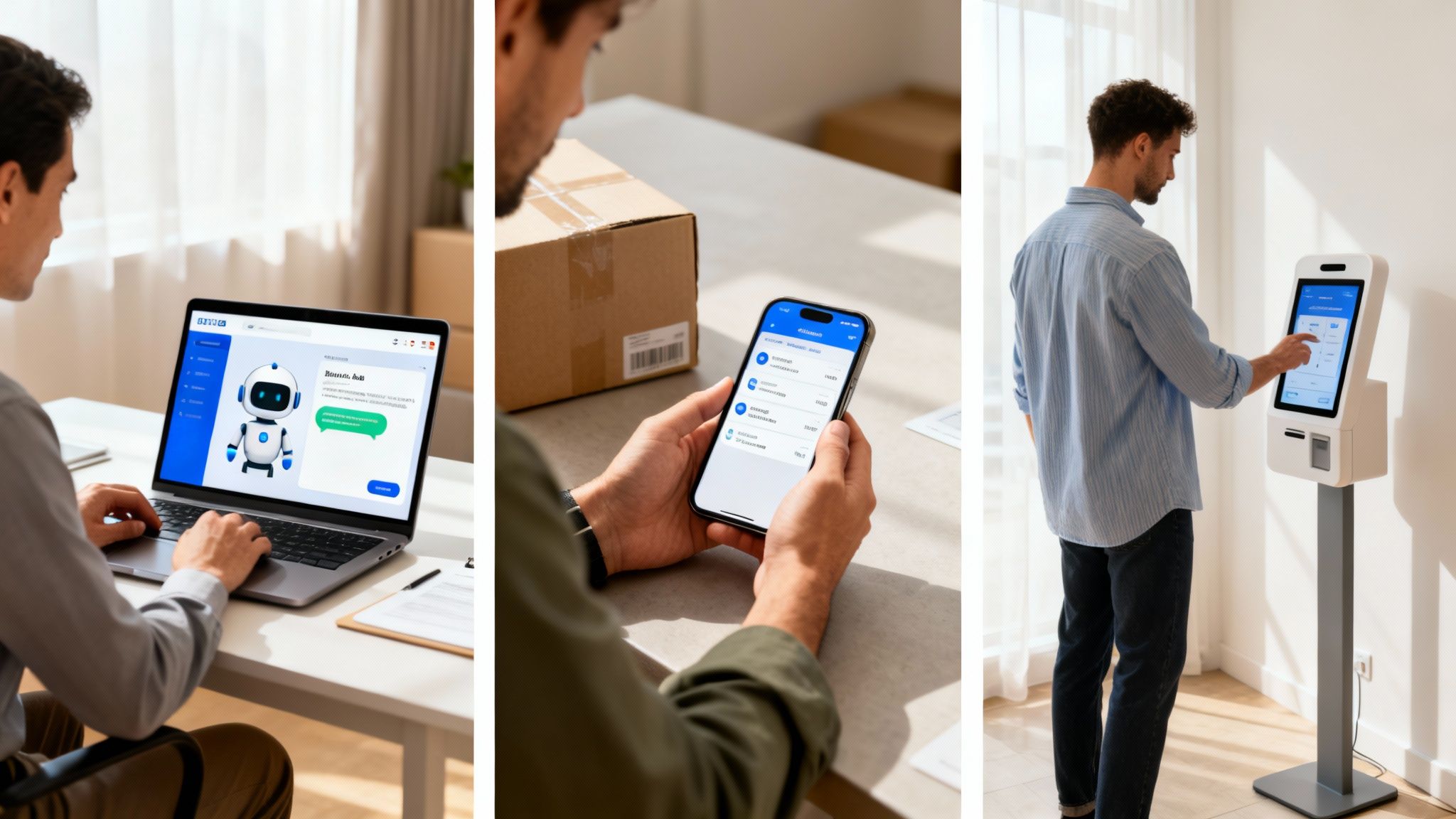
It’s one thing to talk about what chatbots can do, but seeing them work in the real world is where it all clicks. These aren't just fancy ticket-deflectors on a website; they’re solving tangible business problems for companies of all shapes and sizes.
Let's look at a couple of real stories that show how businesses are getting it right. We'll break it down into a simple problem, the clever solution, and the bottom-line results.
Boosting Sales Productivity in B2B SaaS
Picture a mid-sized SaaS company with a common—and frustrating—bottleneck. Their sales team was constantly scrambling for answers mid-call. They'd have to dig through documents to find the right pricing tier, a specific security protocol, or a nuanced product feature, all while the prospect waited on the other end.
Instead of creating yet another sprawling FAQ page, they set up an internal chatbot. Think of it as a "Company Brain," just like what we offer with BizSage, that knew everything from their technical docs to their marketing one-pagers. Sales reps could now just ask the bot a question and get an instant, accurate answer without ever breaking their flow.
The payoff? A huge jump in the sales team's efficiency and much smoother, more confident conversations with potential customers.
This kind of positive experience is becoming the norm. In fact, a whopping 87.2% of consumers now say their chatbot interactions are neutral or positive. Companies that get AI right are seeing satisfaction scores improve by 12-27%, proving that a good bot does more than just answer questions—it genuinely improves the customer experience. You can dig into more stats on how AI is improving customer support interactions.
Automating Order Inquiries for E-commerce
An online retailer was getting buried by its own success. Their small support team was drowning in repetitive tickets, and one question stood out above all others: "Where is my order?" It was simple, frequent, and eating up a huge chunk of their agents' day.
Their solution was to launch a customer service chatbot on their website and connect it directly to their order management system. Now, when a customer asks about their delivery, the bot simply asks for their order number and email address and pulls up the real-time status instantly.
This small change had a massive impact.
- Problem Solved: The bot now handles over 70% of all order status questions automatically.
- Resulting Benefit: This freed up the human team to focus on trickier problems, like handling returns, answering detailed product questions, and giving a personal touch to customers who really need it.
These examples make it clear: whether you're helping your own team work smarter or giving your customers the instant answers they crave, the right chatbot is a serious tool for growth.
Got Questions About Chatbot Customer Service? We’ve Got Answers.
Jumping into any new technology brings up questions. It's only natural. When leaders are thinking about bringing a chatbot on board, a few key concerns almost always pop up. Let's walk through them, one by one.
Will a Chatbot Make My Customer Service Feel Robotic and Impersonal?
This is probably the biggest fear, and it's a valid one. But here’s a different way to look at it: a great chatbot actually increases the personal touch by taking all the impersonal, repetitive tasks off your team's plate. Think password resets, order status checks, and "what are your hours?" questions.
By automating those, your human agents are freed up for the conversations that genuinely need empathy and deep expertise. Plus, modern chatbots can be designed to mirror your brand's unique voice and tone, making every interaction feel like it's coming from you. They're not a replacement for your team; they're a powerful new member of it.
Do I Need a Team of Developers to Build and Manage This?
A decade ago, the answer would have been a resounding "yes." Today, things are completely different. The best platforms are built for the people who actually use them—customer service managers, marketers, and business owners—not coders.
Many of today's best tools are completely no-code. Getting started is often as simple as:
- Pasting a link to your website or uploading a few documents.
- Telling the bot how you want it to sound (e.g., friendly, professional, witty).
- Asking it a few test questions to see how it does before you put it live.
You can have a genuinely smart, AI-powered assistant up and running in minutes, without ever looking at a line of code.
How Will I Know If It’s Actually Working?
Measuring the success of a chatbot is surprisingly straightforward. It all comes down to tracking the right numbers against the goals you set in the first place.
For example, if your main goal was to give your team some breathing room, you’d want to watch the deflection rate very closely. This is just the percentage of customer questions the bot handles all on its own, without needing a human. A high deflection rate is a clear sign that your team is getting a ton of time back in their day.
Other important metrics to keep an eye on are the containment rate (how many conversations stay with the bot from start to finish) and, of course, customer satisfaction (CSAT) scores.
What Happens When a Customer Has a Really Complicated Problem?
Chatbots shine at providing instant answers to common questions. They’re not meant to be therapists or solve multi-layered, sensitive issues. That’s where a smart handoff comes in.
The best bots are programmed to know their own limits. When a conversation gets too complex or a customer is clearly frustrated, the system automatically and smoothly passes the entire chat history to a human agent. This hybrid approach gives your customers the best of both worlds: instant help for the easy stuff and expert human support when it really matters.
Ready to see how an AI chatbot can give your customers instant, accurate answers 24/7, without the technical headaches? BizSage learns from your existing content to provide on-brand support around the clock. You can get started in just a few minutes.
Check it out at https://bizsage.io.