
A great first week can make or break employee retention. Yet, many growing teams are stuck with manual checklists, scattered documents, and repetitive questions that drain HR and managers' time. A chaotic onboarding process doesn't just frustrate new hires; it signals disorganization and can lead to early turnover. The solution isn't more spreadsheets; it's smarter automation. This guide dives into the best employee onboarding software available today, moving beyond generic HR platforms to focus on tools that truly streamline the new hire journey.
We'll analyze each option for its ideal use case, key features, and real-world pros and cons, helping you find the perfect fit. Our goal is to help you create an efficient, engaging, and memorable welcome for every new team member.
Inside this resource, you will find:
- A detailed breakdown of 12 top-tier onboarding platforms, including Rippling, BambooHR, and specialized tools like Enboarder.
- Direct comparisons of pricing, integrations, and unique features to accelerate your decision-making.
- Actionable guidance on how to evaluate tools for your specific business size and needs, with screenshots and direct links for every platform.
We provide a global perspective on these tools, but for a comprehensive overview of solutions and considerations specific to the UK market, further reading can be found on the best employee onboarding software for UK businesses. Let's find the software that will transform your new hire experience from day one.
1. BizSage
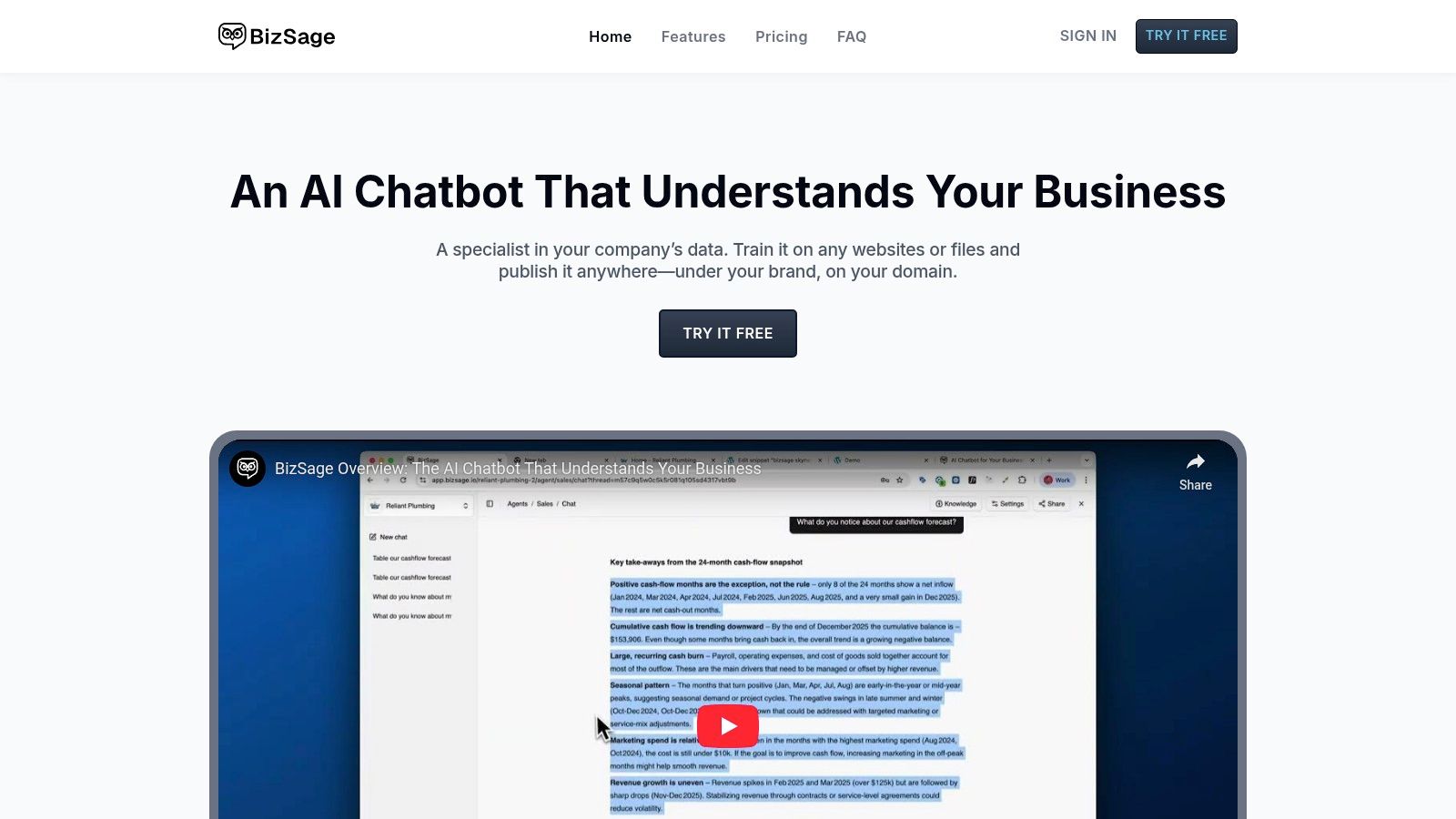
BizSage offers a unique and powerful approach to modernizing the new hire experience, positioning itself as a standout choice for the best employee onboarding software, especially for teams needing instant, on-demand knowledge. Rather than a traditional task-based platform, BizSage acts as a "Company Brain" an AI-powered chatbot that provides new hires with accurate, on-brand answers 24/7. This system is trained exclusively on your internal documentation, such as handbooks, process guides, wikis, and even video tutorials.
The core strength of BizSage lies in its ability to centralize disparate company knowledge and make it instantly accessible. New employees can ask natural language questions like, "What is our policy for expense reports?" or "How do I set up my development environment?" and receive immediate, trustworthy answers with direct citations to the source material. This dramatically reduces the time they spend searching for information and frees up HR and team leads from answering repetitive questions. The AI's commitment to accuracy is a key differentiator; it will explicitly state "I don't know" if it cannot find a verified answer in its knowledge base, preventing the spread of misinformation.
Why It’s a Top Pick
BizSage excels by directly tackling one of the biggest onboarding challenges: information overload and accessibility. The no-code setup is exceptionally fast. An HR manager can train a new agent in minutes by simply pointing BizSage to existing content sources like Google Drive folders, specific URLs on the company intranet, or by uploading PDF and Word documents. The ability to schedule automatic recrawls (daily on the Business plan) ensures the knowledge base remains current without constant manual intervention.
For growing teams, the per-company pricing model with unlimited users is highly practical. It allows the entire organization to benefit from the AI knowledge base without incurring per-seat costs, making it a scalable solution that supports employees long after their initial onboarding period concludes.
Core Features, Pricing, and Use Cases
| Feature | Details |
|---|---|
| Ideal Use Case | Small to mid-sized businesses, startups, and remote-first companies looking to centralize internal knowledge and provide scalable self-service support for new hires. |
| Key Features | AI trained on your content, source-cited answers, no-code setup, auto-refresh knowledge base, customizable tone, embeddable widget, custom domain hosting. |
| Integrations | Natively content-based (websites, files, YouTube), but can be embedded into virtually any internal site, wiki, or platform that supports HTML. |
| Time-to-Value | Extremely Fast. A functional and deployable onboarding agent can be created in under an hour, providing immediate value. |
| Pricing | Free: 1 agent, 250 msgs/mo. Solo: $9/mo (2k msgs). Team: $29/mo (10k msgs, custom domain). Business: $149/mo (60k msgs, daily recrawls). |
Pros and Cons
Pros:
- Improves Trust: Provides accurate, source-cited answers and admits when it doesn't know, reducing the risk of AI "hallucinations."
- Rapid Deployment: The no-code interface allows for incredibly fast setup and deployment across multiple channels (internal site, shared link).
- Low Maintenance: Auto-refresh schedules keep the knowledge base current, eliminating the need to manually update static FAQ documents.
- Cost-Effective Scalability: Simple per-company pricing with unlimited users makes it affordable for entire teams to use.
Cons:
- Usage-Based Limits: Lower-tier plans have message and storage limits that growing teams might outgrow quickly.
- Limited Social Proof: The platform is a newer entrant, with placeholder testimonials and no listed awards, requiring a pilot to validate its fit for your specific needs.
BizSage and Your Existing Stack
BizSage is not a replacement for HRIS or project management tools that handle compliance paperwork and task checklists. Instead, it serves as a powerful knowledge and communication layer that complements them. You would still use your primary HR software for payroll and benefits enrollment, but you could train a BizSage agent on all the documentation related to those processes to handle employee questions.
Visit the website: https://bizsage.io
2. Rippling
Rippling stands out by unifying HR, IT, and Finance into a single platform, making it a powerful engine for end-to-end automation. While many tools focus on paperwork and training, Rippling tackles the entire operational lift of bringing on a new employee. This makes it one of the best employee onboarding software solutions for businesses that need to coordinate across multiple departments, especially for remote or hybrid teams.
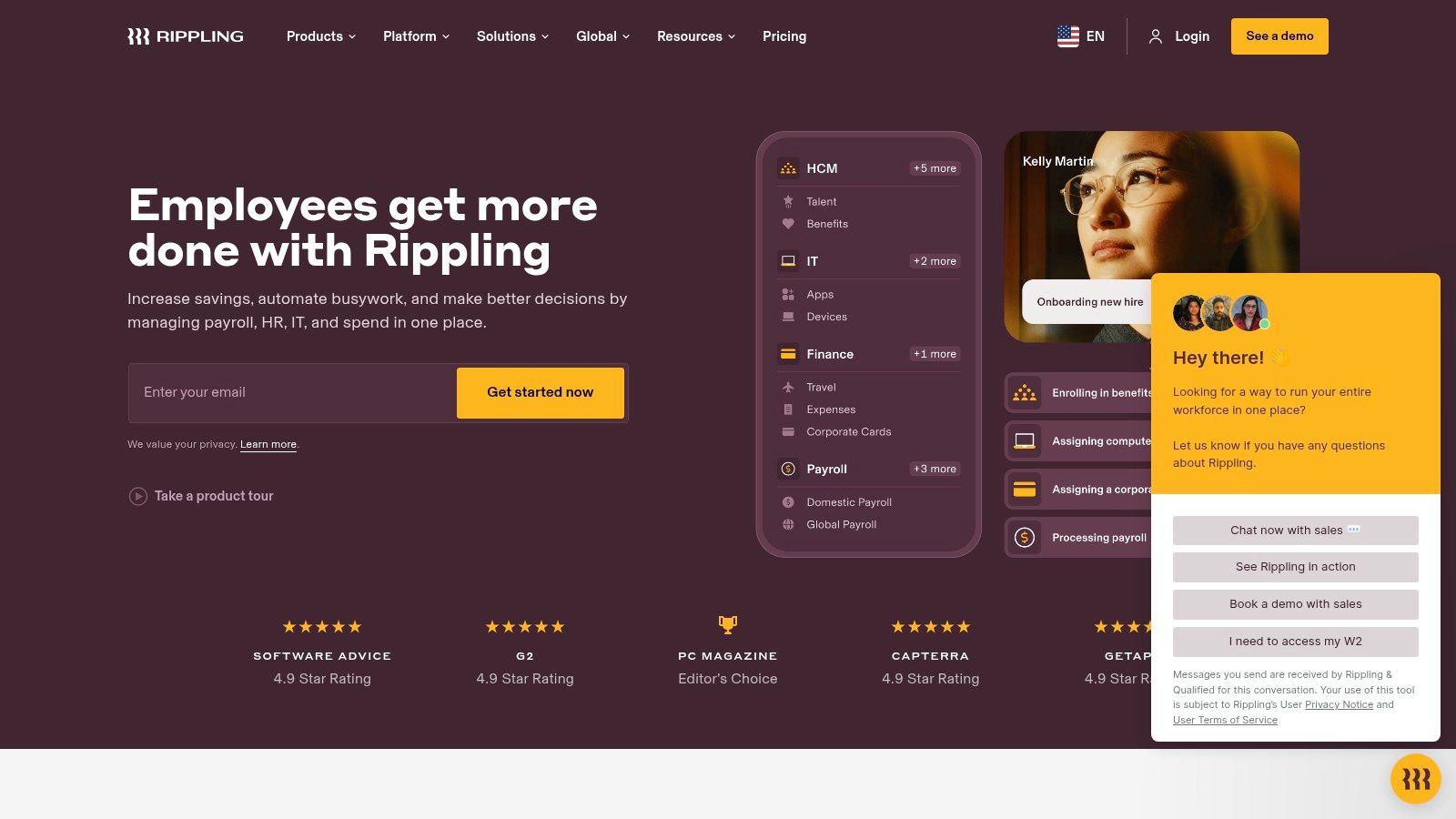
With Rippling, you can create onboarding workflows that automatically handle payroll setup, benefits enrollment, and state tax registration. More uniquely, it extends to IT: you can order a new hire's laptop, provision their software licenses (like Slack, Google Workspace, and Microsoft 365), and add them to the correct distribution lists, all from one place and triggered by the initial hire action.
Key Details & Use Case
- Best For: Small to mid-market companies (50-1000 employees) needing to automate complex, cross-departmental onboarding tasks. It’s a game-changer for businesses with remote employees who require device and app management from day one.
- Pricing: Starts at $8 per user, per month. Its modular structure means you only pay for the HR, IT, and Finance products you need, but you must request a custom quote.
- Time-to-Value: Quick. The ability to complete a new hire's HR and IT setup in minutes delivers immediate ROI by eliminating dozens of hours of manual administrative work.
Pros & Cons
| Pros | Cons |
|---|---|
| Deep HR + IT Automation: A single system to manage people and tech. | Complex Pricing: Modular pricing can be confusing to navigate. |
| Reduces Manual Work: Frees up HR, IT, and finance team resources. | Feature Tiers: Advanced workflows may be limited on lower plans. |
| Excellent for Remote Teams: Simplifies device and app provisioning. |
BizSage Note: For companies already using Rippling for HR, BizSage complements it by providing the new hire with instant, on-demand answers to role-specific questions, filling knowledge gaps not covered by standard onboarding checklists.
Learn more at Rippling's website.
3. BambooHR
BambooHR is a well-known HRIS that shines brightest for small and growing businesses seeking a user-friendly and streamlined onboarding process. It centralizes core HR functions, but its onboarding module is specifically designed to create a welcoming and organized experience for new hires from the moment they sign their offer letter. This makes it one of the best employee onboarding software choices for teams that prioritize simplicity and a positive employee start.
The platform enables you to build custom new-hire packets with welcome messages, videos, and company info that can be sent out before day one. It automates task assignments and checklists for everyone involved, from IT to the hiring manager, ensuring no detail is missed. Key features like e-signatures for essential documents, easy form completion, and seamless integration with its own Applicant Tracking System (ATS) remove friction and administrative headaches.
Key Details & Use Case
- Best For: Small to mid-sized businesses (25-500 employees) that need a core HR system with strong, easy-to-use onboarding capabilities without the complexity of an enterprise-level platform.
- Pricing: Custom quote-based. Pricing is structured in two main tiers: Essentials and Advantage. The Advantage plan includes the more robust onboarding features.
- Time-to-Value: High. The intuitive interface and pre-built templates allow HR managers to set up and launch their onboarding workflows very quickly, often within a few days.
Pros & Cons
| Pros | Cons |
|---|---|
| Easy to roll out with a strong UX: A clean, intuitive interface. | Quote-based Pricing: No transparent pricing, requires a sales call. |
| Robust templates and e-sign flow: Simplifies paperwork management. | Advanced Features Tiered: Some key features are in the higher plan. |
| Marketplace for compliance add-ons: Extends functionality as needed. |
BizSage Note: While BambooHR manages the procedural side of onboarding, BizSage enhances the experience by giving new hires a 24/7 resource to ask role-specific questions, find project details, and access undocumented team knowledge instantly.
Learn more at BambooHR's website.
4. Gusto
Gusto is a payroll-first platform that excels at simplifying the financial and compliance-related aspects of hiring for US-based small businesses. While not a dedicated onboarding suite, its tools are deeply integrated into the payroll process, making it one of the best employee onboarding software choices for startups and small teams that prioritize getting new hires paid correctly and compliantly from day one. It streamlines essential paperwork and ensures a smooth start.
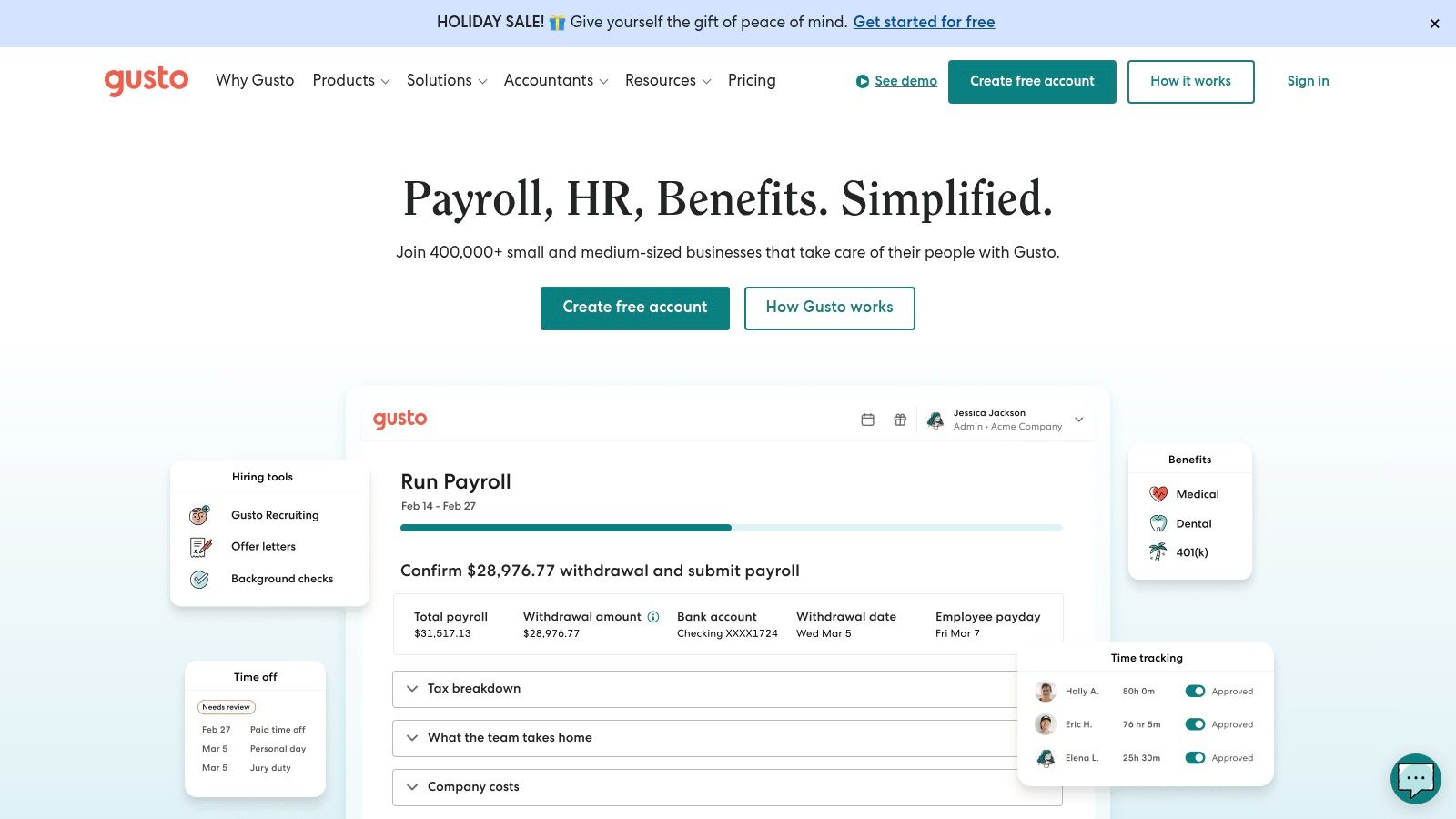
The platform guides new employees through a self-service flow to complete W-4 and I-9 forms, set up direct deposit, and enroll in benefits. Gusto handles federal and state tax registration, reducing a significant administrative burden for founders and small HR teams. Its optional Gusto Global EOR (Employer of Record) service also provides a straightforward path for hiring internationally without establishing a local entity.
Key Details & Use Case
- Best For: US-based startups and small businesses (under 50 employees) who need a simple, payroll-centric onboarding solution that covers the absolute essentials of tax, compliance, and payments.
- Pricing: Core plan starts at $40 per month base fee plus $6 per person, per month. More advanced plans add features like time tracking and HR support.
- Time-to-Value: Very fast. New hire setup is part of the first payroll run, providing immediate value by ensuring accurate and compliant payment from the first paycheck.
Pros & Cons
| Pros | Cons |
|---|---|
| Excellent Payroll Integration: Onboarding flows directly into payroll. | Limited Onboarding Depth: Lacks advanced features like training or IT provisioning. |
| Simple, Self-Serve Setup: Easy for new hires to complete tasks. | US-Centric: Core platform is designed primarily for US employment laws. |
| Strong Compliance Focus: Manages state tax registration and forms. | Guidance-Based E-Verify: E-Verify support is not fully native within the platform. |
BizSage Note: While Gusto handles the critical payroll and compliance onboarding, BizSage can be deployed alongside it to provide new hires with instant access to company policies, role-specific FAQs, and procedural knowledge, ensuring they are productive and informed beyond their initial paperwork.
Learn more at Gusto's website.
5. Deel
Deel excels at simplifying the complexities of hiring and onboarding a global workforce. While many platforms handle domestic onboarding, Deel is purpose-built for companies with distributed teams, offering a powerful combination of Employer of Record (EOR) services, multi-currency payroll, and localized compliance support across 150+ countries. This makes it one of the best employee onboarding software options for businesses scaling internationally.
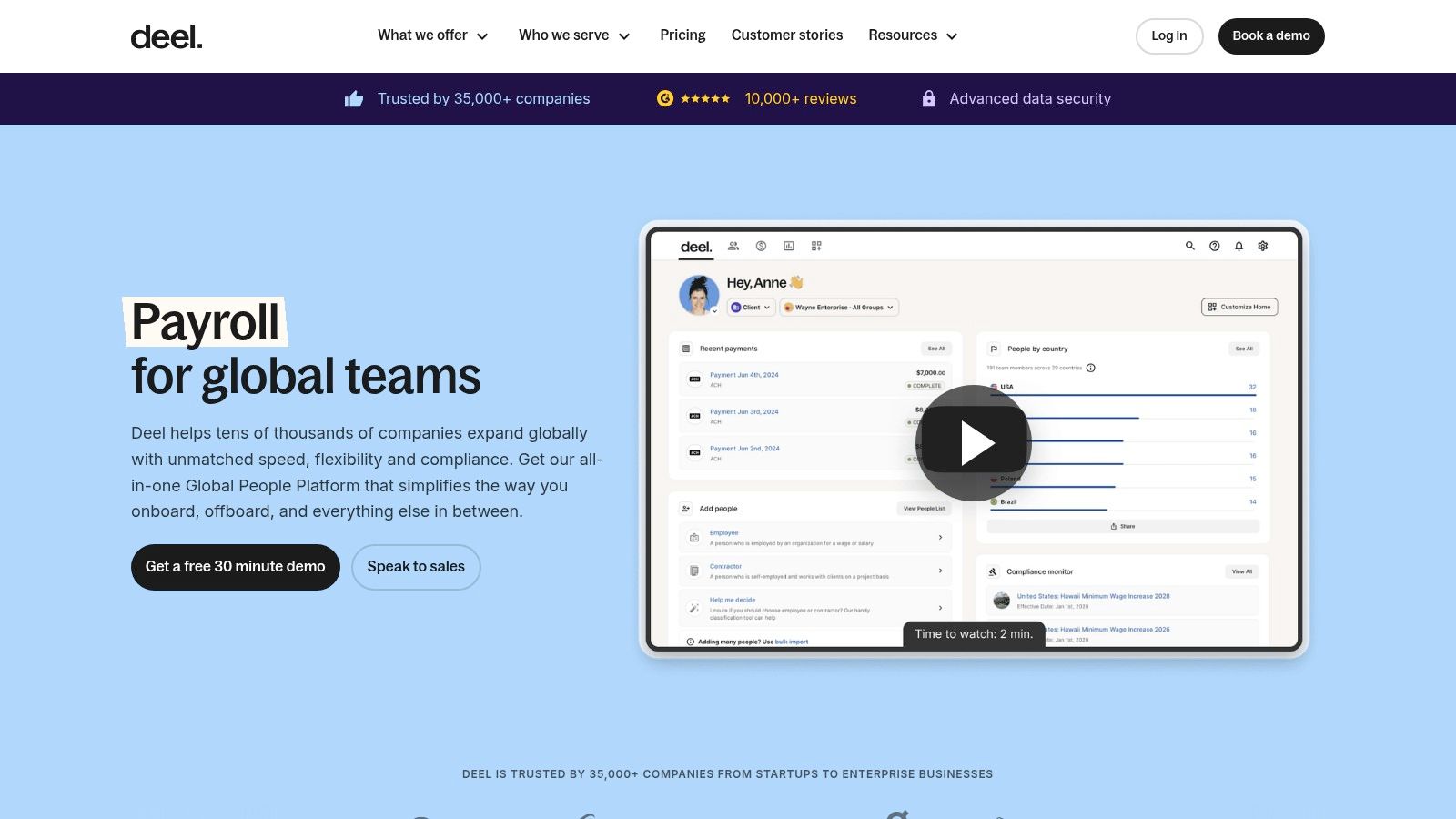
The platform’s workflow builder allows you to create customized onboarding checklists that automatically adapt based on a new hire's location and contract type. It integrates natively with top Applicant Tracking Systems (ATS) like Greenhouse and Lever to create a seamless handoff from recruitment to onboarding. Furthermore, Deel supports IT equipment provisioning and offers a Slack plugin to keep new hires engaged and track their progress from day one.
Key Details & Use Case
- Best For: Global startups and remote-first companies that need to hire, onboard, and pay employees or contractors in multiple countries while ensuring full legal compliance.
- Pricing: Deel offers multiple products. EOR services start at $599 per employee, per month. Contractor management starts at $29 per contractor, per month. A custom quote is required for Deel HR.
- Time-to-Value: High. The ability to compliantly hire and onboard an international employee in days instead of weeks or months provides immediate strategic value and operational efficiency.
Pros & Cons
| Pros | Cons |
|---|---|
| Strong for International Onboarding: Simplifies global compliance. | Pricing Varies: Costs depend heavily on the products and services used. |
| Centralized Global Operations: Manages payroll and HR across countries. | EOR Costs Can Be High: Can become expensive for large numbers of EOR employees. |
| App Ecosystem & Integrations: Connects with key tools like ATS and Slack. |
BizSage Note: While Deel manages the complex legal and financial aspects of global onboarding, BizSage can provide your international hires with immediate, consistent access to company-specific knowledge and processes, ensuring they feel connected to your culture and can contribute quickly, regardless of their time zone.
Learn more at Deel's website.
6. Greenhouse Onboarding
For companies already using Greenhouse Recruiting, the Greenhouse Onboarding add-on creates a seamless transition from candidate to new hire. It excels at extending the positive candidate experience into a structured pre-boarding and first-day journey. By connecting the recruiting handoff directly to onboarding tasks, it ensures no momentum is lost and new employees feel engaged from the moment they accept their offer.
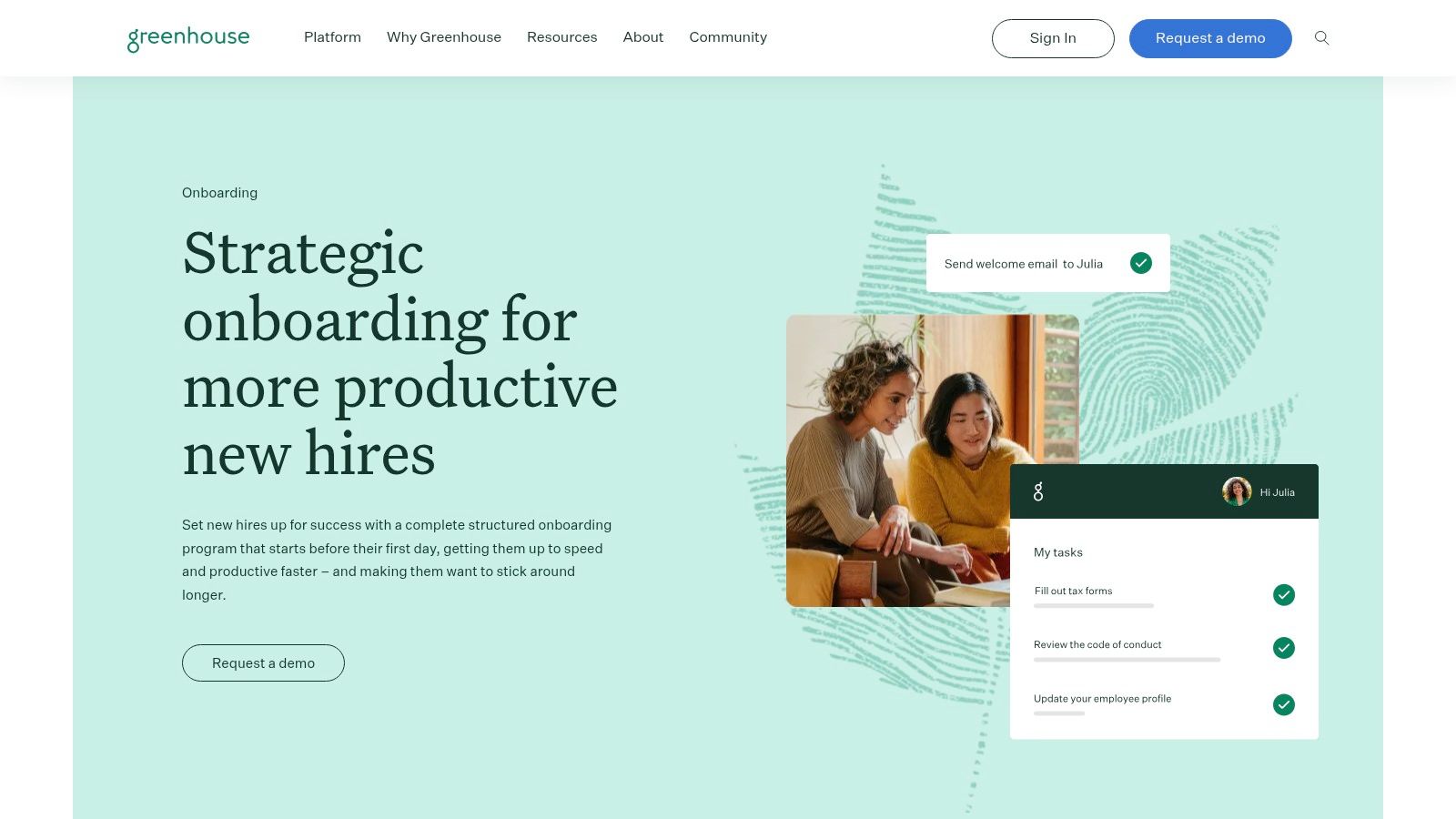
The platform automates critical administrative steps with rule-based task assignments, welcome emails, and feedback surveys. It includes e-signature capabilities powered by Dropbox Sign for essential paperwork and provides clear dashboards for managers and HR to track progress. This focus on structured communication and task management makes it one of the best employee onboarding software solutions for organizations invested in the Greenhouse ecosystem.
Key Details & Use Case
- Best For: Companies of all sizes that are existing Greenhouse Recruiting customers and want to create a unified, branded experience from applicant to employee.
- Pricing: Available as an add-on to a Greenhouse Recruiting subscription. Pricing is custom and quote-based, so you must contact their sales team.
- Time-to-Value: High for existing Greenhouse users. The native integration eliminates data transfer issues and allows for immediate workflow creation, turning accepted offers into structured onboarding plans instantly.
Pros & Cons
| Pros | Cons |
|---|---|
| Seamless Handoff from Recruiting: Creates a cohesive journey. | Best Value in Greenhouse Ecosystem: Less practical as a standalone tool. |
| Strong Task Automation: Powerful rules engine for assigning work. | Requires Integrations: Lacks native payroll or core HRIS functionality. |
| Clear Stakeholder Visibility: Keeps managers and HR in the loop. | Quote-Based Pricing: Lacks transparent, upfront cost information. |
BizSage Note: While Greenhouse manages the structured tasks and paperwork, BizSage can serve as the new hire’s "digital mentor." It provides instant, contextual answers about company culture, team-specific processes, and tool usage, enriching the onboarding experience beyond the checklist.
Learn more at Greenhouse's website.
7. Enboarder
Enboarder is an experience-driven platform designed to transform onboarding from a transactional process into an engaging human journey. It focuses on communication and connection, using personalized workflows to guide new hires, managers, and stakeholders from the moment an offer is signed. This makes it one of the best employee onboarding software options for companies looking to reduce early attrition and foster a strong sense of belonging from day one.
Unlike traditional HRIS systems that focus on paperwork, Enboarder uses a journey builder to create automated communication sequences, or "nudges," via SMS and email. These workflows can be used for pre-boarding, manager coaching, and even broader employee lifecycle moments like promotions or parental leave. Its dashboard provides insights into engagement levels, helping HR teams identify and address potential issues before they lead to turnover.
Key Details & Use Case
- Best For: Mid-market to enterprise companies focused on maximizing new hire engagement and retention. It excels in organizations that want to ensure managers are actively involved and coached through the onboarding process.
- Pricing: Pricing is customized based on company size and needs. The US compliance add-on for I-9 and E-Verify is an additional cost. A custom quote is required.
- Time-to-Value: High. The impact on new hire experience and engagement is felt immediately, helping to validate a new employee's decision to join the company and reducing early-stage churn.
Pros & Cons
| Pros | Cons |
|---|---|
| Excellent for Engagement: Reduces early churn through communication. | Custom Pricing: Lack of transparency can make budgeting difficult. |
| Scales Beyond Onboarding: Manages various employee lifecycle moments. | Not a Full HRIS: Requires integration with a core HR/payroll system. |
| Flexible Integrations: Connects with over 85+ HR tech platforms. |
BizSage Note: Enboarder is fantastic for managing the human side of onboarding. BizSage can be integrated into its workflows to provide the new hire with an AI-powered buddy that answers their specific, "how do I do this?" questions 24/7, accelerating their ramp-up time.
Learn more at Enboarder's website.
8. ADP Onboarding for ADP Workforce Now
For businesses already embedded in the ADP ecosystem, the ADP Onboarding module for ADP Workforce Now is a powerful and logical extension. It streamlines new hire processes by tightly integrating with payroll and core HR functions, eliminating redundant data entry and creating a unified employee record from day one. This makes it an excellent choice for organizations looking to simplify their tech stack and leverage an existing, trusted vendor.
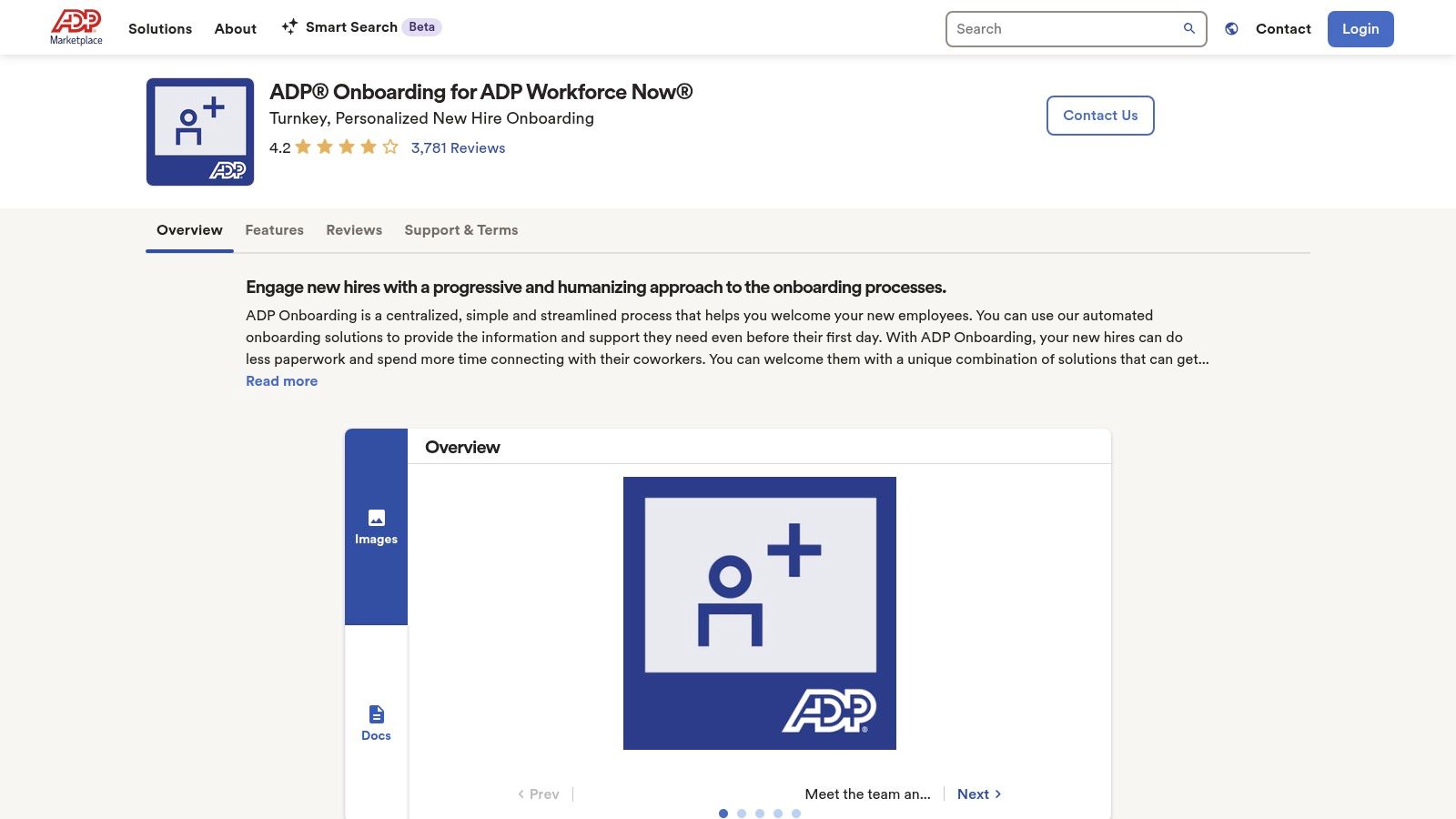
The platform focuses on creating a seamless, mobile-first experience for new hires, allowing them to complete critical paperwork like I-9 forms directly within the system, with built-in E-Verify capabilities. Manager tools, such as checklists and welcome message templates, help ensure consistency and engagement. Personalized onboarding portals and dynamic templates allow for a tailored experience without the administrative burden of starting from scratch for every new employee.
Key Details & Use Case
- Best For: Companies of any size that are current ADP Workforce Now customers and want to add a fully integrated onboarding solution without introducing a new platform.
- Pricing: Available in the ADP Marketplace, often with simple per-employee billing. A custom quote is required as pricing depends on your existing ADP package.
- Time-to-Value: High. The native integration means data flows instantly to payroll and HR profiles, immediately reducing administrative workload and the risk of data entry errors.
Pros & Cons
| Pros | Cons |
|---|---|
| Seamless ADP Integration: Eliminates duplicate data entry. | Requires ADP Workforce Now: Not a standalone or portable solution. |
| Built-in Compliance: Includes integrated I-9 and E-Verify tools. | Dependent on ADP Modules: Feature depth can vary based on your plan. |
| Mobile-First Experience: Accessible for new hires on any device. |
BizSage Note: While ADP handles the critical HR compliance and payroll setup, BizSage can be deployed alongside it to provide new hires with an intelligent, conversational knowledge base for all their role-specific questions about company processes, tools, and culture.
Learn more at ADP's website.
9. Workday
Workday offers an enterprise-grade Human Capital Management (HCM) suite where onboarding is a deeply integrated component of its broader talent management system. It excels at delivering personalized, guided experiences for new hires in large, complex organizations. Instead of just a checklist, Workday provides "Journeys," which are role- and moment-based workflows that guide employees through their entire lifecycle, starting from day one. This makes it an excellent choice for global enterprises managing diverse hiring needs.
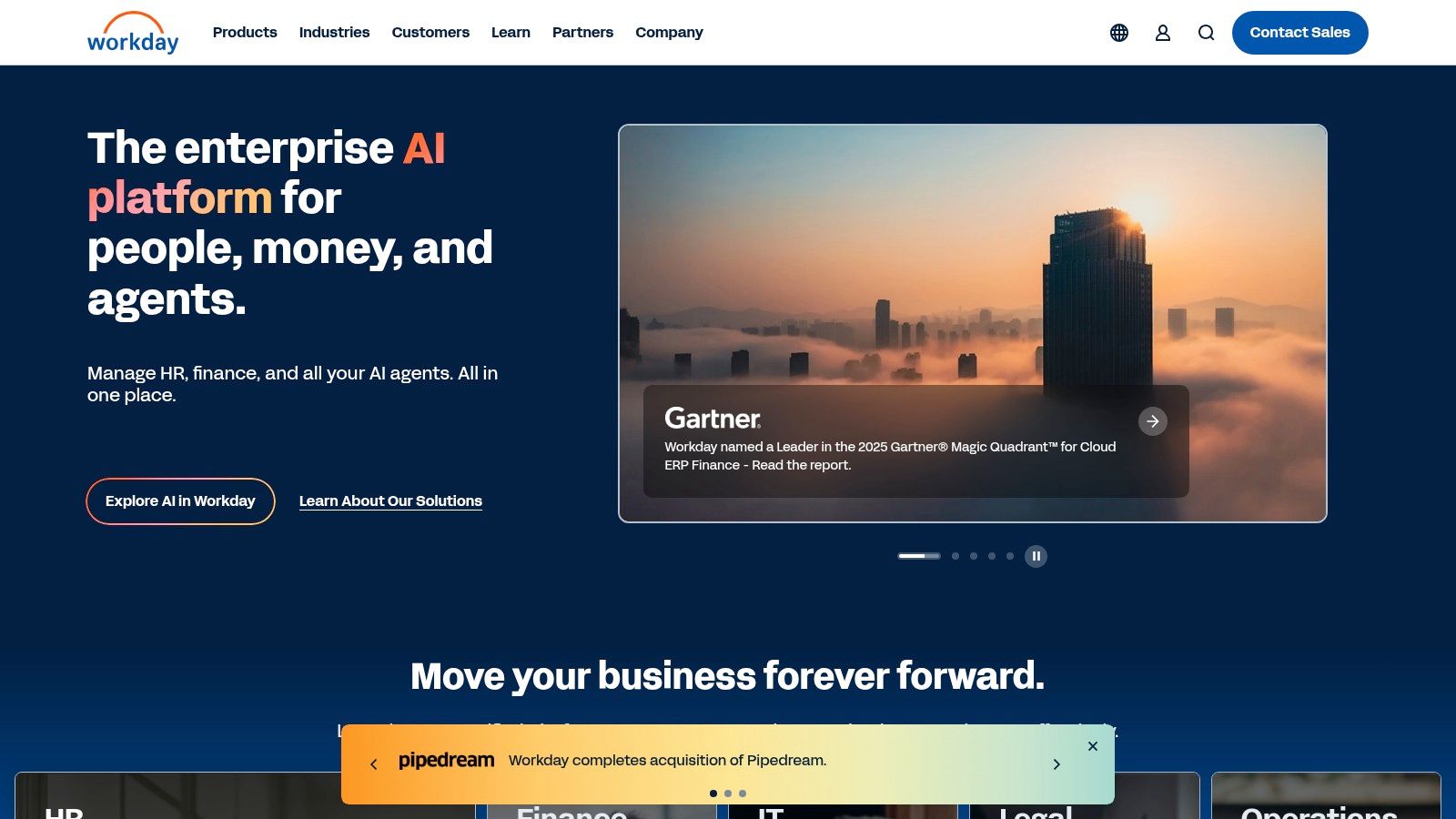
The platform’s strength lies in its scalability and customization capabilities. With Workday Extend, organizations can build custom onboarding applications and integrations tailored to their unique processes. Mobile self-service tools ensure new hires can complete tasks and access information from any device, creating a seamless experience. This level of extensibility and power solidifies its place as one of the best employee onboarding software solutions for large-scale operations and scenarios like mergers and acquisitions.
Key Details & Use Case
- Best For: Large enterprises and global corporations that need a unified HCM system with powerful, customizable onboarding workflows that can scale across different countries and business units.
- Pricing: Enterprise-level custom pricing only. Expect a significant investment and a longer sales cycle, typical for platforms of this scale.
- Time-to-Value: Long. Implementation is a major project requiring significant internal resources and planning, but it delivers deep, long-term value by unifying all HR functions.
Pros & Cons
| Pros | Cons |
|---|---|
| Deep Enterprise Capabilities: Comprehensive HCM and talent suite. | Complex & Expensive: Pricing and sales cycle are geared for enterprise. |
| Highly Customizable: Build custom apps and workflows with Extend. | Overkill for SMBs: Far too robust and costly for small businesses. |
| Proven at Scale: Trusted by the world's largest organizations. |
BizSage Note: For companies using Workday, BizSage can act as a new hire's "first friend," providing instant, conversational answers to the specific questions that fall outside of Workday's structured Journeys, such as "Who is the best person to ask about our marketing tech stack?"
Learn more at Workday's website.
10. SAP SuccessFactors Onboarding
SAP SuccessFactors Onboarding is a comprehensive solution designed for large enterprises, especially those already integrated into the SAP ecosystem. It goes beyond standard new hire processes to manage cross-boarding (internal transfers) and offboarding within a single, unified framework. Its primary strength lies in its native integration with SAP SuccessFactors Employee Central, ensuring seamless data flow and a cohesive administrative experience across the entire employee lifecycle.
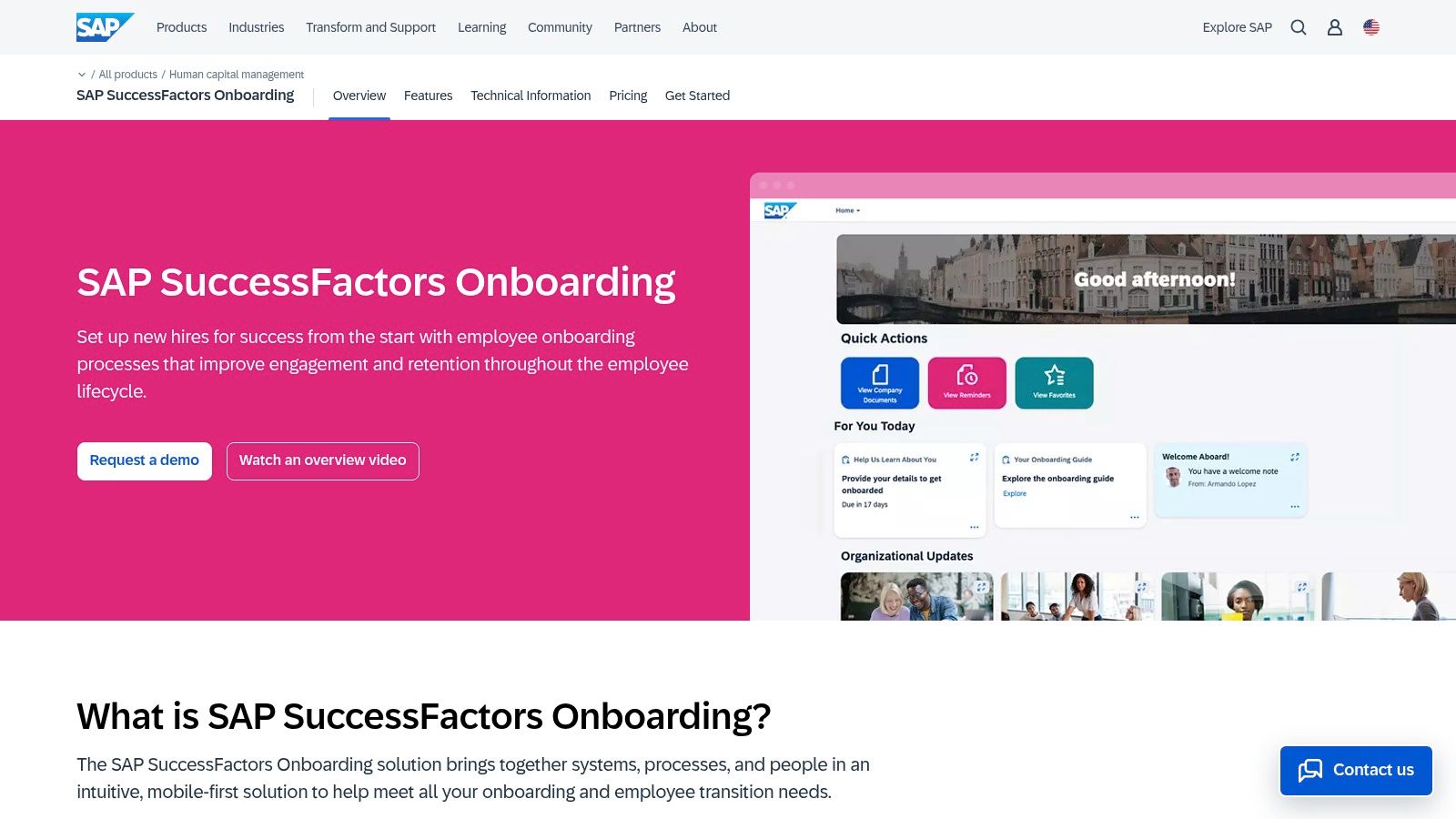
The platform provides robust automation, role-based tasking, and detailed dashboards to track progress. Leveraging SAP's modern Fiori user experience, it offers a mobile-first, consumer-grade interface for new hires, managers, and HR teams. This focus on a consistent UX across the broader HCM suite makes it one of the best employee onboarding software choices for global organizations seeking to streamline complex transitions and maintain data integrity.
Key Details & Use Case
- Best For: Large, global enterprises already using the SAP SuccessFactors HCM suite who need a powerful, integrated solution for onboarding, cross-boarding, and offboarding.
- Pricing: Enterprise-level custom pricing. Requires a custom quote based on company size, modules selected, and specific implementation needs.
- Time-to-Value: Longer. As an enterprise solution, implementation is more involved and requires careful planning to align with existing SAP configurations, but the long-term value comes from deep system-wide integration.
Pros & Cons
| Pros | Cons |
|---|---|
| Cohesive with SAP HCM Suite: Native integration eliminates data silos. | High Cost of Entry: Primarily suited for large enterprise budgets. |
| Manages All Transitions: Handles onboarding, cross-boarding, and offboarding. | Ecosystem Lock-in: Delivers maximum value only for existing SAP customers. |
| Consistent User Experience: Modern Fiori UI aligns with other SAP modules. | Complex Implementation: Not a plug-and-play solution for smaller teams. |
BizSage Note: For companies using SuccessFactors, BizSage can act as an intelligent knowledge layer. While SuccessFactors manages the procedural workflow, BizSage provides new hires with instant, conversational access to the deep company and role-specific knowledge needed to become productive faster.
Learn more at SAP's website.
11. G2 (Onboarding Software category)
While not a software solution itself, G2’s Onboarding Software category is an indispensable research hub for any team evaluating their options. It’s a peer-review platform that aggregates thousands of verified user reviews, data points, and real-world feedback, allowing you to compare the best employee onboarding software solutions side-by-side. Instead of relying solely on vendor marketing, G2 gives you a crowd-sourced perspective on what it’s actually like to use each tool.
You can filter software by company size, industry, or specific features to narrow down your search. Its signature Grid® Reports visualize market leaders, contenders, and niche players based on user satisfaction and market presence. This allows you to quickly create a shortlist of platforms to demo, armed with insights into their strengths and weaknesses from actual users.
Key Details & Use Case
- Best For: Any business in the research and evaluation phase. It is especially useful for creating a data-backed shortlist of onboarding tools and validating claims made by vendors.
- Pricing: Free to browse reviews and compare software. Vendors pay for premium profiles and marketing features.
- Time-to-Value: Immediate. You can start comparing vendors and reading reviews in minutes, saving hours of independent research and potentially preventing a poor purchasing decision.
Pros & Cons
| Pros | Cons |
|---|---|
| Real-World Feedback: Access to thousands of verified user reviews. | Pay-to-Play Influence: Vendor visibility can be influenced by ad spend. |
| Efficient Vendor Comparison: Grid Reports simplify market analysis. | Review Quality Varies: Some reviews are less detailed than others. |
| Discover Niche Tools: Helps uncover emerging or specialized software. | Requires Validation: Information should be confirmed with a live demo. |
BizSage Note: After using G2 to shortlist your primary onboarding platform, consider how BizSage can fill the gaps. While your chosen software handles checklists and paperwork, BizSage provides the continuous, on-demand knowledge new hires need to become truly productive in their roles.
Learn more at G2's Onboarding Software category.
12. Capterra (Onboarding Software Directory)
Instead of being a single solution, Capterra is a comprehensive software directory that serves as an invaluable research starting point. It offers extensive listings, user ratings, and feature filters to help businesses evaluate dozens of the best employee onboarding software options. This meta-tool is perfect for teams in the initial discovery phase who need to survey the market landscape quickly and identify a shortlist of vendors that match their specific requirements.
Capterra allows you to filter solutions by critical features like e-signatures, compliance management, and self-service portals. You can also compare up to four products side-by-side, giving you a clear overview of how different platforms stack up on features, pricing models, and user ratings. This makes it an efficient way to move from a broad search to a targeted evaluation.
Key Details & Use Case
- Best For: Any business, particularly small to mid-sized companies, at the beginning of their software search. It's ideal for creating a shortlist of vendors based on must-have features and real user reviews before scheduling demos.
- Pricing: Free to use for research. Pricing for individual software vendors listed on the site varies and must be verified directly with them.
- Time-to-Value: Immediate. Users can build a qualified list of potential software partners in under an hour, dramatically speeding up the initial research phase of the procurement process.
Pros & Cons
| Pros | Cons |
|---|---|
| Wide Market Coverage: See beyond top brands to find niche tools. | Review Quality Varies: Some reviews lack depth or may be biased. |
| Useful Feature Filters: Quickly narrow down options by need. | Inconsistent Pricing Info: Many listings lack transparent pricing details. |
| Direct Path to Vendors: Easy access to vendor websites and trials. |
BizSage Note: After using a directory like Capterra to select an onboarding tool for structured tasks, BizSage can be deployed to handle the unstructured, "what-if" questions new hires have, providing instant answers and reducing the burden on managers and HR.
Learn more at Capterra's website.
Top 12 Employee Onboarding Software Comparison
| Product | Core features | UX & Reliability | Price / Value | Target audience | Unique selling points |
|---|---|---|---|---|---|
| BizSage 🏆 | On‑brand AI agent; no‑code training from sites/files/YouTube; embeds & custom domains; auto‑recrawl | ★★★★☆ • cites sources; says “I don’t know” when unsure | 💰 Free → $149/mo (company tiers); unlimited users | 👥 SMBs, startups, agencies, internal teams | ✨ Brand‑aligned voice, source visibility, honest failures, easy no‑code deploy |
| Rippling | HR + IT + finance automation: onboarding, device & app provisioning, payroll | ★★★★☆ • deep automation across teams | 💰 Quote‑based, modular pricing | 👥 SMB → mid‑market needing IT automation | ✨ Unified HR+IT workflows, device/app provisioning |
| BambooHR | New‑hire packets, e‑sign, checklists, doc storage, marketplace add‑ons | ★★★★☆ • clean UX for small teams | 💰 Quote for larger orgs; SMB plans | 👥 Small teams / growing SMBs | ✨ Strong onboarding templates, e‑sign flow, easy rollout |
| Gusto | Payroll + onboarding checklists, e‑sign, state tax registration, EOR option | ★★★★☆ • payroll‑centric, simple setup | 💰 Transparent tiers + payroll fees | 👥 Startups & small US businesses | ✨ Best‑in‑class payroll integration, compliance guidance |
| Deel | Global EOR, multi‑currency payroll, ATS integrations, Slack onboarding plugin | ★★★★☆ • focused on global compliance | 💰 Varies by product; EOR costs can be high | 👥 Distributed teams hiring internationally | ✨ Global EOR & payroll across 150+ countries |
| Greenhouse Onboarding | Pre‑boarding, automated tasks, Dropbox Sign e‑sign, reporting | ★★★★☆ • smooth when paired with Greenhouse Recruiting | 💰 Quote‑based; best value inside Greenhouse ecosystem | 👥 Teams already using Greenhouse Recruiting | ✨ Seamless recruiting→onboarding handoff, strong templates |
| Enboarder | Journey builder, personalized nudges, dashboards, 85+ integrations | ★★★★☆ • engagement‑first, reduces churn | 💰 Custom pricing; add‑ons available | 👥 Companies prioritizing new‑hire experience & retention | ✨ Experience‑driven journeys, lifecycle automation |
| ADP Onboarding (WFN) | Dynamic templates, in‑flow I‑9 & E‑Verify, manager checklists, mobile | ★★★★☆ • tightly integrated with ADP payroll | 💰 Per‑employee marketplace pricing | 👥 ADP Workforce Now customers | ✨ Native ADP integration, mobile‑first onboarding |
| Workday | Personalized flows, Workday Journeys, Workday Extend for custom apps | ★★★★★ • enterprise‑grade, highly extensible | 💰 Custom enterprise pricing | 👥 Large enterprises & global organizations | ✨ Deep HCM integration and extensibility at scale |
| SAP SuccessFactors Onboarding | End‑to‑end onboarding & transitions, native Employee Central integration, Fiori UX | ★★★★★ • enterprise solution within SAP landscape | 💰 Enterprise pricing (custom) | 👥 SAP customers and large enterprises | ✨ Native SAP integration, cohesive admin across programs |
| G2 (Onboarding category) | Category rankings, review aggregation, Grid reports, vendor comparisons | ★★★★☆ • broad user feedback; quality varies | 💰 Free to browse (vendors pay) | 👥 Buyers researching & shortlisting vendors | ✨ Large review volume, comparative Grid insights |
| Capterra (Onboarding directory) | Extensive listings, feature filters, side‑by‑side compares, buyer resources | ★★★★☆ • wide market coverage; review quality varies | 💰 Free directory | 👥 Buyers comparing many vendors quickly | ✨ Comprehensive directory and feature filters for fast shortlists |
Making Your Final Choice: A Practical Guide to Selecting Your Onboarding Software
Navigating the landscape of the best employee onboarding software can feel like a significant undertaking, but the right choice can revolutionize your new hire experience. We've explored a range of powerful tools, from comprehensive HRIS platforms like BambooHR and Rippling to specialized experience-driven solutions like Enboarder. Your journey now shifts from exploration to evaluation, and making the right decision hinges on a clear understanding of your unique business needs.
Remember, the goal isn't just to find a feature-rich platform; it's to find the platform that solves your most pressing onboarding challenges. The perfect software for a global enterprise like Workday or SAP SuccessFactors is likely overkill for a nimble startup that could thrive with Gusto or Deel. The key is to match the tool's core strengths to your company's specific stage and priorities.
A Framework for Your Final Decision
To cut through the noise and make a confident choice, focus your evaluation on three critical pillars. Answering these questions will illuminate the best path forward for your organization.
-
Your Current Tech Stack & Integrations: How will this new tool fit into your existing ecosystem? If you're deeply embedded with ADP or have built your processes around Greenhouse for recruiting, their native onboarding modules offer seamless data flow and a unified user experience. Prioritize software that offers robust, pre-built integrations with your essential systems (like your payroll, ATS, and IT management tools) to avoid creating data silos and manual workarounds.
-
Your Most Significant Onboarding Pain Point: What specific problem are you trying to solve? If your primary bottleneck is administrative overload and paperwork, a tool with strong automation and e-signature capabilities is essential. If new hires feel disconnected and overwhelmed, a platform like Enboarder that focuses on communication journeys and engagement is a better fit. Be brutally honest about where your current process fails, and select a tool designed to fix that exact issue.
-
Your Company's Growth Trajectory: Where will your company be in two to five years? A small business might be perfectly served by a straightforward solution today, but if you're planning rapid international expansion, you'll need a platform like Deel that excels in global compliance and payroll. Choosing a scalable solution now prevents the significant disruption of migrating systems down the line. Think about future needs like performance management, employee engagement surveys, and learning management systems (LMS) that a more comprehensive platform could support.
The Role of On-Demand Knowledge and AI
One recurring theme for new hires is the overwhelming need for information. They have endless questions about benefits, IT setup, company policies, and cultural norms. While your core onboarding software manages workflows, it doesn't always provide instant answers.
This is where a complementary tool like BizSage becomes a game-changer. By creating an AI-powered knowledge base, you can provide new hires with a 24/7 "HR assistant" that answers their questions instantly. This not only empowers your new employees to self-serve but also frees up your HR and IT teams from answering the same repetitive questions, allowing them to focus on more strategic, high-value onboarding activities. Integrating such a tool can significantly reduce new hire anxiety and accelerate their time to productivity.
Your Implementation Checklist
Once you've made your selection, a thoughtful implementation plan is crucial for success.
- Define Clear Ownership: Designate a project lead who is responsible for the entire implementation process.
- Run a Pilot Program: Before a company-wide rollout, test the software with a small, diverse group of new hires and managers.
- Gather Feedback: Actively solicit feedback from your pilot group. What worked? What was confusing? Use this input to refine your workflows and communication templates.
- Train Your Team: Ensure managers, HR staff, and IT personnel are fully trained on how to use the platform effectively.
- Measure Your Success: Define key metrics to track, such as time-to-productivity, new hire satisfaction scores (eNPS), and first-year retention rates.
The best employee onboarding software is more than an administrative tool; it's a strategic investment in your talent. It’s your first and best opportunity to show new employees that you are organized, supportive, and invested in their success. By choosing a solution that aligns with your culture and operational needs, you lay the foundation for a more engaged, productive, and loyal workforce from day one.
Ready to eliminate repetitive new hire questions and provide instant, 24/7 support? BizSage transforms your company handbooks, policies, and internal documents into an intelligent AI assistant, empowering new employees to find the answers they need, exactly when they need them. See how you can enhance your onboarding experience by visiting BizSage today.