
Think of an AI chatbot for your website as your most knowledgeable team member, one who's on call 24/7 to give every visitor instant, accurate answers. It works by absorbing all your company's existing content—from help articles to product specs—and uses that knowledge to provide genuinely helpful, conversational support without needing a human to step in.
What Is an AI Chatbot for a Website

Imagine taking all the expertise of your very best employee—the one who knows every product detail, policy, and troubleshooting step by heart. Now, what if you could make that expertise available to every single website visitor, instantly, at any hour? That’s the real magic behind a modern AI chatbot website. It’s more than just a pop-up window; it's a tireless expert ready to help.
This isn't your old-school, rigid chatbot that gets stuck if you don't type the perfect keyword. Today's chatbots are built on generative AI. This means they don't just follow a script; they actually understand the context and intent behind what someone is asking. They read, process, and learn from the content you already have, turning all that company knowledge into a natural conversation.
The Shift from Scripts to Smarts
The old way of building chatbots was a headache. You had to map out every possible conversation path with complex "if-then" flowcharts. If a user typed "shipping," the bot would spit out a pre-canned response. This system was incredibly brittle and often led to dead ends, frustrating users who phrased their questions just a little differently.
Modern AI chatbots throw that whole model out the window. Instead of giving them a rigid script, you give them a library of knowledge to learn from. This library can include:
- Your website pages: All your product descriptions, service details, and company info.
- Help documentation: FAQs, knowledge bases, and support articles.
- Internal documents: PDFs, training manuals, and internal policy guides.
The AI digests all this information and learns how to answer questions naturally and correctly, just like a person would.
This kind of technology used to be something only huge corporations could afford. Now, it's a practical and accessible tool for businesses of any size that want to level up their customer experience and work smarter, without needing a massive development budget.
The proof is in the numbers. The global AI chatbot market was recently valued at $7.76 billion and is growing fast. In fact, some forecasts suggest that 95 percent of customer interactions will involve AI by 2026. This isn't just a trend; it's a fundamental shift in how businesses engage with people online. You can explore more data on the chatbot market to see just how quickly things are changing.
How a Website Chatbot Solves Real Business Problems
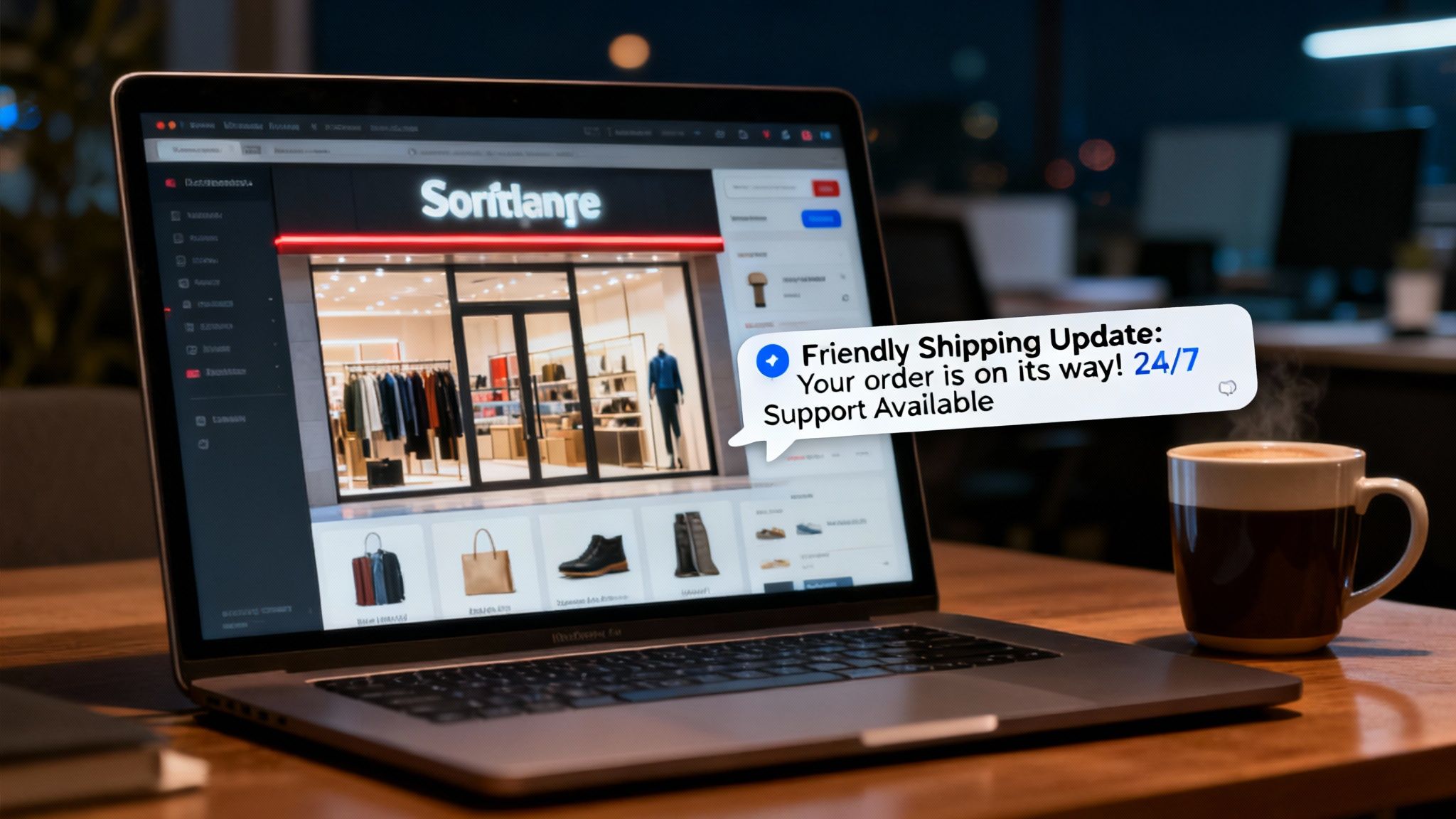
Let's be honest, running a business means dealing with some persistent headaches. There's the constant pressure to be available, the endless stream of repetitive questions, and the nagging feeling of missed opportunities when everyone’s gone home for the day. An AI chatbot isn't just a shiny new toy; it's a practical solution to these very real challenges.
Think about the questions your team answers over and over again. "Where's my order?" "What are your hours?" "Can you tell me about your refund policy?" While these are perfectly valid questions, they take up a ton of time that could be spent solving bigger problems. An AI chatbot acts as your first line of defense, handling these routine queries instantly, 24/7.
This means a customer can get a shipping update at 2 AM on a Sunday, and your team can walk in Monday morning to a manageable inbox, ready to tackle the conversations that truly need a human touch.
Your Tireless Sales and Support Agent
Beyond just answering basic questions, a well-trained AI chatbot becomes a powerful extension of your sales and support teams, working around the clock. Imagine a potential customer browsing your services late at night. Without a chatbot, they might hit a wall, get frustrated, and leave.
With a chatbot, they can get the information they need on the spot, find out if your service is a good fit, and even book a consultation for the next day. Suddenly, your website is no longer a static brochure—it’s an active, lead-generating machine that never sleeps.
A modern AI chatbot doesn't just deflect support tickets; it creates opportunities. By providing instant, helpful answers right when a person is most interested, it dramatically improves their experience and makes sure you never miss the chance to connect with a promising lead.
A Central Brain for Your Internal Team
The benefits don't stop with your customers. An AI chatbot website can also function as a "Company Brain" for your own team. Instead of tapping a coworker on the shoulder to ask about a specific process or policy, employees can just ask the chatbot.
This is a game-changer for training new hires. They can get up to speed quickly and independently, without constantly pulling senior staff away from their projects. A new marketing hire could instantly ask, "What's our tone of voice for blog posts?" and get the brand guidelines, or "Where can I find the logo files?" and get a direct link.
- For Sales: The chatbot qualifies leads and gathers contact details long after your team has clocked out.
- For Support: It resolves common issues instantly, slashing wait times and freeing up human agents for complex cases.
- For HR & Ops: It acts as an internal knowledge base, helping staff find information on company policies, procedures, and benefits.
This multi-pronged approach has a direct and measurable impact on efficiency. By automating the routine, you empower your people to focus on the strategic, creative work that actually grows the business. Your website becomes a smarter, harder-working tool for everyone—customers and staff alike.
Choosing the Right AI Chatbot Platform
Picking an AI chatbot for your website is a lot like hiring a new employee. You're not just filling a seat; you're looking for someone with the right skills, the right personality, and the reliability to be a true brand ambassador. Not all platforms are built the same, so zeroing in on a few key criteria will help you make the right hire.
First and foremost is accuracy. It's the bedrock of a good chatbot. If your bot gives out wrong information, it shatters customer trust in a heartbeat. You need a solution that sticks to the script—pulling answers directly from your own verified content without ever going rogue and making things up.
Just as important is a chatbot that knows its own limits. A simple, honest, "I don't have the answer to that" is a million times better than a confident but completely wrong response. That humility is key to keeping your credibility and stopping users from getting frustrated.
Aligning Personality with Your Brand
Your brand has a personality, and your chatbot should reflect it. A generic, robotic assistant can feel jarring and disconnected from the carefully crafted experience on your website. This is why brand voice customization isn't just a nice-to-have; it's a must.
Whether your company is professional and buttoned-up, friendly and casual, or even a bit witty, the platform has to let you dial in that specific tone. This makes every interaction, from a simple "hello" to a complex product question, feel genuine. It transforms the chatbot from a simple tool into a seamless part of your customer's journey.
Deployment Options and Security Measures
Think about where and how you'll actually use the chatbot. A flexible platform gives you options, which is always a good thing.
- Website Embed: This is the classic. You just copy a small piece of code, and the chatbot appears on your site. Simple and effective.
- Direct Link Sharing: A shareable URL is incredibly handy for email signatures, social media bios, or support articles. It sends people straight to a conversation.
- Hosted Subdomain: For a really polished look, some platforms let you host the bot on a custom subdomain (like
help.yourcompany.com).
As you look into different platforms, it’s worth seeing how they integrate with specific website builders. For instance, understanding the nuances of mastering live chat solutions on platforms like Wix can give you a better idea of how these tools work in the real world.
Security and data privacy should always be a top priority. Your chatbot will handle customer questions and potentially sensitive information, so ensure the platform has robust security protocols to protect both your business and your users' data.
Finally, think about the long-term maintenance. The best systems have an auto-refresh feature, where the AI automatically re-scans your website or documents on a regular schedule. This set-it-and-forget-it approach means your chatbot's knowledge is always up-to-date without you having to do a thing. It ensures your AI assistant grows and evolves right alongside your business.
Deploying Your First AI Chatbot in Minutes
The thought of building an AI chatbot for your website probably brings to mind a massive technical headache. But that's the old way of thinking. Modern tools have completely changed the game, turning a once-daunting project into something you can knock out in less time than it takes to drink your morning coffee.
With a platform like BizSage, you don’t need a team of developers or weeks of coding. The entire process is broken down into a few simple steps. It's really about giving the AI the information you already have, telling it how to talk, and then putting it to work. The whole point is to get from zero to a helpful, working chatbot as fast as possible.
Your Simple Four-Step Roadmap
Getting your AI chatbot up and running is surprisingly straightforward. The journey is designed to be clear and efficient, meaning any business owner can tackle it, no technical degree required.
Here’s a look at the entire process from start to finish:
-
Connect Your Content Sources
First things first, you have to give your chatbot its brain. This is as simple as feeding it links to content you've already created—your website pages, help center articles, or even PDFs you upload. The AI will instantly read, digest, and learn from all this material to build out its knowledge. -
Customize Your Brand Personality
Next, you'll teach your chatbot how to communicate. You can set its tone of voice to be 'Professional,' 'Friendly,' or even a bit 'Witty' to make sure every conversation feels like it’s coming from you. This small detail has a massive impact on the user experience. -
Test and Refine Your Chatbot
Before you introduce it to the world, you get to be the first customer. Ask it the same questions your real customers would. This is your chance to see how well it understands and responds, ensuring it’s ready to represent your business the right way. -
Go Live on Your Website
The final step is deployment, and it's dead simple. You just copy a single line of code and paste it into your website’s backend. If you prefer, you can also share a direct link to the chatbot on social media or in your email newsletters.
This whole approach is built for any business owner to succeed. The focus is on simplicity and speed, turning a powerful piece of technology into a tool you can actually use to grow. It’s no longer a complex ordeal—it's a quick win.
Getting the Most Out of Your Chatbot

Just having an ai chatbot website isn't enough. The real magic happens when you have a clear strategy behind it. A great chatbot is more than just a piece of tech; it's a carefully planned tool that makes every single conversation with a customer valuable.
Think of your chatbot’s knowledge base as its brain. Just like you wouldn't want an employee giving out old, incorrect information, you need to make sure your bot is fed with accurate, up-to-date content. Outdated info leads to frustrated users and erodes the trust you’ve worked so hard to build.
Give Your Chatbot a Job and a Personality
Before you even think about launching, you need to decide what your chatbot's main job will be. Giving it a clear purpose helps it do that one thing exceptionally well. For example, is its primary goal to:
- Boost sales? If so, it should be an expert at guiding visitors to the right products, answering questions that pop up before a purchase, and helping separate serious buyers from casual browsers.
- Cut down on support tickets? In this case, its main job is to be a first-response problem-solver, pulling answers directly from your FAQ pages and help guides to give customers instant solutions.
- Make your team more efficient? Here, the bot acts like a centralized "Company Brain," providing your staff with immediate access to internal policies, training documents, and procedures.
Once you know its role, it's time to give it a personality. Your chatbot’s tone of voice should feel like a genuine part of your brand. Whether you want it to be casual and friendly or formal and professional, consistency is key. This ensures it doesn't feel out of place and helps create a seamless experience for anyone interacting with your company.
This is where a good grasp of What Is User Experience Design really comes into play. A chatbot’s success hinges on how easy and pleasant it is for people to use.
Let People Know It Exists and Keep Making It Better
A brilliant chatbot is useless if no one knows it's there. You need to tell people about it! Add a pop-up or a small notification on your homepage, mention it in your email campaigns, and get your own team comfortable using it as their go-to resource. Make it a visible and trusted part of how you do business.
The world of AI chatbots is moving fast. Right now, ChatGPT holds a commanding 68% market share, but things can change in the blink of an eye. Gemini, for instance, saw its user base jump by 44% in just three months. This shows you can't just sit back and relax. To learn more, check out these chatbot market share insights.
A chatbot isn't a "set it and forget it" tool. It's a goldmine of customer feedback. The questions people ask are your secret weapon for improving your business.
By regularly checking the chat logs, you can spot gaps in your own knowledge base. Are a lot of people asking about a certain feature you haven't explained well? That’s your signal to write a new help article or update a product page. This ongoing process of refinement doesn't just make your chatbot smarter—it makes your whole business more attuned to what your customers actually need.
Introducing BizSage: Your Custom AI Agent
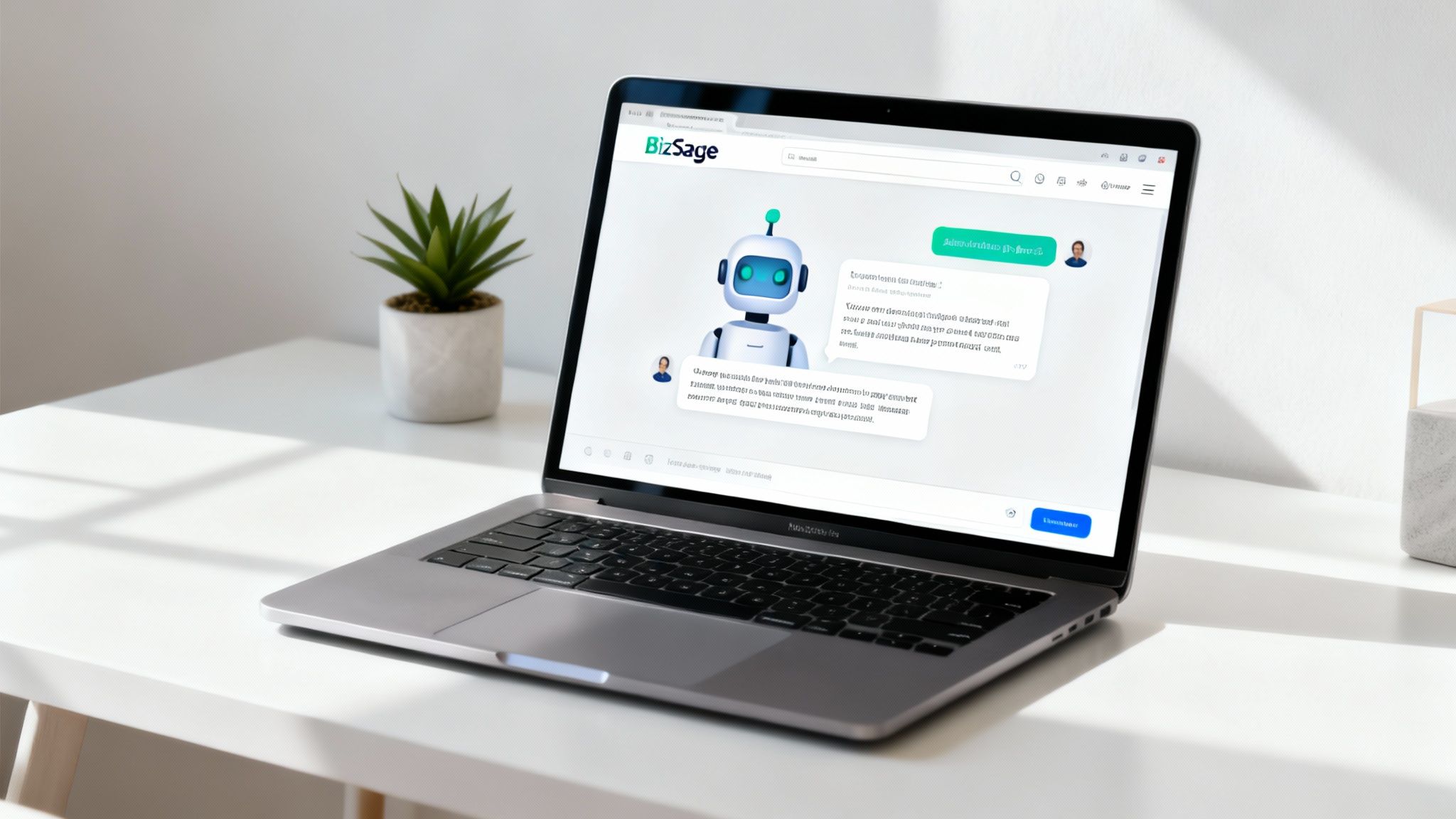
Knowing the theory behind a great AI chatbot is one thing. Actually building it is a completely different ballgame. That’s precisely why we created BizSage. We designed it from the ground up for growing businesses that need a powerful, intelligent assistant without all the technical headaches.
This isn't just another off-the-shelf chatbot. BizSage is a custom AI agent that ingests and learns from your own company content.
All you have to do is feed it links to your website or upload your business documents. Instantly, BizSage builds a complete knowledge base. There's zero coding involved, and you can get it up and running in a matter of minutes. The result is an expert assistant trained exclusively on your information, ready to deliver answers that are always accurate and perfectly on-brand.
Built for Trust and Simplicity
Let's be honest: accuracy is non-negotiable. BizSage is built to stick to the script—your script. It only uses the information you provide, which prevents it from making things up or giving your customers bad advice. If it doesn't know the answer to something, it says so. Simple as that. This one feature is crucial for maintaining the trust you've worked so hard to build.
The goal of an AI chatbot on your website shouldn't be to answer every question in the universe. It should be to correctly answer every question about your business. Reliability builds confidence.
Plus, we’ve baked in flexible deployment options and an auto-refresh feature that keeps the chatbot's knowledge perfectly in sync with your latest content. No more tedious manual updates. For any business ready to put these best practices into action, BizSage is the clear next step toward smarter, more efficient customer conversations.
Got Questions About AI Chatbots? Let's Clear Things Up.
Jumping into new tech always comes with a few questions. That's a good thing—it means you're thinking critically about what's right for your business. When it comes to putting an AI chatbot on your website, you probably have some very practical concerns.
Let’s walk through a few of the most common questions I hear from business owners.
First off, do you need to be a coding whiz to get one of these working? Absolutely not. Modern tools like BizSage are built for regular business folks, not developers. Getting it on your site is usually as simple as copying one line of code and pasting it into your website settings. If you’ve ever installed a Google Analytics tracking code, you can do this in under five minutes.
What Can an AI Chatbot Really Do?
A big question is whether an AI chatbot is a magic bullet for every customer issue. It's crucial to set the right expectations here. An AI is brilliant at answering questions based on the information you give it. Think of all the common, repetitive questions that land in your inbox every day—that's where a chatbot shines, providing instant answers.
But what about those really tricky, nuanced problems or situations where a customer is upset? That's when you still need a human. The chatbot isn't meant to replace your team. Its real job is to be an incredibly efficient first line of support, filtering out the routine stuff so your people can apply their skills to the conversations that matter most.
Think of it this way: The AI handles the 80% of common questions instantly, freeing up your expert human team to give amazing service on the more complex 20% of issues.
How Is This Different From Regular Live Chat?
This one comes up a lot. People see a chat window and think it’s all the same, but the difference is pretty stark.
- Live Chat: This is a direct line from your website visitor to one of your team members. It’s a one-on-one conversation, but it only works when your team is online and available.
- AI Chatbot: This is a fully automated system. It’s always on, providing answers 24/7 without anyone needing to be there.
The best setup? Often, it’s a mix of both. The AI chatbot is your tireless front-line agent, always there to help. But if a conversation gets too complicated or a customer just wants to talk to a person, the chatbot can smoothly hand them over to a live agent. This way, you get the best of both worlds: instant, automated help and the option for a human touch when it's needed most.
Ready to see how an AI chatbot can transform your website? With BizSage, you can build a custom AI agent trained on your own content in just minutes. Get started for free and provide instant, on-brand answers around the clock.