

The endless loop of answering the same customer questions or tracking down internal documents is a significant drain on productivity. Your team's valuable time is spent repeating information instead of focusing on growth, innovation, and high-impact tasks. This repetitive cycle not only hinders efficiency but can also lead to inconsistent answers and a frustrating experience for both customers and employees. Implementing the right knowledge base software is the most direct way to solve this problem, creating a single source of truth that empowers users with instant, self-service answers.
This guide is designed to cut through the noise and help you find the best knowledge base software for your specific needs. We’ve analyzed the top platforms on the market, from comprehensive customer support suites to flexible internal wikis, providing a detailed breakdown of what makes each one stand out. This isn't just a list of features; it's an actionable resource focused on real-world application. To move beyond simply answering repetitive questions and truly elevate customer interactions, explore these effective knowledge sharing strategies.
In the comprehensive list below, you will find:
- In-depth reviews of platforms like BizSage, Zendesk, Notion, and HubSpot.
- Direct comparisons of features, pricing, and ideal use cases.
- Pros and cons to give you a balanced understanding of each tool’s limitations.
- Screenshots and direct links so you can see the software in action and explore further.
Our goal is to equip you with all the information needed to make a confident decision, whether you're a startup automating support for the first time or an enterprise centralizing operational knowledge. Let’s find the perfect solution to end the repetitive questions for good.
1. BizSage
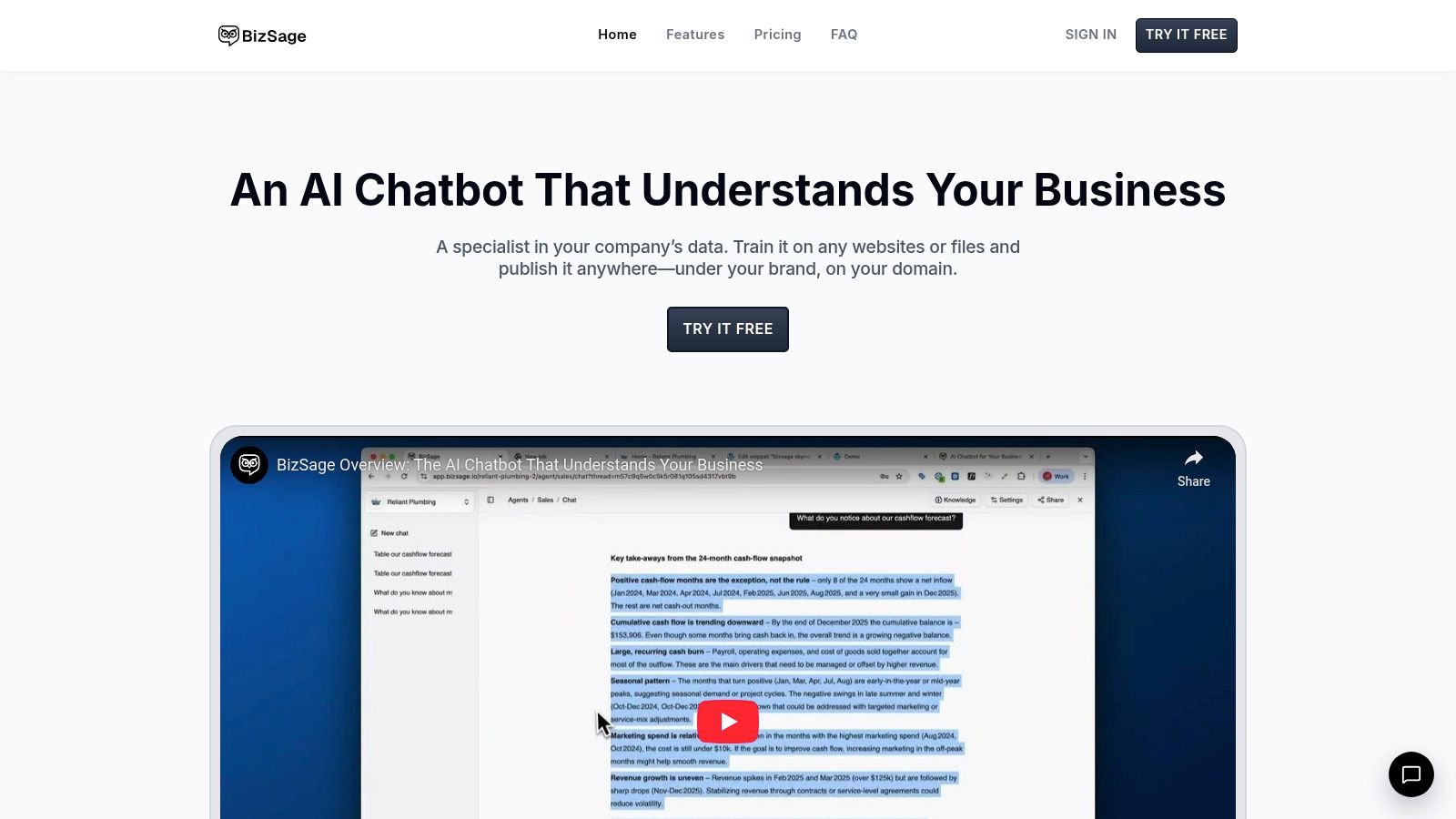
BizSage earns its place as our top pick for the best knowledge base software by reframing the concept from a static library into a dynamic, conversational AI. It excels at turning your existing company content, from websites and PDFs to YouTube videos, into a reliable, on-brand chatbot that delivers instant, accurate answers 24/7. This approach is ideal for teams seeking to automate support, streamline internal knowledge sharing, and provide consistent sales information without the overhead of manual FAQ management.
What sets BizSage apart is its commitment to trust and transparency. The AI is engineered to explicitly state, “I don’t know,” when an answer isn’t present in its source material, a critical feature that drastically reduces the risk of AI “hallucinations” and builds user confidence. Furthermore, every response includes citations, pointing users directly to the source document, URL, or file, making it an accountable tool for both internal and external use.
Key Features & Use Cases
BizSage is designed for rapid deployment and ease of management, making it accessible even for non-technical teams. Its feature set is focused on practicality and scalability.
- No-Code Setup & Automated Maintenance: You can create and train a new agent in minutes by simply providing URLs and uploading files. The auto-refresh feature (available on paid plans) keeps the knowledge base current by automatically re-crawling sources daily, weekly, or monthly.
- Flexible Deployment: Embed the chat widget directly on your website, share it via a private link for internal use, or launch it on a fully branded domain like
ask.yourcompany.com. This makes it versatile for customer support, sales enablement, or as an internal "Company Brain." - Team-Centric Management: Every plan includes unlimited users, and a built-in company switcher allows agencies or consultants to manage multiple client knowledge bases from a single account. You can also create specialized agents (e.g., Support, HR, Sales) to silo information effectively.
Pricing Structure
BizSage offers a transparent, tiered pricing model that scales with your needs, with all plans priced per company, not per user.
| Plan | Monthly Price | Key Features |
|---|---|---|
| Free | $0 | 1 agent, 150 messages/mo, 100 pages indexed |
| Team | $29 | 3 agents, 10,000 messages/mo, unbranded widget, custom domain |
| Business | $149 | 15 agents, 60,000 messages/mo, weekly auto-recrawls, chat support |
| Scale | $399 | 100 agents, 250,000 messages/mo, daily auto-recrawls, account manager |
Pros and Cons
Pros:
- Trustworthy AI: Drastically reduces hallucinations by citing sources and admitting when it doesn't know an answer.
- Effortless Setup: Go live in minutes without needing developer resources.
- Scalable & Team-Friendly: Unlimited users on all plans and multi-brand management capabilities.
- Automated Content Sync: Keeps the knowledge base up-to-date with minimal manual effort.
Cons:
- Content-Dependent: The AI's effectiveness is directly tied to the quality and comprehensiveness of your source documents.
- Gated Premium Features: Key features like unbranded widgets and custom domains are reserved for paid tiers.
Website: https://bizsage.io
2. Zendesk (Guide)
For organizations seeking an all-in-one customer service ecosystem, Zendesk Guide is a powerful contender. It’s not a standalone knowledge base; instead, Guide is the knowledge management component of the broader Zendesk Suite. This tight integration is its primary strength, making it one of the best knowledge base software options for teams already invested in or planning to adopt Zendesk for ticketing, live chat, and voice support.
The platform excels at creating a seamless loop between self-service and agent-assisted support. Support agents can easily link articles in ticket responses, use macros to populate replies with KB content, and even flag tickets that indicate a need for new or updated documentation. This direct connection ensures the help center evolves based on real customer inquiries.
Key Features & Use Cases
- Omnichannel Integration: Content from Guide is surfaced directly within Zendesk's ticketing, chat, and AI-powered answer bots to deflect common questions before they reach an agent.
- Structured Content: Features like content blocks and robust versioning allow for efficient article management and reuse of information across multiple articles.
- Customization & Branding: Users can apply custom themes and templates to create a help center that perfectly matches their brand identity, with full support for multilingual content.
Best for: Teams that need a knowledge base deeply integrated with a comprehensive customer support ticketing system.
Pricing: Zendesk Guide is included in Zendesk Suite plans, which start at $55 per agent/month (billed annually). Advanced AI features are available as paid add-ons.
Website: https://www.zendesk.com
3. Atlassian Confluence
Atlassian Confluence is a titan in the world of collaborative documentation, often functioning as a company’s central nervous system. While widely known as an internal wiki, its deep integration with Jira Service Management transforms it into a robust, customer-facing help center. This dual capability makes it one of the best knowledge base software choices for organizations, especially those in the tech sector, that need a single source of truth for both internal teams and external users.
The platform is built around the concept of "Spaces" (dedicated areas for teams or projects) and "Pages" (the documents within them). This structure provides exceptional flexibility for organizing everything from engineering documentation and project plans to public-facing tutorials and FAQs. When linked to Jira Service Management, articles from a Confluence space can be surfaced directly in a customer portal, deflecting support tickets and empowering users to find their own answers.
Key Features & Use Cases
- Jira Service Management Integration: Automatically suggest relevant articles to customers as they type a support request in a Jira portal, reducing incoming ticket volume.
- Powerful Collaboration Tools: Features like real-time co-editing, inline comments, and version history make it ideal for creating and maintaining documentation as a team.
- Templates & Macros: A vast library of pre-built templates for meeting notes, project plans, and how-to articles accelerates content creation and ensures consistency.
Best for: Companies already using the Atlassian ecosystem (especially Jira) for project management or IT support, and for teams needing a highly flexible internal and external knowledge hub.
Pricing: Confluence offers a free plan for up to 10 users. Paid plans start at $6.05 per user/month (billed annually) for enhanced features and user limits.
Website: https://www.atlassian.com/software/confluence
4. Notion
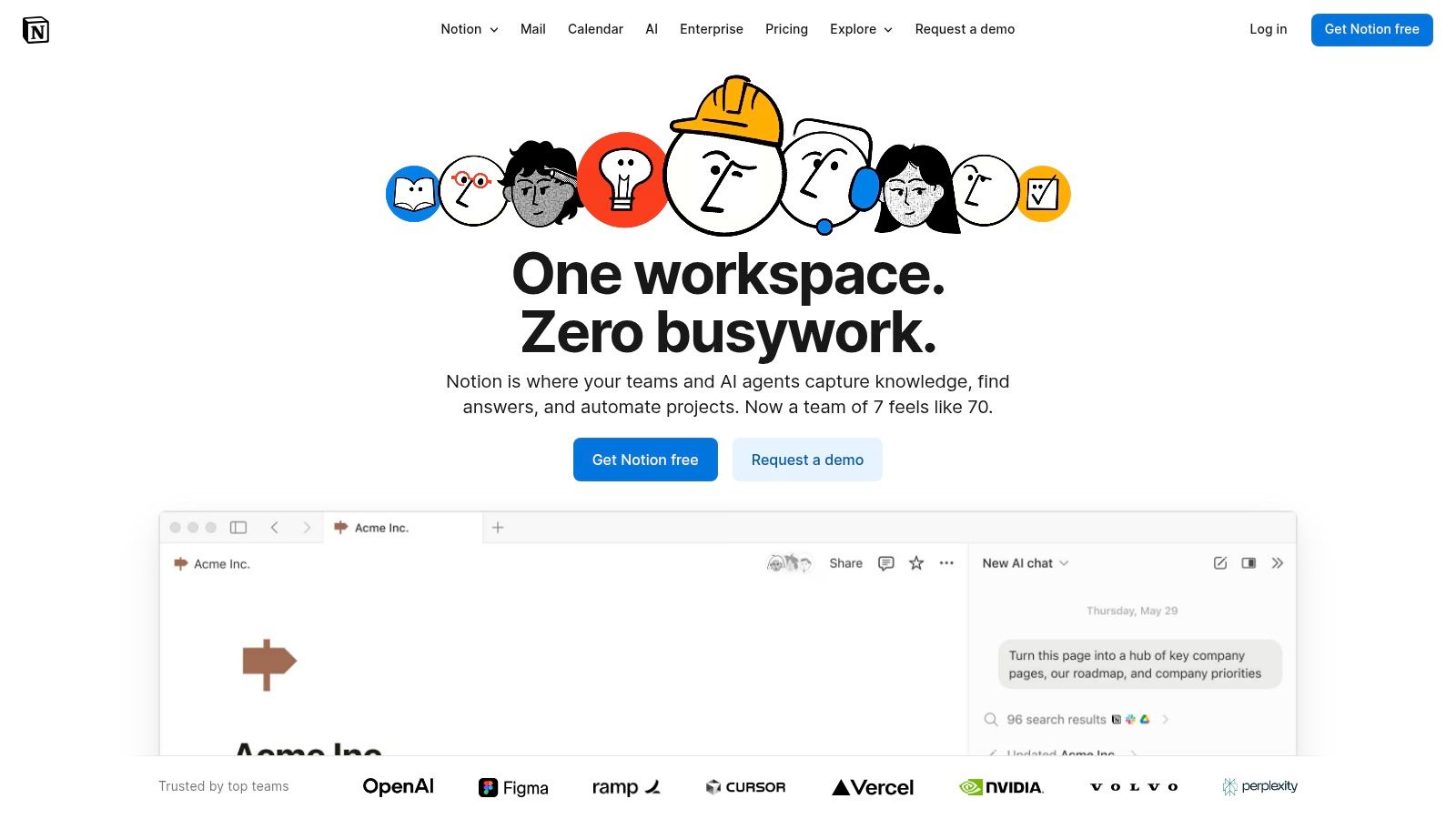
Notion has become the de facto all-in-one workspace for countless startups and tech companies, functioning as a highly flexible internal knowledge base. Its power lies in a unique blend of documents and databases, allowing teams to build interconnected wikis, project plans, and documentation hubs with incredible speed and minimal friction. This makes it one of the best knowledge base software choices for internal knowledge management and operational documentation.
Unlike purpose-built help centers, Notion prioritizes fast authoring and organizational flexibility. Teams can create nested pages, link databases, and build custom dashboards without needing technical expertise. Its collaborative nature, with real-time editing and comments, fosters a culture of shared ownership over internal knowledge.
Key Features & Use Cases
- Interlinked Pages & Databases: Create powerful wikis where documents can be linked and related items can be viewed and filtered within structured databases. This is ideal for company handbooks or product specs.
- Collaborative Authoring: A seamless real-time editing experience, complete with comments and mentions, makes it easy for teams to create and maintain content together.
- Notion AI: Built-in AI assists with summarizing long documents, generating action items from meeting notes, and drafting initial content, which accelerates documentation workflows.
- Public Page Sharing: While not a full-featured help center, individual pages can be published to the web to create simple, lightweight public-facing FAQs or guides.
Best for: Startups and operations teams needing a fast, flexible, and collaborative internal wiki or lightweight public documentation system.
Pricing: Notion offers a free personal plan. Paid team plans start at $10 per user/month (billed annually), with add-on options for Notion AI.
Website: https://www.notion.so
5. Help Scout (Docs)
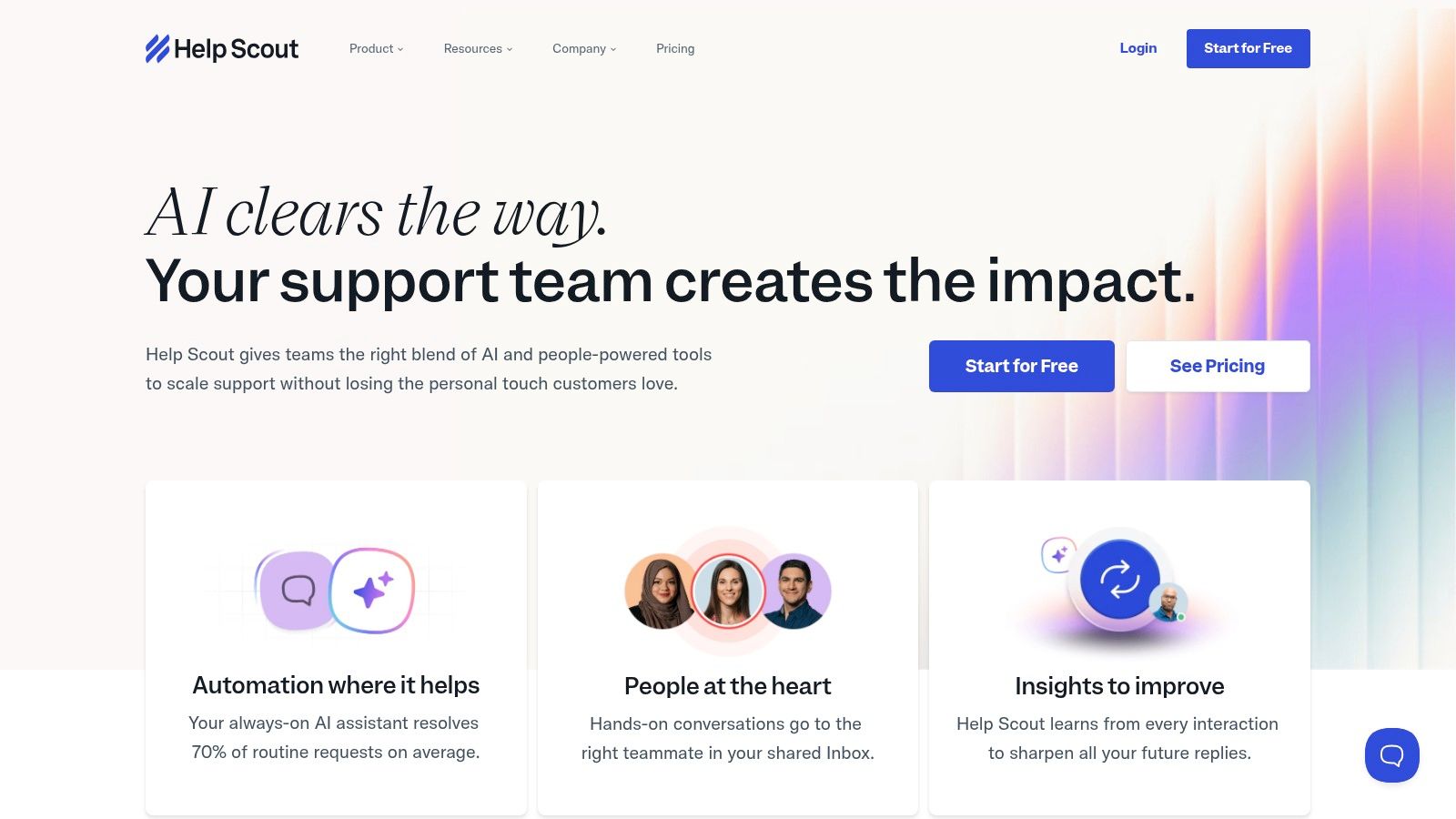
For small and mid-market teams that prioritize simplicity and a human touch in their customer interactions, Help Scout Docs is a standout choice. Similar to Zendesk, Docs isn't a standalone product but an integrated component of the Help Scout help desk platform. Its core strength lies in its user-friendly editor and straightforward setup, making it one of the best knowledge base software options for teams that need to get a beautiful, functional help center running without a steep learning curve.
The platform is designed around the idea of effortless integration between agent-led conversations and self-service. Agents can easily insert articles into email replies, and the "Beacon" widget allows customers to search the knowledge base from any page on your site, suggesting relevant articles before they submit a ticket. This focus on deflecting common questions in a non-intrusive way is a key differentiator.
Key Features & Use Cases
- Beacon Widget: An embeddable help widget that provides in-context access to your knowledge base, live chat, and email support, all from one place.
- Simple & Powerful Editor: The authoring experience is clean and intuitive, focusing on creating well-structured content quickly without overwhelming users with complex features.
- Multiple Knowledge Bases: Higher-tier plans support creating separate Docs sites for different products or brands, all managed from a single Help Scout account.
Best for: SMB and mid-market support teams looking for an all-in-one help desk where the knowledge base is simple to manage and tightly integrated.
Pricing: Docs is included in all Help Scout plans, which start at $25 per user/month (billed annually). Additional Docs sites can be added for a flat fee.
Website: https://www.helpscout.com
6. Intercom (Help Center/Articles)
For SaaS and tech companies prioritizing in-app support, Intercom’s Help Center Articles functionality is a top-tier choice. Similar to Zendesk, Intercom's knowledge base is a core component of its broader AI-first customer service platform. Its main differentiator is the deep, seamless integration with its industry-leading live chat messenger, making it one of the best knowledge base software solutions for proactive, in-context support and ticket deflection.
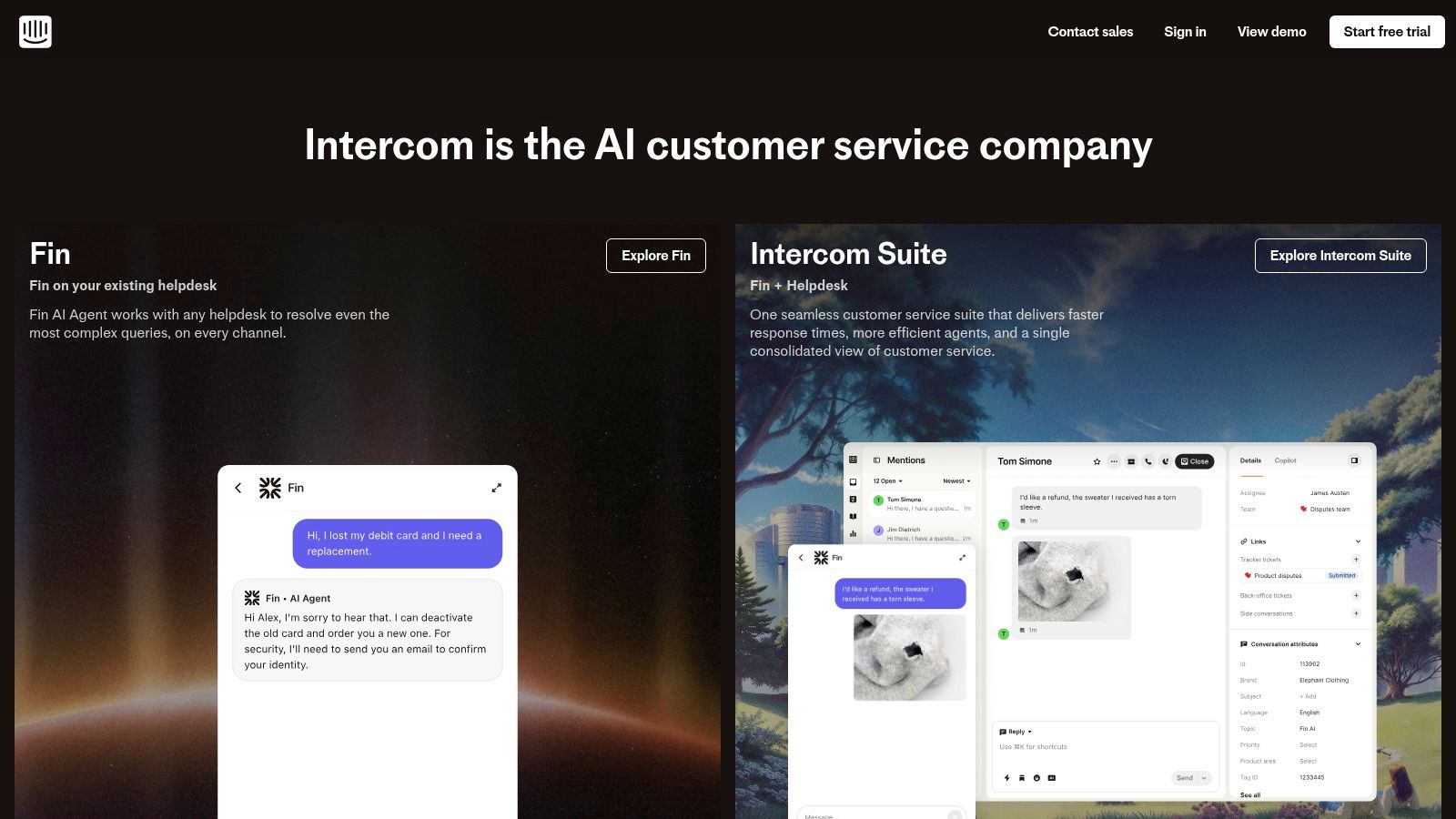
The platform is built to surface answers exactly where users need them: inside your app or website. When a user opens the messenger to ask a question, Intercom’s AI can instantly suggest relevant articles, resolving queries before they ever reach an agent. This powerful synergy between self-service and live support is ideal for product-led growth companies aiming to provide a frictionless user experience and reduce inbound ticket volume. The rapid development of its AI capabilities, like its AI agent and copilot features, further enhances its automated support potential.
Key Features & Use Cases
- In-App Messenger Integration: Automatically surfaces relevant articles within the chat widget as users type their questions, providing instant answers and deflecting support tickets.
- AI-Powered Automation: Utilizes AI agents and copilot features to automate answers, provide suggestions to support staff, and generate new article drafts based on conversations.
- Centralized Content Hub: The Help Center organizes articles into collections, supports API access for custom integrations, and offers unlimited articles on most plans.
Best for: SaaS businesses that require a knowledge base deeply integrated with an in-app messenger for proactive, AI-driven customer support.
Pricing: Articles are included in all Intercom plans, which start at $33 per seat/month (billed annually) for the "Essential" plan. Advanced AI features are included in higher-tier plans or as add-ons.
Website: https://www.intercom.com
7. HubSpot Service Hub (Knowledge Base)
For businesses built on the HubSpot ecosystem, the Service Hub’s knowledge base is a natural and powerful extension. It's not a standalone tool but a core component of HubSpot’s customer platform, designed to work seamlessly with its CRM, ticketing, and marketing automation. This deep integration is its greatest advantage, positioning it as one of the best knowledge base software choices for teams wanting to consolidate their customer-facing tools into a single source of truth.
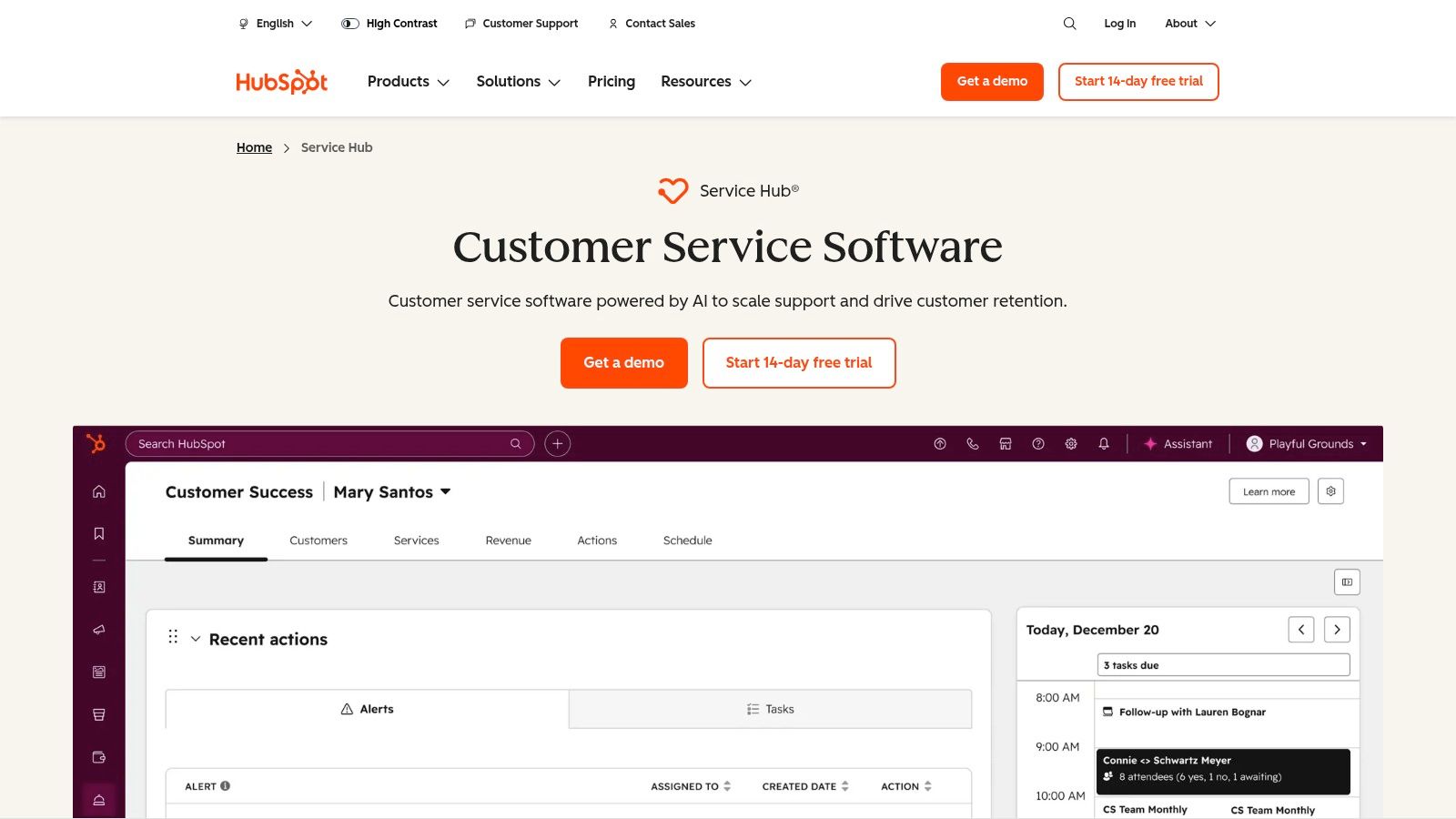
The platform empowers teams to create a unified customer experience by connecting support content directly to CRM data. Agents can see a customer's entire history while pulling relevant articles into conversations, and marketing teams can use knowledge base activity to inform campaigns. This creates a powerful feedback loop where support, sales, and marketing all operate from the same information, driven by real customer interactions.
Key Features & Use Cases
- Native CRM Integration: Articles and customer data live in one place, allowing for personalized support and a complete view of the customer journey without switching tools.
- SEO & Reporting: The knowledge base is optimized for search engines to attract organic traffic, with built-in analytics to track article performance and identify content gaps.
- Help Desk & Automation: Connects directly with HubSpot’s help desk and chatbots, enabling automated ticket deflection and providing instant answers to common questions.
Best for: Companies already using the HubSpot CRM that want to add a fully integrated knowledge base and customer support portal.
Pricing: Included in HubSpot Service Hub plans, which start at $20 per seat/month (billed annually). Enterprise plans may have seat minimums and onboarding fees.
Website: https://www.hubspot.com/products/service
8. Freshdesk (Freshworks)
For small and mid-sized businesses looking for a cost-conscious, all-in-one help desk, Freshdesk presents a compelling alternative to larger enterprise suites. Like Zendesk, its knowledge base is a core component of a broader customer support platform. This integration is designed for efficiency, making it one of the best knowledge base software choices for teams that need ticketing, chat, and self-service without a hefty price tag.
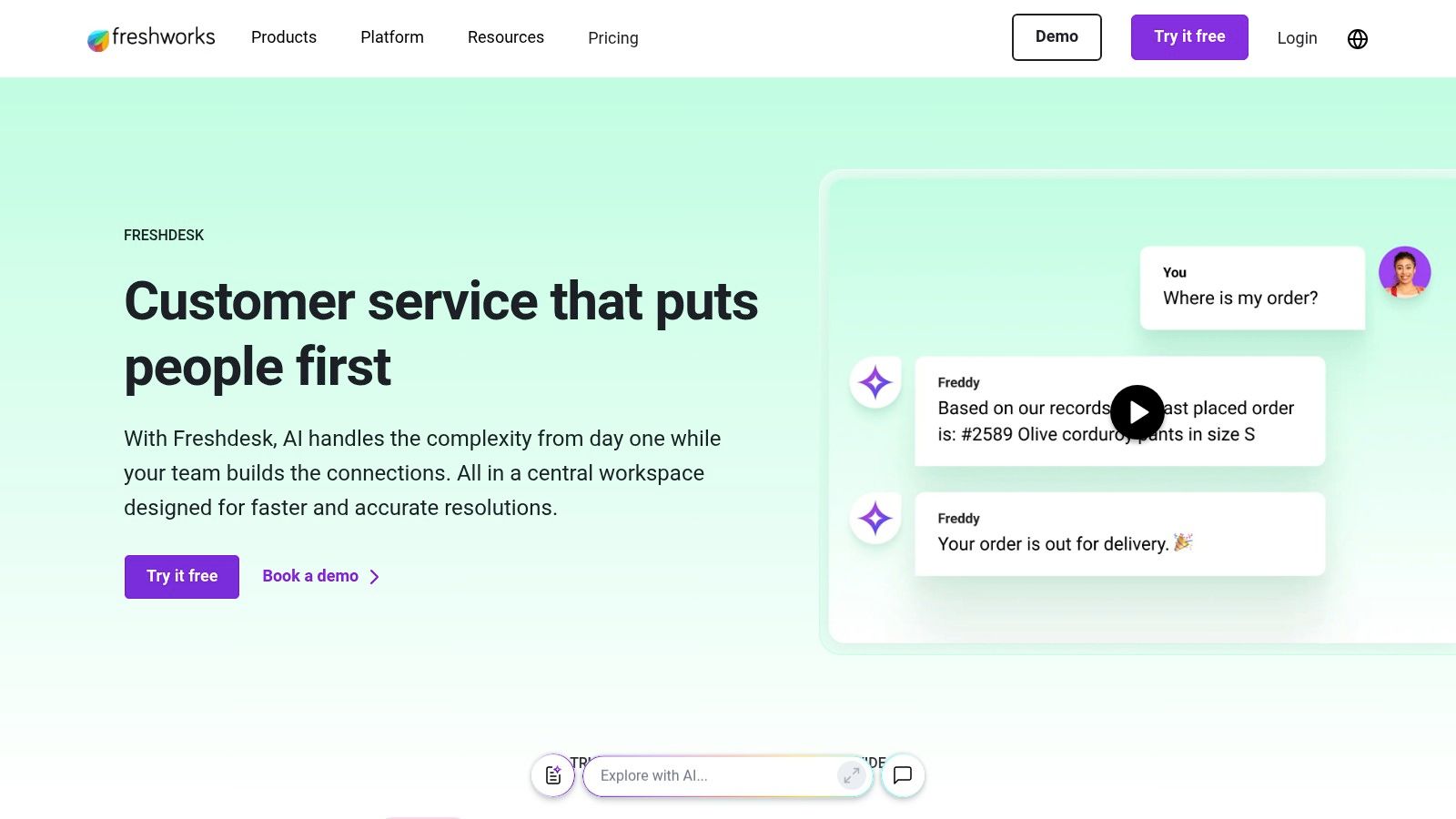
The platform focuses on a user-friendly experience, allowing teams to get started quickly. Agents can convert ticket replies into knowledge base articles with a single click, ensuring documentation stays relevant. Its AI-powered features, like Freddy Self Service, help deflect incoming tickets by suggesting relevant articles to customers before they submit a query, reducing agent workload and providing instant answers.
Key Features & Use Cases
- Integrated Help Desk: The knowledge base is built directly into the ticketing system, enabling agents to easily use and contribute to documentation during their regular workflow.
- AI-Powered Deflection: AI agents and chatbots leverage the knowledge base to provide automated answers across web and mobile channels, reducing incoming ticket volume.
- Analytics & Reporting: Built-in analytics help identify content gaps by showing which search terms yield no results and which articles are most effective at resolving issues.
Best for: SMBs and startups that need a powerful, yet affordable, combined ticketing and knowledge base system with a low barrier to entry.
Pricing: Freshdesk offers a free-forever plan with basic ticketing and KB features. Paid plans start at $15 per agent/month (billed annually), with AI features available as add-ons.
Website: https://www.freshworks.com/freshdesk
9. Guru
Guru is an AI-native internal knowledge platform designed to deliver verified, contextual information directly into your team's workflow. Instead of requiring users to hunt for answers in a separate portal, Guru uses browser extensions and integrations to surface knowledge cards in the tools they already use, like Slack, Microsoft Teams, and various CRMs. This "in-the-moment" delivery system makes it one of the best knowledge base software choices for sales enablement and internal support.
The platform's core strength lies in its verification workflow, which combats knowledge decay. Content creators assign experts to verify information on a set schedule, ensuring that all documentation remains accurate and trustworthy. This focus on governance prevents the spread of stale or outdated information, which is critical for fast-moving sales and support teams that rely on up-to-the-minute details to succeed.
Key Features & Use Cases
- Browser Extension & Integrations: Guru surfaces relevant knowledge cards based on the content of the app you're in, providing answers without context switching. It's ideal for sales teams needing product specs during a CRM entry or support agents looking up troubleshooting steps.
- Verification Workflow: An expert-driven verification engine prompts subject matter experts to regularly confirm or update content, building a trusted single source of truth.
- AI Search & Enterprise Features: The platform offers AI-powered search that provides direct answers from your company's knowledge. It also includes enterprise-grade features like SOC2 compliance and SSO/SCIM.
Best for: Internal-facing teams, particularly sales and customer support, that need instant access to verified information within their existing tools.
Pricing: Guru offers multiple tiers, with paid plans starting at $5 per user/month (billed annually). AI features and enterprise capabilities are available in higher-tier plans and may involve usage-based credits.
Website: https://www.getguru.com
10. Document360
Document360 is a dedicated, standalone platform designed for creating both public self-service portals and private internal knowledge bases. It stands out by focusing purely on knowledge management, offering a rich set of authoring, versioning, and governance features. This makes it an excellent choice for organizations that need a powerful, purpose-built documentation tool without being tied to a larger customer support suite.
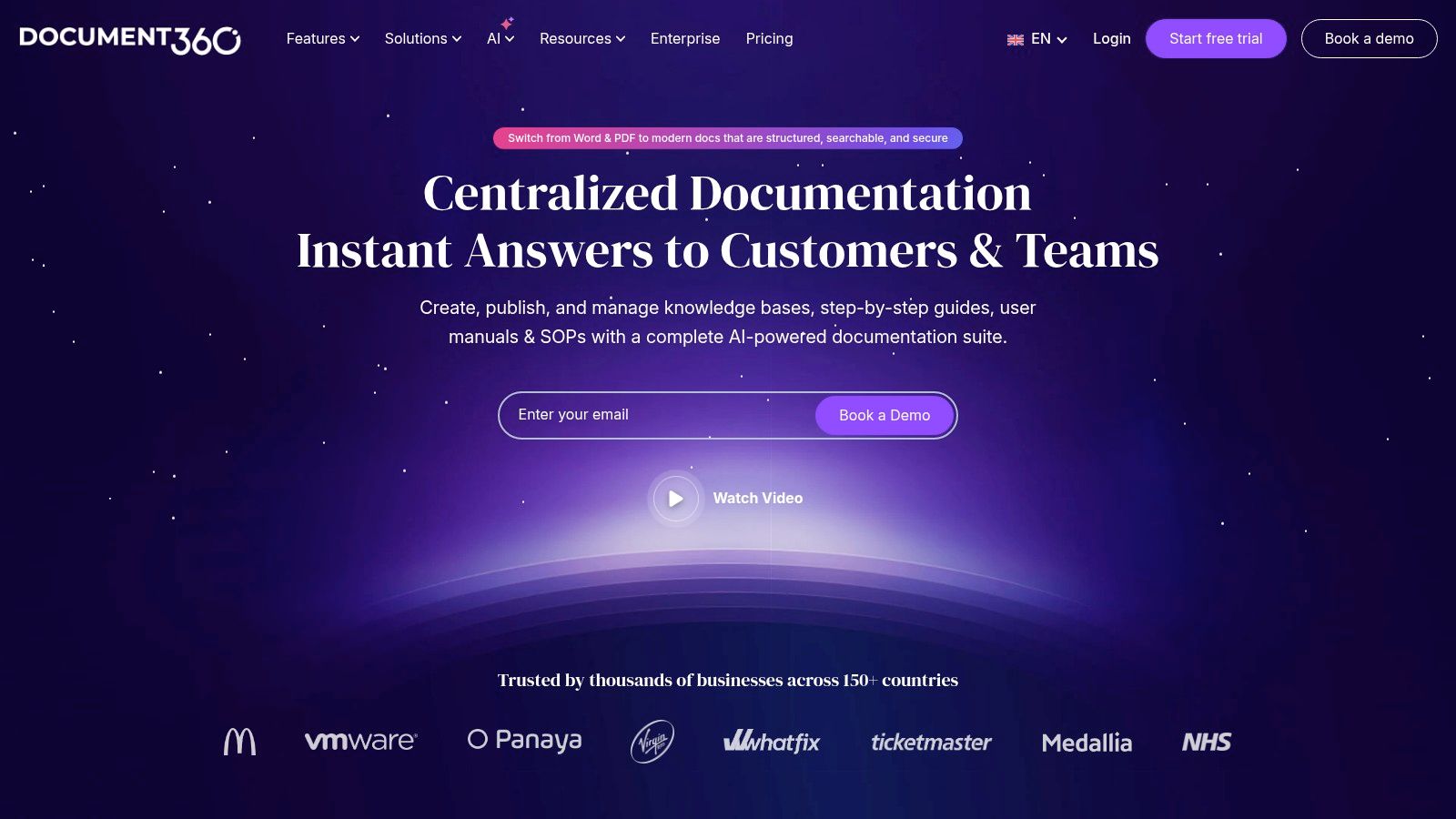
The platform’s strength lies in its enterprise-grade controls and customization. It provides advanced workflows for content review and approval, ensuring accuracy and consistency across documentation. For global teams, its robust localization capabilities allow for managing content in multiple languages seamlessly, making it one of the best knowledge base software options for international support operations. SOC 2 compliance also makes it a secure choice for organizations with strict security requirements.
Key Features & Use Cases
- Advanced Authoring & Governance: Features a state-of-the-art Markdown editor, version control, and defined review workflows to maintain high-quality content.
- Multi-Project Support: Easily manage separate knowledge bases for different products, audiences (public vs. private), or departments all from a single dashboard.
- Comprehensive Analytics: Gain deep insights into search performance, article popularity, and user feedback to continuously improve your documentation and measure ticket deflection.
Best for: Companies requiring a powerful, dedicated knowledge management system with strong governance, security, and multi-language support.
Pricing: Pricing is customized and quote-based, requiring contact with their sales team. A 14-day free trial is available. The previous free plan is no longer offered to new users.
Website: https://document360.com
11. Helpjuice
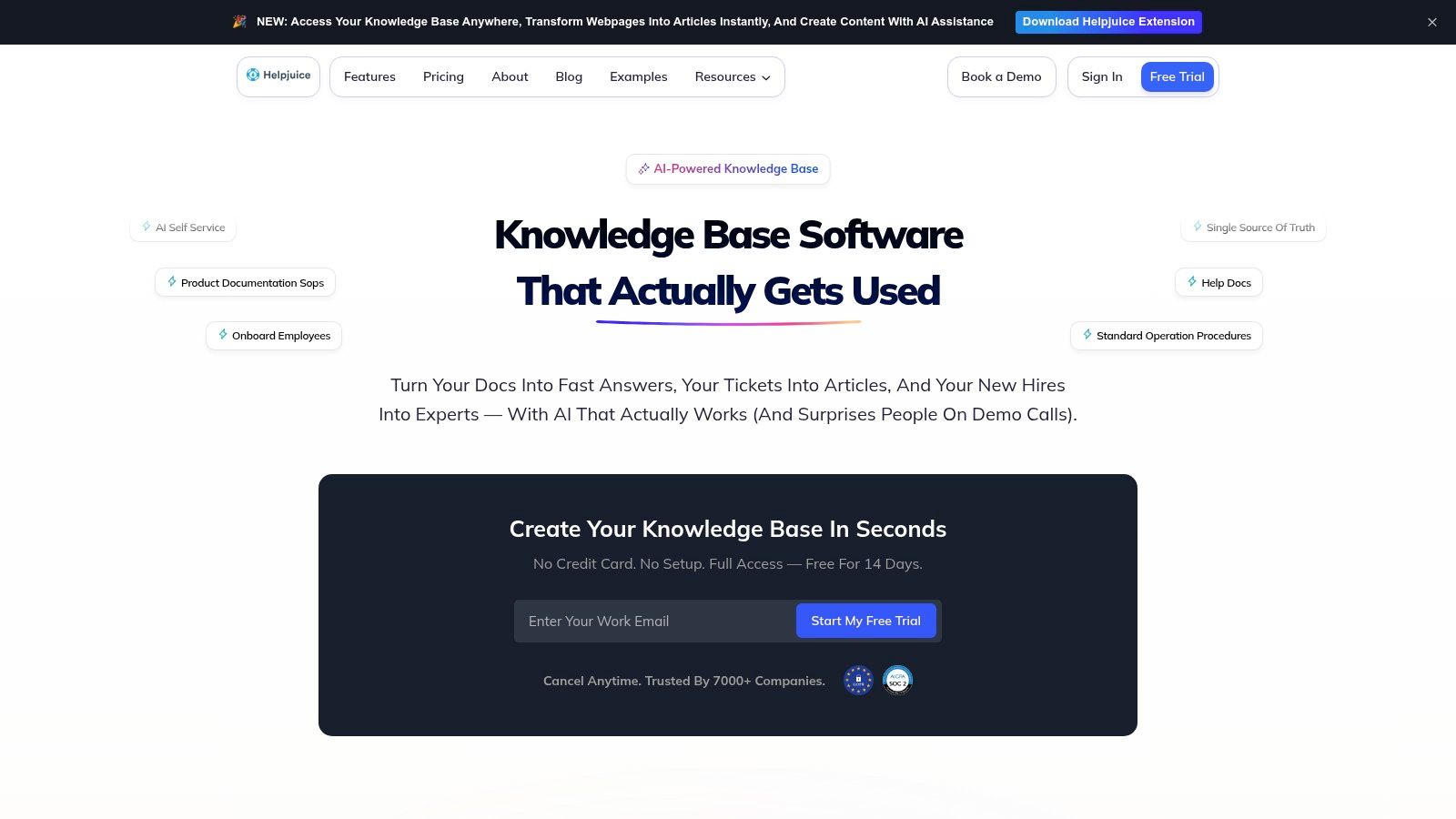
Helpjuice is a powerful, standalone knowledge base solution dedicated to one primary goal: maximizing ticket deflection. Unlike platforms bundled into larger support suites, Helpjuice focuses exclusively on creating a high-performance, searchable help center. This singular focus makes it one of the best knowledge base software choices for companies that want a specialized tool with deep customization and analytics without being tied to a specific ticketing system.
Its standout offering is the concierge customization service, where their team designs and implements a knowledge base theme to perfectly match your brand, a significant time-saver for resource-strapped teams. This approach ensures your help center feels like a seamless extension of your website from day one.
Key Features & Use Cases
- Concierge Customization: Every plan includes expert assistance to create a fully customized, branded knowledge base theme, eliminating the need for internal design or development resources.
- Intelligent Analytics: The platform provides detailed reports on what users are searching for, what they find (or don't find), and which articles are most effective at solving issues, enabling data-driven content improvements.
- Authoring & Collaboration: Features a user-friendly editor with robust version control, internal commenting, and multiple permission levels, making it easy for teams to collaborate on creating and maintaining content.
Best for: Organizations that need a highly customizable, analytics-driven knowledge base and prefer a standalone solution over a bundled suite.
Pricing: Helpjuice offers flat-rate monthly plans based on the number of users, starting at $120/month for up to 4 users. Higher-tier plans include AI features and more advanced capabilities.
Website: https://helpjuice.com
12. G2 (Knowledge Base Software Category)
Instead of a single platform, G2 offers a meta-view of the entire knowledge base landscape. It's a leading software marketplace where you can find and compare hundreds of tools based on verified peer reviews. This makes it an essential starting point for any team's research, providing a vendor-agnostic overview that helps you create a shortlist of the best knowledge base software for your specific needs.
The platform's value lies in its structured data and real-world feedback. You can filter solutions by company size, user satisfaction scores, and specific features to narrow the field quickly. The G2 Grid for Knowledge Base software visually plots vendors based on market presence and customer satisfaction, offering a quick way to identify established leaders and emerging contenders. This data-driven approach removes marketing fluff and focuses on user-reported pros and cons.
Key Features & Use Cases
- Peer Reviews & Ratings: Access thousands of in-depth reviews from verified users, offering genuine insights into a tool's strengths, weaknesses, and implementation experience.
- Side-by-Side Comparisons: Directly compare up to four different knowledge base tools, looking at feature sets, pricing models, and satisfaction ratings in a unified view.
- The G2 Grid: Use the interactive grid to understand the market positioning of various vendors, helping to identify platforms popular with businesses of a similar scale.
Best for: Teams in the initial research phase who need to compare multiple vendors using unbiased, crowd-sourced user data and reviews.
Pricing: Free to browse, compare, and read reviews. Some detailed research reports may require providing contact information.
Website: https://www.g2.com/categories/knowledge-base-software
Top 12 Knowledge Base Software Comparison
| Product | Core features ✨ | UX & Quality ★ | Pricing & Value 💰 | Target audience 👥 | USP / Why choose ✨ |
|---|---|---|---|---|---|
| BizSage 🏆 | Train on websites/URLs/files; auto‑refresh; embeddable/custom domain | ★★★★ — cites sources; honest "I don't know"; quick no‑dev setup | 💰 Free → Team $29 / Business $149 / Scale $399‑mo (per company, unlimited users) | 👥 SMBs, support/sales teams, agencies with multi‑brand needs | 🏆✨ Brand‑accurate chatbot, fast setup, auto‑recrawl, source attribution |
| Zendesk (Guide) | Branded help center, article versioning, ticketing tie‑ins | ★★★★ — mature, enterprise‑grade | 💰 Bundled in Zendesk Suite; add‑ons for AI/WFM | 👥 Mid→Enterprise support orgs | ✨ Tight omnichannel + ticket workflows and integrations |
| Atlassian Confluence | Wiki spaces, templates, labels, version history | ★★★ — strong internal docs UX, search | 💰 Generous free tier (≤10 users); per‑user paid plans | 👥 Engineering, internal knowledge teams | ✨ Flexible wiki + deep Jira Service Management integration |
| Notion | Pages, databases, templates, Notion AI assist | ★★★ — fast authoring, collaborative | 💰 Free → paid plans (per workspace/seat) | 👥 Startups, ops, small teams | ✨ Rapid authoring, flexible structure; easy publish for lightweight KBs |
| Help Scout (Docs) | Public Docs sites, Beacon embed, custom CSS | ★★★ — writer‑friendly, simple setup | 💰 Included with Help Scout plans; flat fees for extra sites | 👥 SMB support teams | ✨ Simple KB + help desk with strong authoring experience |
| Intercom (Help Center) | Help Center + in‑app messenger + AI agent | ★★★★ — excellent in‑app deflection | 💰 💰 Can be expensive; best value with messenger/inbox | 👥 Product‑led SaaS teams | ✨ In‑product self‑service + rapid AI feature rollout |
| HubSpot Service Hub | Public KB with CRM tie‑ins, automation | ★★★ — solid CRM‑native UX | 💰 Seat‑based; Enterprise has 10‑seat min & fees | 👥 Teams using HubSpot/CRM workflows | ✨ Native CRM integration for sales/service alignment |
| Freshdesk (Freshworks) | Customer portal, KB, AI deflection | ★★★ — cost‑conscious, easy pilot | 💰 Free start; tiered pricing with AI add‑ons | 👥 SMBs wanting KB + ticketing value | ✨ Competitive pricing and quick to deploy |
| Guru | AI search/chat, verification workflows, extensions | ★★★★ — delivers answers in context | 💰 Seat + usage (AI credits) pricing model | 👥 Internal KB, sales enablement, agents | ✨ Browser extensions + verification to reduce stale content |
| Document360 | Multi‑project KB, localization, analytics | ★★★★ — enterprise governance & theming | 💰 Quote‑based enterprise pricing; trial available | 👥 Enterprise documentation teams | ✨ Purpose‑built KB with strong governance & localization |
| Helpjuice | Fully customized KB themes, analytics, AI options | ★★★ — KB‑first with concierge setup | 💰 Flat monthly plans; higher entry for small teams | 👥 Teams needing tailored public KB | ✨ Concierge theming + flat user allowances |
| G2 (KB category) | Reviews, side‑by‑side comparisons, G2 Grid | ★★★ — peer insights vary by reviewer | 💰 Free to browse; lead forms may gate some content | 👥 Buyers shortlisting KB vendors | ✨ Crowd‑sourced reviews and vendor positioning tools |
From Information Overload to Actionable Answers
Navigating the landscape of knowledge base software can feel overwhelming, but the journey from information chaos to a streamlined, single source of truth is a transformative one for any organization. We've explored a dozen powerful platforms, each with its unique strengths, from the developer-centric collaboration of Atlassian Confluence to the elegant simplicity of Notion and the integrated customer service powerhouses like Zendesk and HubSpot.
The central takeaway is clear: the best knowledge base software is not a one-size-fits-all solution. It's the platform that most closely aligns with your specific operational needs, team structure, and strategic goals. Your choice will fundamentally shape how your organization creates, shares, and leverages its collective intelligence, impacting everything from customer satisfaction to employee efficiency.
Key Factors in Your Final Decision
As you move toward a decision, distill your evaluation down to a few critical, non-negotiable factors. Revisit these core questions to ensure you select a tool that serves you today and scales with you tomorrow:
- Primary Use Case: Is your primary goal to reduce customer support tickets (Zendesk, Help Scout), foster internal collaboration (Confluence, Guru), or empower your sales team (BizSage)? A tool optimized for the wrong use case will always feel clunky.
- Scalability and Growth: Consider your five-year plan. Will a simple solution like Notion suffice, or do you need the robust, enterprise-grade features and analytics offered by platforms like Document360 or Helpjuice?
- Integration Ecosystem: Your knowledge base cannot exist in a vacuum. Map out your essential tools, like your CRM, project management software, and communication platforms (e.g., Slack, Microsoft Teams), and prioritize a solution that integrates seamlessly.
- User Experience (UX): Who are your primary content creators and consumers? The platform must be intuitive for both. A complex backend will discourage contributions, while a poor search experience will frustrate end-users.
Preparing for a Successful Implementation
Selecting the right software is only half the battle. Successful implementation requires a strategic approach to content itself. Often, critical information is locked away in legacy documents, reports, and manuals. Before migration, you'll need to extract this data efficiently. To convert unstructured documents into a format suitable for your knowledge base, leveraging PDF parser tools can be incredibly effective. This step ensures that valuable historical data isn't left behind.
Furthermore, establish clear ownership from the outset. Assign content managers or subject matter experts who are responsible for creating, reviewing, and updating articles. A knowledge base is a living library, not a static archive; it requires ongoing curation to remain valuable.
Ultimately, investing in the right knowledge management platform is an investment in your organization's most valuable asset: its information. By turning scattered data into accessible, actionable answers, you empower your team to work smarter, enable your customers to self-serve, and build a scalable foundation for future growth.
Ready to transform your company's knowledge into a competitive advantage with an AI-powered solution? BizSage goes beyond traditional wikis by creating an intelligent, conversational knowledge base that provides instant, accurate answers across all your business data. See how our platform can automate support, empower your sales team, and unlock your organization's collective intelligence by visiting BizSage today.